
VMoreCloud · Software Downloads
TrueNAS CORE 13.0-U6.7 is a maintenance release of the FreeBSD-based storage operating system designed for network-attached storage (NAS), shared files, and ZFS-managed data storage. This page provides the TrueNAS CORE installer ISO, along with release information and installation guidance.
Network Storage Operating System
TrueNAS CORE 13.0-U6.7
Install a NAS operating system built around OpenZFS storage, network file sharing, and centralized storage administration for compatible x86_64 hardware.
Download ISO ↗Download details
Version
13.0-U6.7
Architecture
x86_64 (64-bit)
Format
ISO installer image
File size
1 GB (provided)
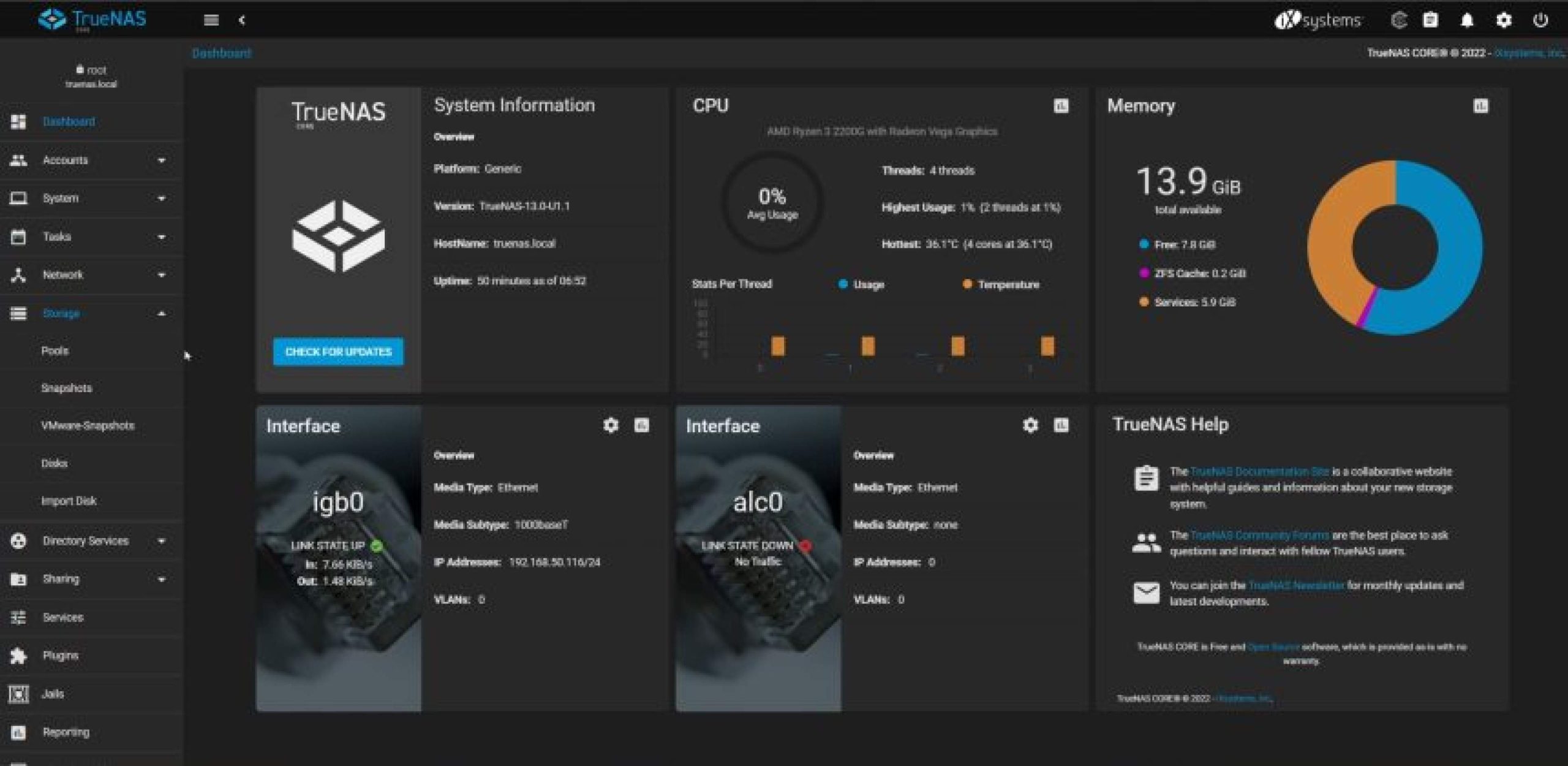
TrueNAS CORE 13.0-U6.7 at a Glance
- FreeBSD-based NAS operating system for compatible 64-bit x86 hardware.
- Built around OpenZFS storage management and data-integrity features.
- Supports network file-sharing services and centralized storage administration.
- U6.7 includes a maintenance fix for the rsync daemon.
- Installer image format: ISO.
- File size listed by the publisher: 1 GB.
Download TrueNAS CORE 13.0-U6.7 ISO
Use the Google Drive link supplied for this listing. Access depends on the file owner’s sharing permissions. Verify the downloaded ISO before using it on a storage server.
| Product | TrueNAS CORE |
|---|---|
| Release | 13.0-U6.7 |
| File name expected | TrueNAS-13.0-U6.7.iso |
| File format | ISO disk image |
| File size | 1 GB, as provided by the publisher |
| Download host | Google Drive |
The Google Drive file is supplied for this listing and is not represented as an official iXsystems-hosted download. The official directory provides the original ISO and associated verification files.
What Is TrueNAS CORE?
TrueNAS CORE is a storage operating system designed to turn compatible hardware into a network-attached storage server. It is based on FreeBSD and uses OpenZFS to provide storage pools, datasets, snapshots, replication capabilities, and data-integrity features.
Administrators can use TrueNAS CORE to centralize files, provide network shares, and manage storage through a web-based administration interface. Typical use cases include home labs, small-office storage, backup targets, and testing NAS workflows.
TrueNAS CORE is distinct from TrueNAS SCALE, which follows a Linux-based platform. Always confirm which edition your hardware, workload, and deployment plan require before installing an operating system.
What Changed in TrueNAS CORE 13.0-U6.7?
According to the official TrueNAS 13.0 release notes, U6.7 is a small maintenance update released on January 24, 2025. It incorporates an upstream fix for the rsync daemon.
The release notes specifically recommend U6.7 for users who updated to U6.6 and then encountered problems with an existing rsync task. This makes U6.7 particularly relevant to systems affected by that issue rather than a major new-feature release.
Key TrueNAS CORE Capabilities
OpenZFS Storage
Create storage pools and datasets, and use supported ZFS capabilities to organize and protect stored data.
Network File Sharing
Provide file access to compatible clients through supported network-sharing protocols, including SMB and NFS.
Snapshots and Replication
Use snapshots and supported replication workflows to assist recovery and data-management operations.
Web Administration
Manage storage, sharing, services, and system settings through the TrueNAS administrative interface.
Monitoring and Alerts
Review system health and storage status to help identify operational problems.
Homelab and NAS Testing
Evaluate storage configurations and network-sharing workflows on compatible physical or virtual lab hardware.
System Requirements and Planning
TrueNAS CORE requirements depend on the storage workload, number of users, selected services, and amount of data. Before installation, consult the official hardware guidance for the target release and plan resources around your use case.
| Component | Planning guidance |
|---|---|
| CPU | Compatible 64-bit x86 processor supported by the release. |
| Memory | Use adequate RAM for the intended ZFS pools, services, and workload; more memory may be needed for demanding deployments. |
| Boot device | A dedicated boot device meeting the release’s installation requirements. |
| Data storage | Compatible disks or storage devices for the intended ZFS pool layout. |
| Networking | A supported network interface and a planned IP address, DNS, and gateway configuration. |
| Installation media | A USB drive or virtual CD/DVD device capable of booting the ISO. |
| Management access | Local console access during installation and browser access to the management interface after setup. |
Do not treat these planning notes as a complete compatibility matrix. Check the official documentation for specific hardware requirements, supported devices, and recommendations for production use.
How to Install TrueNAS CORE 13.0-U6.7
- Download the ISO. Use the download button above or obtain the original image from the official TrueNAS archive.
- Verify the image. Compare the downloaded ISO against the official checksum and, where applicable, verify the signature using the project’s published instructions.
- Create bootable media. Write the ISO to a suitable USB device using a trusted imaging utility, or attach it as a virtual CD/DVD to a lab virtual machine.
- Prepare the target system. Confirm that the target boot device is separate from disks containing data you want to preserve.
- Boot the installer. Start the computer or VM from the prepared installation media and follow the installer prompts.
- Select the installation target. Carefully confirm the destination device before proceeding. Installing the operating system can erase the selected disk.
- Complete setup. Follow the installation prompts, remove or detach the installation media when instructed, and reboot.
- Configure network access. Use the console options to review networking and identify the management address.
- Open the web interface. From a compatible client on the configured network, connect to the displayed management address and complete the initial configuration.
- Configure storage deliberately. Create storage pools only after confirming the selected disks and backup plan.
Verify the ISO Before Installation
For a NAS operating system, verifying the installation image is an important security step. The official TrueNAS U6.7 directory publishes the ISO alongside checksum and GPG signature files.
- Download the ISO and its official
.sha256file from the same official release directory. - Calculate the SHA-256 hash of the downloaded ISO using a trusted tool.
- Compare the calculated hash with the value in the official checksum file.
- Where supported, verify the GPG signature according to the official project’s verification instructions.
- If verification fails, do not use the image to install a storage server; obtain a fresh copy from the official source.
A file size match by itself does not prove that an ISO is authentic or unmodified. The Google Drive file linked on this page has not been independently verified by VMoreCloud.
Official Documentation and Resources
- TrueNAS CORE 13.0 Release Notes — Official maintenance history, including U6.7 and U6.8.
- Official TrueNAS CORE 13.0-U6.7 x64 Download Directory — ISO and verification files.
- TrueNAS CORE Documentation — Installation, storage administration, networking, and system configuration.
- TrueNAS CORE Product Page — Product overview and platform information.
Ready to Download TrueNAS CORE 13.0-U6.7?
Download the supplied ISO using the hosted link, or use the official TrueNAS directory to obtain the original release files and verification data.
Listed file size: 1 GB. Always verify the image before installing it on a system containing important data.
TrueNAS is a product of iXsystems. VMoreCloud is an independent technology publication and is not affiliated with or endorsed by iXsystems. This page provides product information and a publisher-supplied download link; the hosted file’s authenticity has not been independently confirmed. Product availability and recommendations may change, so consult official documentation before deployment.