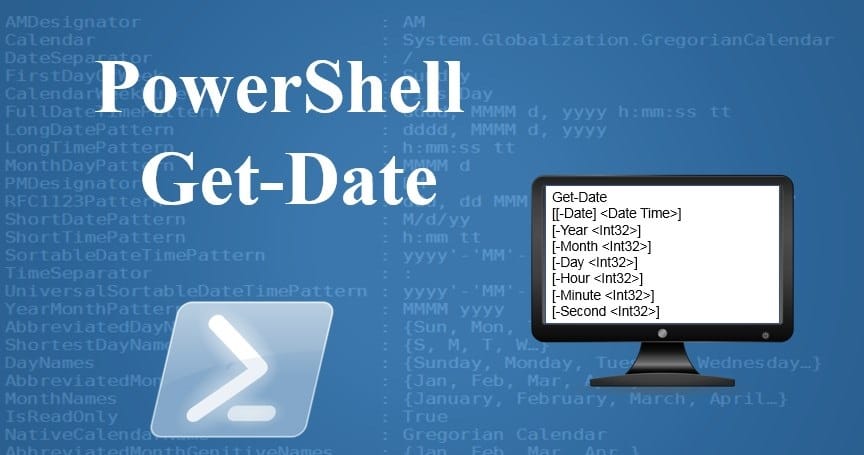
IntroductionMethod to Find Domain Controller Creation Date and TimeStep 1: Launch PowerShellStep 2: Import Active Directory ModuleStep 3: Query the Domain Controller Creation DateStep 4: Interpret the OutputStep 5: Save the Output (Optional)Wrapping Up Introduction When managing Active Directory environments, knowing when a Domain Controller (DC) was created can be essential for auditing, troubleshooting, or historical record-keeping. This post discusses how to use PowerShell to find the creation date and time of a Domain Controller in Windows Server 2022. We’ll also provide a step-by-step tutorial to help you perform this...
IntroductionWhy Restrict Access to the Registry Editor?RequirementsSteps to Deny Domain Users Access to Registry EditorStep 1: Open Group Policy Management Console (GPMC)Step 2: Create or Edit a Group Policy Object (GPO)Step 3: Configure the Policy SettingsStep 4: Enable the PolicyStep 5: Apply the GPO to Target UsersStep 6: Force the Policy UpdateTesting the PolicyBest Practices for Managing Group PoliciesConclusion Introduction The Windows Registry Editor (regedit) is a powerful tool that allows users to modify system settings. However, unauthorized access to the Registry Editor can lead to significant security risks, especially...
Overview Azure Arc Systems Management is a comprehensive guide for IT administrators, cloud engineers, and decision-makers who oversee multi-cloud and...
CCNA 200-301 Portable Command Guide is filled with valuable, easy-to-access information–and it's portable enough to use whether you're in the server...