





124views

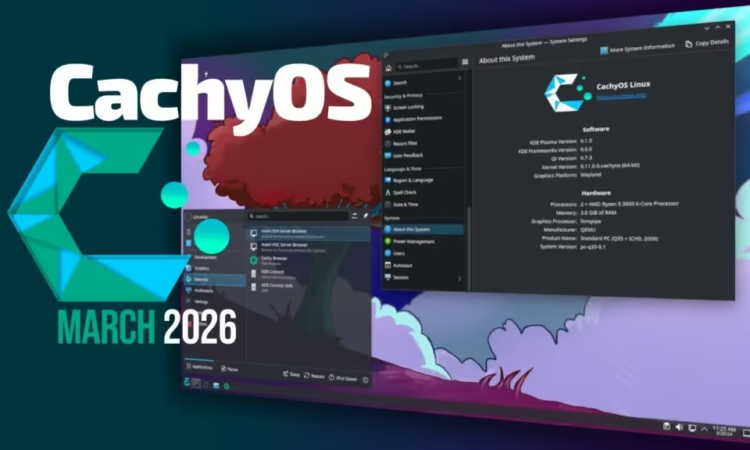
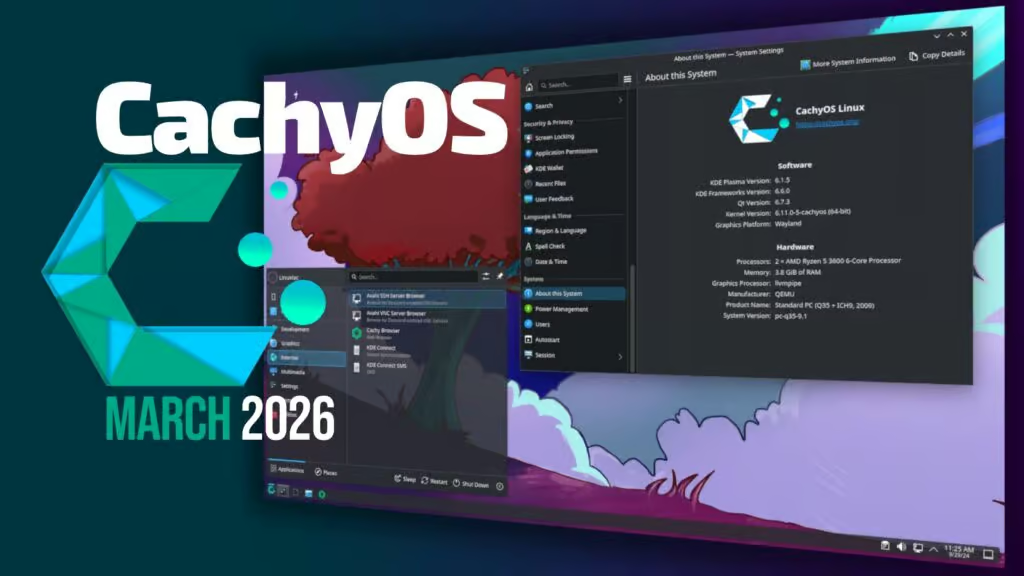
About six weeks after its previous January refresh, the performance-focused CachyOS distribution—built on Arch Linux—has rolled out its second update of the year, and it comes packed with improvements!. This release now runs on Linux kernel 6.19, bringing performance tweaks, installer enhancements, and better hardware handling.
Installer Gets a Visual Upgrade
One of the coolest additions is the new animated previews in the installer. When choosing a desktop environment, users can now see short GIF or WebP previews that showcase how each environment looks and feels before installation.
Previews are currently available for:
The desktop selection menu has also been reorganized so that simpler environments appear first, while more advanced setups such as window managers are listed later. This makes the installation process easier for newcomers while still flexible for power users. ⚡
Another smart improvement is automatic CPU detection. The installer now identifies your processor and installs the correct microcode package instead of installing both Intel and AMD versions.
Run Windows Apps More Easily
Another exciting feature is the integration of Winboat directly inside the CachyOS Welcome app. With just one click, users can install and activate Winboat.
Winboat runs a Windows virtual machine inside Docker, allowing you to launch Windows applications alongside Linux without complex configuration.
Smarter System Configuration
System configuration tools also received useful updates.
In cachyos-settings, the wireless regulatory domain is now automatically configured according to the user’s timezone.
Meanwhile, the bug-reporting tool has become more privacy-friendly. It now automatically removes sensitive information—including IP addresses, hostnames, usernames, and MAC addresses—before sending reports.
Big Improvements for Handheld Gaming Devices
The Handheld Edition introduces several upgrades designed for portable gaming hardware.
The project replaced gamescope-session-plus with gamescope-session-cachyos, a customized fork of gamescope created by Valve Corporation. This update enables firmware updates for devices like the:
- Steam Deck
- Lenovo Legion Go
The login manager has also changed. plasma-login-manager now replaces SDDM in the handheld version.
Another big change is the new default bootloader: Limine Bootloader. This allows automatic system snapshots, which is great for experimenting without fear of breaking your system.
For those who prefer it, systemd-boot is still available as an alternative.
The installer for handheld devices has also been unified with the desktop Calamares installer, and the installation environment now runs on Wayland instead of X11.
Bug Fixes and Stability Improvements
This update also includes several important fixes.
- The installer no longer lists bcachefs as a filesystem option because it now requires a separate bcachefs-dkms module.
- Issues affecting LUKS encryption on certain hardware have been resolved.
- Problems related to enabling the Ly display manager have also been fixed.
🔄 How to Update
If you’re already using CachyOS, upgrading is quick and easy. Simply run:
sudo pacman -Syu
And you’ll receive all the latest improvements!
Overall, this update brings better usability, stronger privacy protections, and improved gaming device support, making CachyOS an even more exciting choice for performance-focused Linux users.
For more information, see the announcement.
add a comment


Incus 6.23 Container & Virtual Machine Manager Released
The Incus project has rolled out version 6.23, marking the final update in the 6.x series before the anticipated 7.0...


KaOS 2026.03 Released With Major Move Away From systemd Components
The KaOS project has rolled out its March 2026 ISO, introducing one of the most extensive internal transformations the distribution...


8 Ubuntu Terminal Tools You Must Master in 2026
Introduction1. micro — The Terminal Editor With Zero Learning Curve2. Neovim — IDE-Level Terminal Editing When You Are Ready3. tmux...


Canonical Plans Controversial GRUB Changes for Ubuntu 26.10 Secure Boot
Canonical is considering a significant overhaul to how Secure Boot works in Ubuntu 26.10, with a proposal aimed at reducing...
