




63views
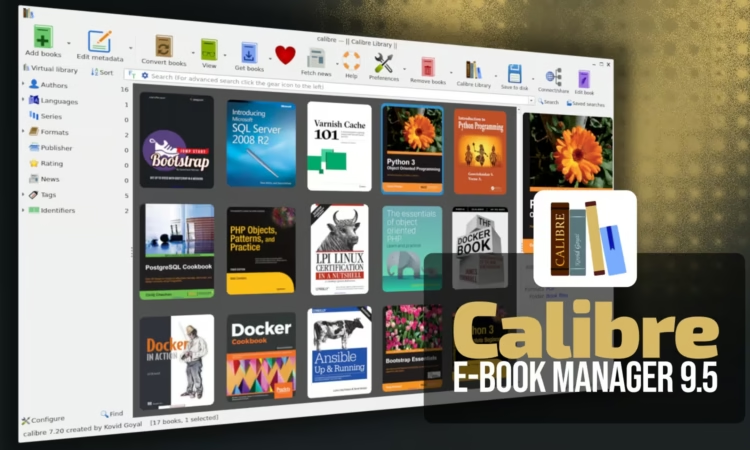
The open-source e-book management application Calibre has released version 9.5, marking the fifth maintenance update in the 9.x series. One of the notable additions in this release is the ability for users to create a custom column that displays reading progress directly inside the library view.
This reading progress information is pulled from Calibre’s integrated e-book viewer, allowing readers to monitor how far they have progressed through a book without opening it. Users who want to enable this feature can navigate to Preferences, open “Add your own columns,” and create a new column using the “Read progress” option.
The built-in e-book viewer has also received several enhancements. For books that include a paper page mapping, readers can now display the original page numbers while still keeping track of the final page count within the digital edition. Additionally, the reading statistics section now includes a reset button, making it easier to clear previously recorded reading data.
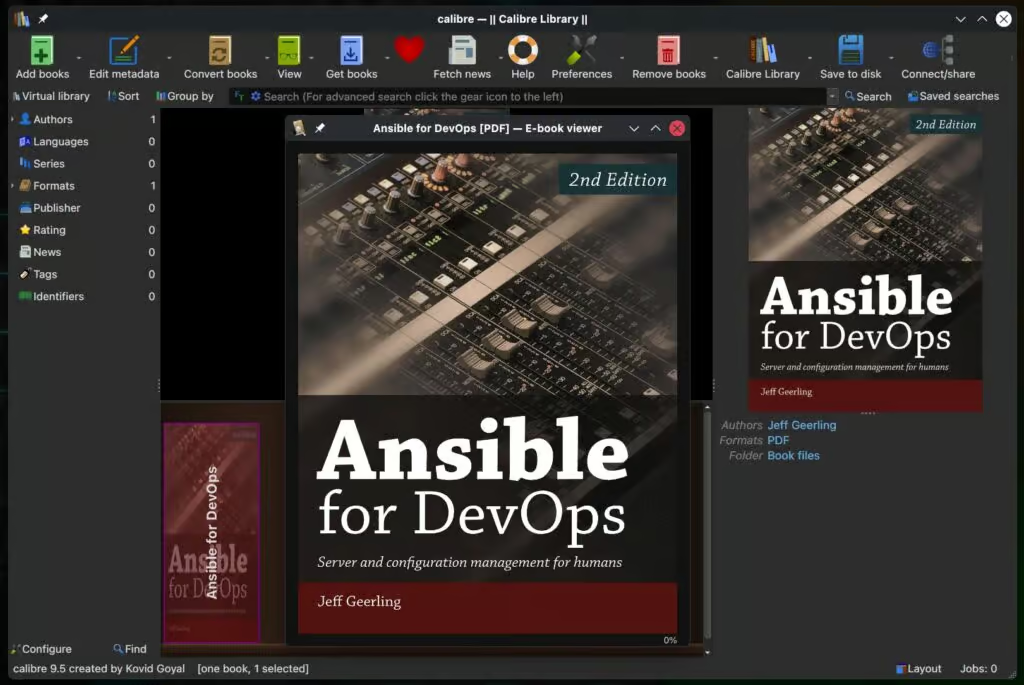
Another improvement affects the annotations browser, which now supports filtering highlights by style. This feature is especially helpful for users who maintain large collections of notes or highlighted passages. Meanwhile, the Edit Book tool introduces a new utility that can identify and remove unused images within e-books, similar to the existing function that cleans unused CSS styles.
Alongside these enhancements, the release includes several bug fixes and usability improvements. For example, icons that are customized through the configuration directory now properly switch between light and dark versions when the interface theme changes. The editor also regains focus automatically after displaying search result pop-ups.
The update also fixes an issue related to downloading news publications in KFX format, ensuring the software can fall back to the MOBI format when necessary. In addition, keyboard navigation within the book list has been corrected so that Ctrl + Shift + Arrow keys correctly move the selected book entry.
Several improvements were made to e-book format handling as well. Among them is a fix for markup removal in KEPUB files when empty Kobo spans are present. The release also expands the built-in news sources by adding Truthout and improving compatibility with the Naked Capitalism feed.
Calibre 9.5 is now available for Windows, macOS, and Linux, and users can review the complete list of changes in the official changelog.
add a comment


How to Set Up Automated Incremental Backups with rsync and Cron on Linux
Data loss is one of the most disruptive events a system administrator or Linux user can experience. Hard drives fail....

How to Automate Daily Linux Health Checks with a Bash Script + Cron
Introduction Every Linux server runs silently in the background, accumulating usage, filling disks, crashing services, and building up memory pressure...

Pangolin 1.17 Tunneled Reverse Proxy Adds Multiple Roles per User
Pangolin an open-source, self-hosted identity-based remote access platform that blends a tunneled reverse proxy with zero-trust VPN-style access has released...

Pidgin 3.0 Messaging Client Moves from Experimental Build to Alpha
Pidgin—the classic messaging client many users still remember—is very much alive. More than a year after its first experimental 3.0...




