
Checkmate: Your Open-Source Infrastructure Monitoring Solution
Discover how Checkmate brings uptime checks, server metrics, Docker monitoring, notifications, incident history, and public status pages into a self-hosted monitoring platform.
Discover how Checkmate brings uptime checks, server metrics, Docker monitoring, notifications, incident history, and public status pages into a self-hosted monitoring platform.
Secure Samba and SMB file sharing on Linux by allowing only the required traffic, limiting access to trusted local networks, and verifying your UFW firewall rules.
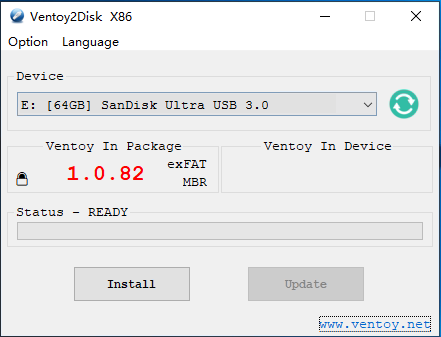
Create a multiboot USB drive from Linux with Ventoy2Disk.sh, then boot supported Windows, Linux, and other image files without rewriting the USB for every ISO.

Install Microsoft Visual Studio Code on Debian 13 Trixie using the official APT repository, enable package-managed updates, and launch your editor from the desktop or terminal.
Home / Linux / SSH Authentication Tutorial LINUX TUTORIAL OPENSSH SERVER SECURITY How to Set Up SSH Login Without a Password on Linux Configure SSH key-based authentication to connect securely to Linux servers without entering your account password every time.…
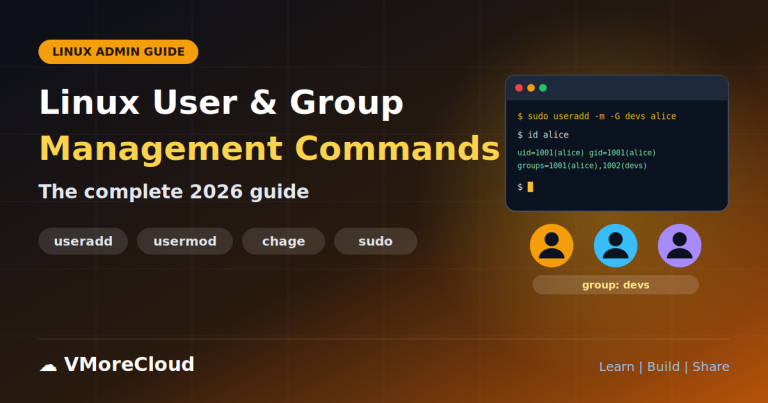
This guide covers the commands you need to create, modify, lock and delete accounts, manage groups, control password aging, grant administrative rights safely and audit who is logged in.
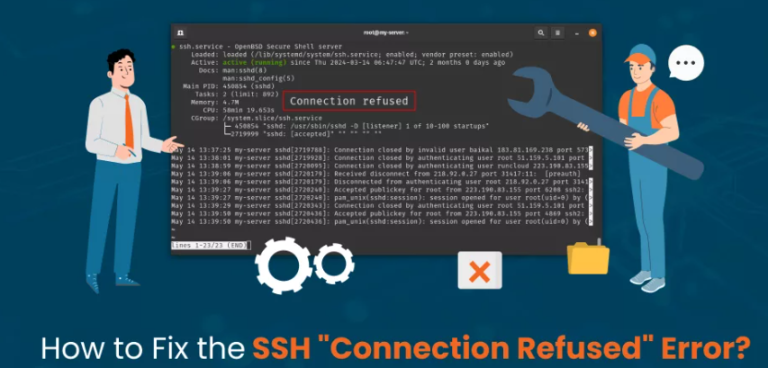
Learn how to diagnose and fix SSH connection refused errors on Linux servers. Follow practical steps to check the SSH service, listening ports, firewall rules, cloud security groups, configuration files, access restrictions, and hostname resolution
PHP is a widely used server-side scripting language for websites, content management systems, APIs, and web applications. Ubuntu 26.04 LTS provides PHP packages through its official repositories, making it possible to install PHP without compiling it from source or adding an external repository.
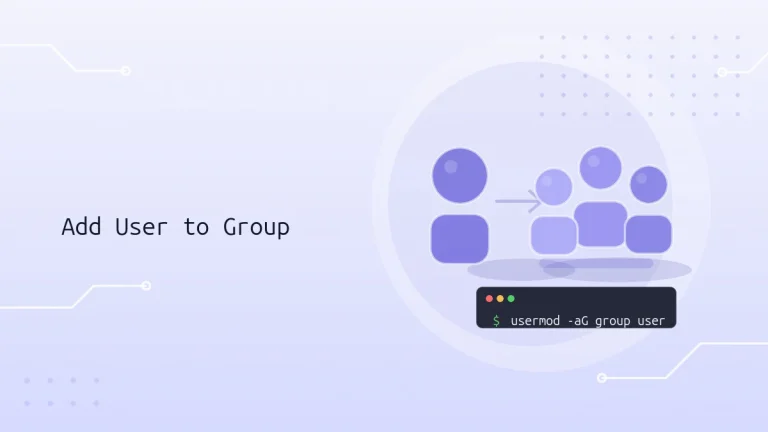
Learn how Linux groups control access to files, services, and administrative tools. This guide covers adding users to supplementary groups, assigning multiple groups, changing a primary group, verifying membership, and safely troubleshooting common mistakes.

On Ubuntu, an authorized sudo user can run administrative commands using their own password, rather than sharing the root account password. By default, Ubuntu grants broad sudo permissions to members of the sudo group. The sudoers policy can also define more limited permissions for individual users or groups.