




PeaZip 11
9views
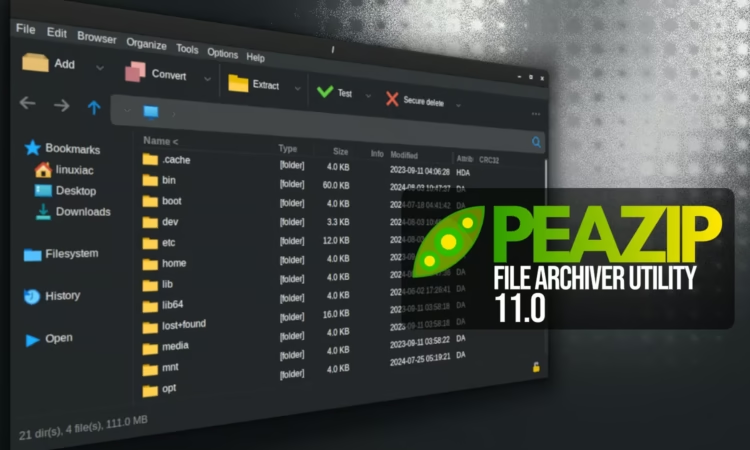
Two months after the 10.9 release, PeaZip, a powerful cross-platform open-source file archiver, has introduced version 11.0 with a major emphasis on performance. This update enhances browser optimization to better suit different workflows and significantly improves the archive pre-parsing process used for verifying table-of-contents data.
According to the changelog, these improvements can cut processing time by up to 87% for unordered archives and up to 94% for very large archives containing over 100,000 items. In addition, archive tree-view rendering is now about 30% faster.
PeaZip 11.0 also introduces a new “Batch test archives” feature in its file manager, allowing users to test multiple archives in a single run without interruption—except when password input is required. Results are displayed directly within the file manager via the CRC column.
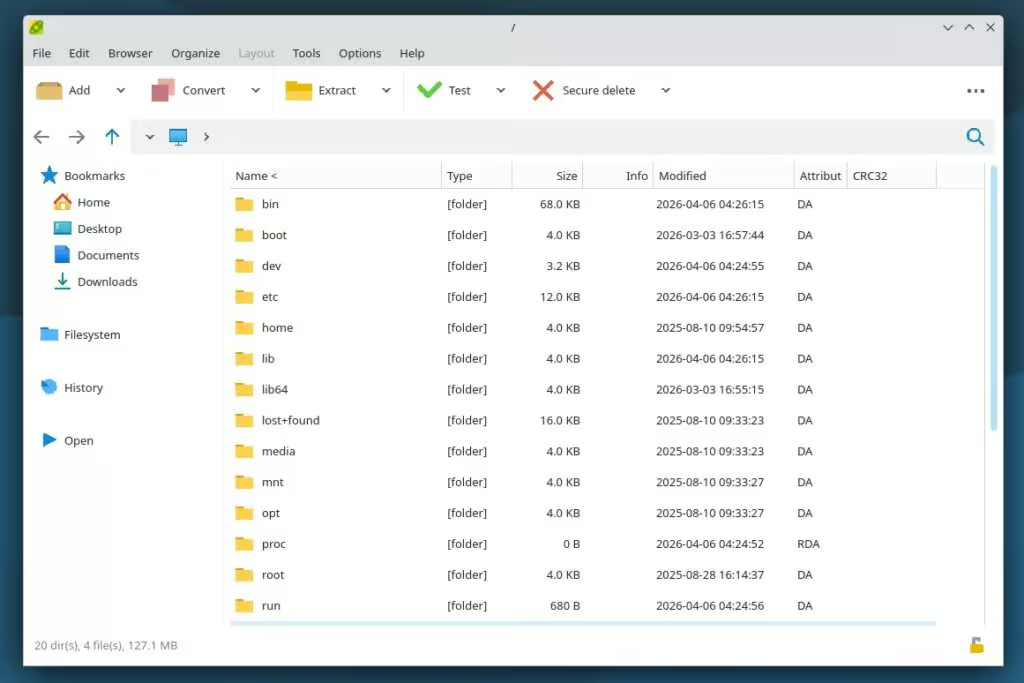
Bookmark functionality has been expanded as well, now supporting Search and Flat view bookmarks for regular filesystem items, not just archived content. Navigation has been refined with improved selection retention and smoother focus handling.
The update also enhances usability with expanded drag-and-drop capabilities, allowing items to be dropped onto breadcrumb paths and tab bars. Additionally, copy and move operations no longer change the current working directory.
On the visual side, PeaZip 11.0 introduces new icon rendering styles—Native, Sharp, and Soft—to better align with different desktop environments. Improvements to fractional scaling and zooming ensure a more consistent UI experience, alongside updated icons and themes.
From a security standpoint, the Password Manager interface has been updated and now includes a password entropy indicator, giving users a clearer idea of password strength both in the manager and during prompts.
Under the hood, the release upgrades core components to 7z/p7zip 26.0 and Pea 1.30, and is compiled with Lazarus 4.2 while maintaining compatibility with earlier Lazarus versions. PeaZip now supports opening 242 file formats as archives.
Finally, several issues have been resolved, including improved handling of encrypted ARC files, consistent icon behavior for bookmarks and tabs, better breadcrumb retention during refreshes, and fixes for repeated auto-opening of compressed tar archives.
For more details, refer to the release notes or visit the project’s GitHub page for downloads. For Linux users, the app is also available for installation as a Flatpak.
add a comment


PacHub is a Sleek GTK4 Frontend for Arch’s Pacman and AUR
PacHub is a modern, open-source application for Arch Linux and Arch-based distributions that brings a clean graphical interface to managing...

Red Hat Launches RHEL Extended Life Cycle Premium With 14-Year Support
Red Hat has launched Red Hat Enterprise Linux Extended Life Cycle Premium, a standalone subscription that extends support for a...

Arch Linux Makes nft the Default Backend for iptables
Arch Linux has announced that iptables now uses the nft backend by default, marking a continued shift in the Linux...

How to Automatically Block Suspicious IPs using iptables and Fail2Ban
Your Linux server is under attack right now you just might not know it yet. Every internet-facing machine faces a...




