Physical Address
304 North Cardinal St.
Dorchester Center, MA 02124
Physical Address
304 North Cardinal St.
Dorchester Center, MA 02124


If you’re looking to take your automation and scripting skills to the next level, the PowerShell Advanced Cookbook by Morten Elmstrøm Hansen is a must-have resource for IT professionals and system administrators. This eBook is designed to help you move…
Introduction On March 18, 2026, Microsoft released PowerShell 7.6.0, the newest Long-Term Support (LTS) version of the cross-platform automation shell. Built on .NET 10 — itself an LTS release — PowerShell 7.6 is the recommended version for production automation environments,…
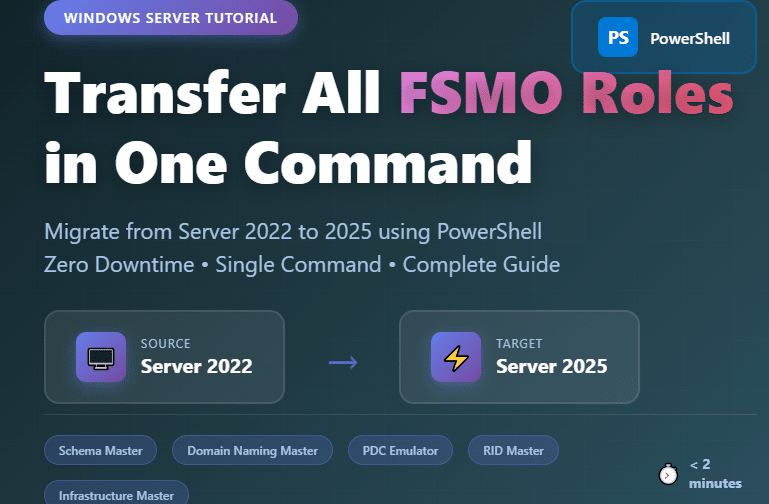
Introduction Migrating your Active Directory infrastructure from Windows Server 2022 to Windows Server 2025 requires careful planning, especially when transferring Flexible Single Master Operations (FSMO) roles. This comprehensive guide walks you through the fastest and safest method to transfer all…
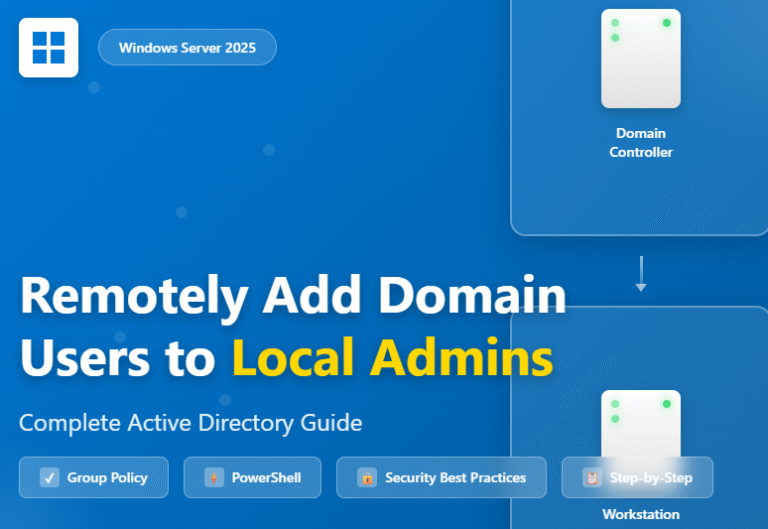
Managing user permissions across multiple workstations in an Active Directory environment can be challenging, especially when you need to grant local administrator rights to specific users without physically accessing each machine. If you’re running Windows Server 2025 and need to…
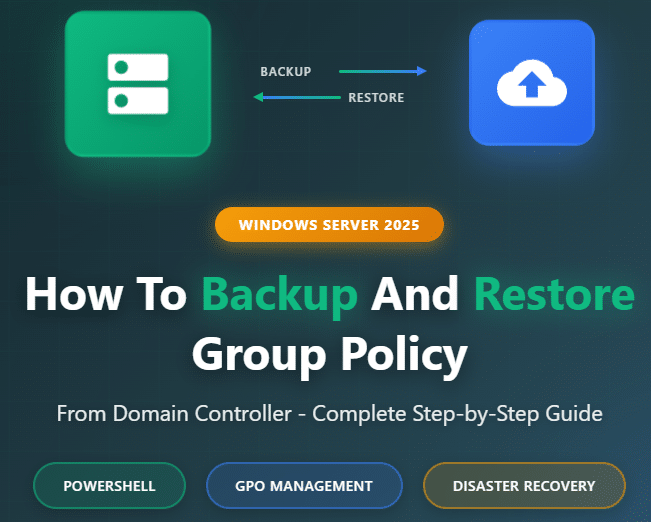
Group Policy is the backbone of enterprise Windows environments, controlling everything from security settings to software deployments across your domain. If you’ve ever experienced a corrupted GPO or needed to migrate policies to a new domain controller, you know how…
Managing a network of domain computers can be challenging, especially when you need to perform maintenance tasks like shutting down or restarting multiple machines simultaneously. Whether you’re applying updates, performing scheduled maintenance, or managing power consumption across your organization, Windows…

Introduction Managing files across multiple servers and keeping them in sync has always been a challenge for IT admins. Organizations often struggle with storage sprawl, users saving files in different places, and the need for centralized backup. That’s where Azure…
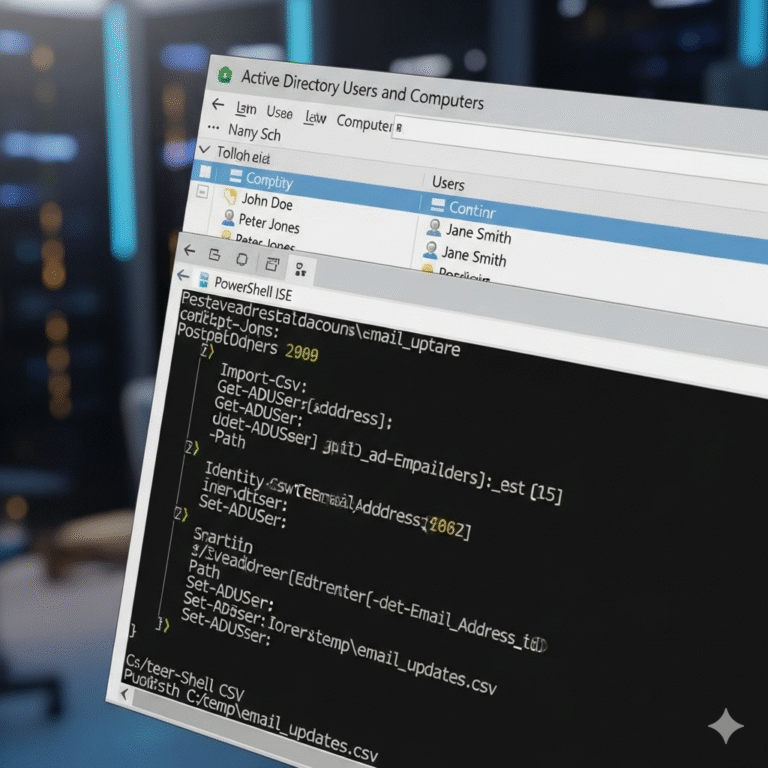
Managing hundreds or thousands of user accounts in Active Directory can quickly become overwhelming, especially when you need to add email addresses to existing domain users. If you’ve ever found yourself manually updating user accounts one by one, you know…
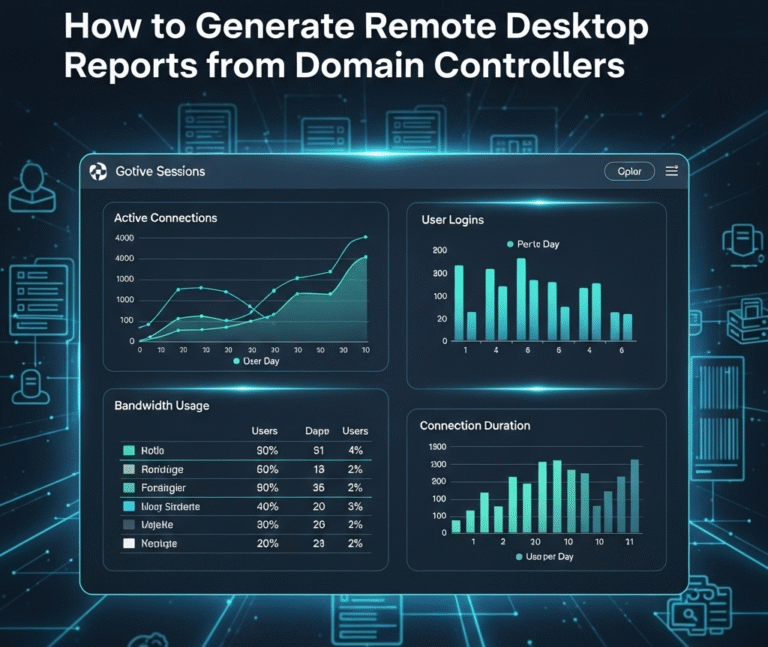
Introduction Remote Desktop Protocol (RDP) management is crucial for Windows system administrators managing enterprise networks. This comprehensive guide provides step-by-step instructions for generating detailed reports of computers with Remote Desktop enabled and tracking remote users across domain controllers. What you’ll…
Removing Internet Explorer from Windows 10 using PowerShell is a neat trick that can free up some space and declutter your system. First, you’ll need to launch PowerShell as an administrator. Then, you’ll run a specific command to uninstall Internet…

We have detected that you are using extensions to block ads. Please support us by disabling these ads blocker.




