

WireGuard Easy 15.5 Adds AmneziaWG 3.1 Support and Security Fixes
The latest WireGuard Easy release updates AmneziaWG, removes private keys from client-detail API responses, updates Node.js, and adds more control over interfaces and trusted proxies.
The latest WireGuard Easy release updates AmneziaWG, removes private keys from client-detail API responses, updates Node.js, and adds more control over interfaces and trusted proxies.

The latest IPFire maintenance release corrects a DNS regression affecting VPN clients, moves the firewall kernel to Linux 6.18.54 and refreshes a wide range of system and add-on packages.
Secure Samba and SMB file sharing on Linux by allowing only the required traffic, limiting access to trusted local networks, and verifying your UFW firewall rules.
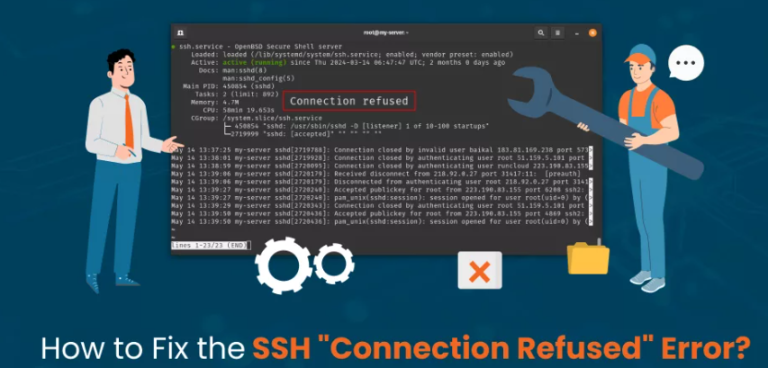
Learn how to diagnose and fix SSH connection refused errors on Linux servers. Follow practical steps to check the SSH service, listening ports, firewall rules, cloud security groups, configuration files, access restrictions, and hostname resolution
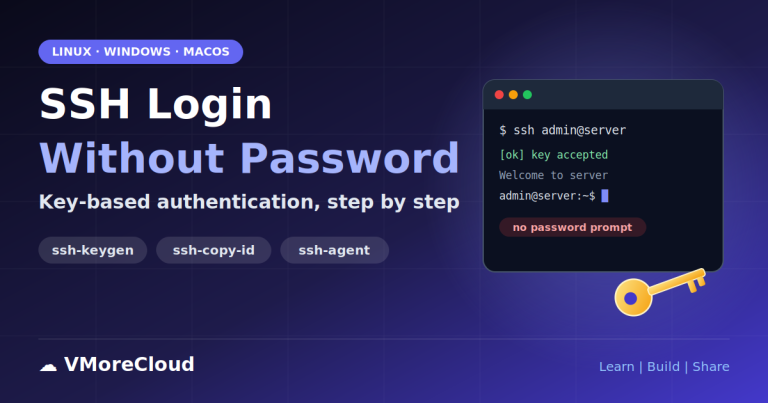
How to Set Up SSH Login Without a Password (SSH Keys): Step-by-Step Guide 📅 Published: October 26, 2026 ✍️ By Khurram Shahzad 🏷️ SSH · Linux · Windows Server · Security ⏱️ 11 min read Share: f X in W…
The Windows Security app is the single place in Windows 11 where you manage antivirus, ransomware controls, firewall, app and browser protection, device hardening and account protection.

WireGuard Easy 15.5 is out. It is a maintenance-and-security release for the popular web interface that makes running a self-hosted WireGuard VPN simple, and it is worth a close look if you run it on a public server.
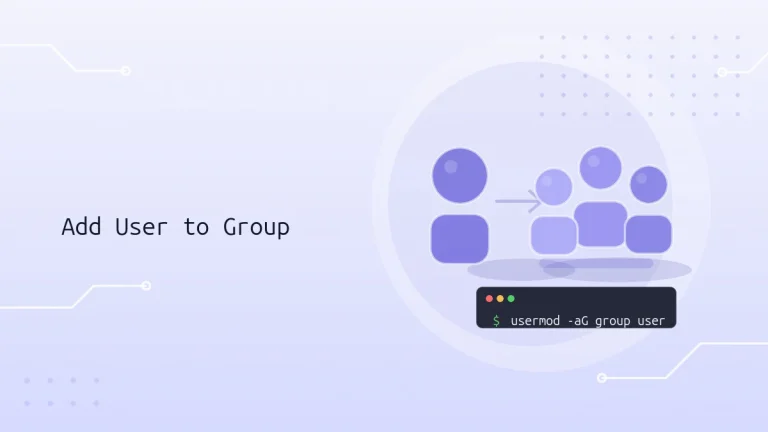
Learn how Linux groups control access to files, services, and administrative tools. This guide covers adding users to supplementary groups, assigning multiple groups, changing a primary group, verifying membership, and safely troubleshooting common mistakes.

On Ubuntu, an authorized sudo user can run administrative commands using their own password, rather than sharing the root account password. By default, Ubuntu grants broad sudo permissions to members of the sudo group. The sudoers policy can also define more limited permissions for individual users or groups.

sudo lets an authorized user execute a command as another user, usually root. The sudoers policy determines which commands are permitted and under what conditions. This makes it possible to delegate administrative tasks without sharing the root password.