

16views

In this blog post, we’ll be deploying VCF Operations for Logs. Deploying Operations for Logs in VMware Cloud Foundation allows you to centralize log collection, troubleshooting, security auditing, and compliance monitoring across vCenter, NSX, ESXi, and other components.
Log into VCF Operations, browse to Fleet Management / Lifecycle.
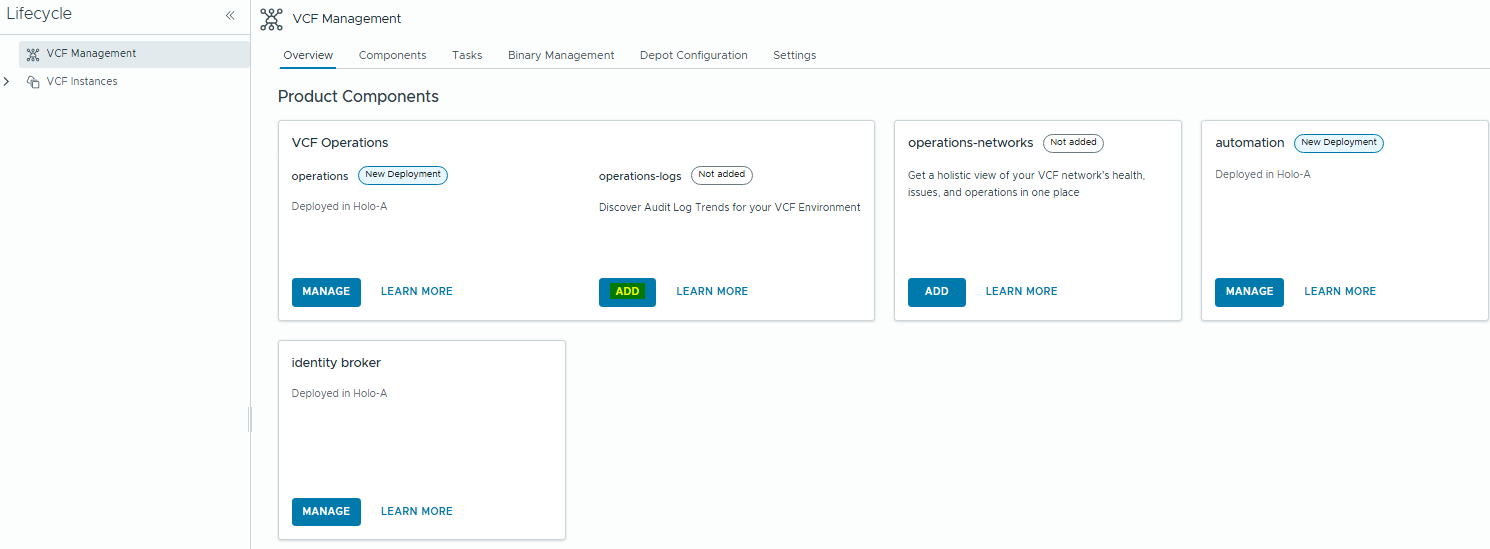
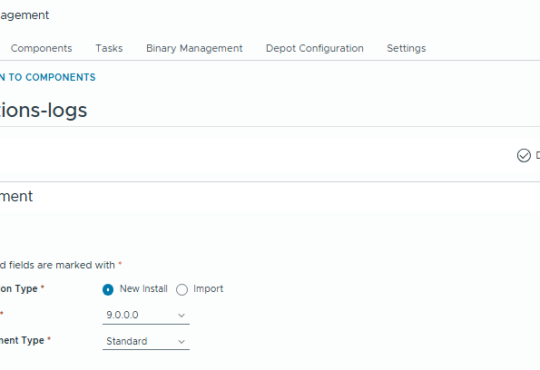
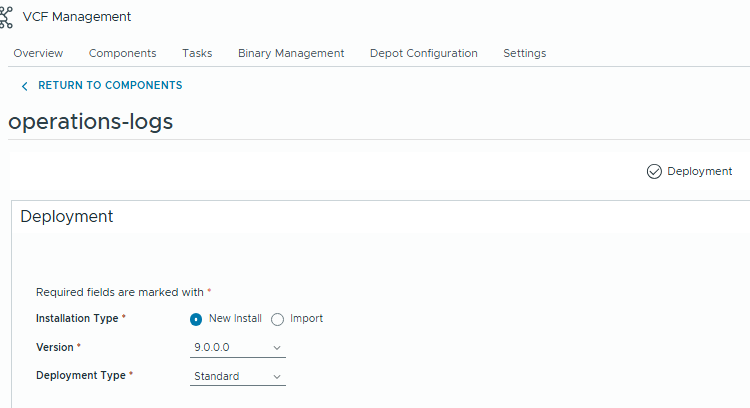
Click Add, and it will begin the deployment wizard. This is going to look pretty similar to the old Aria Lifecycle procedure.
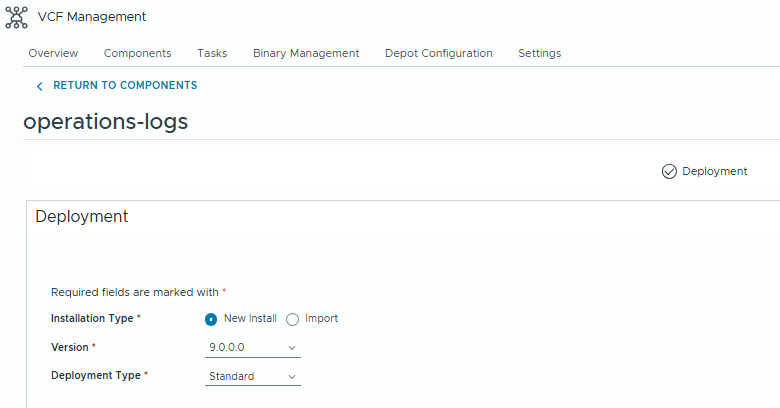
Choose the deployment type based off your sizing calculations. We’ll just use standard in this lab environment.
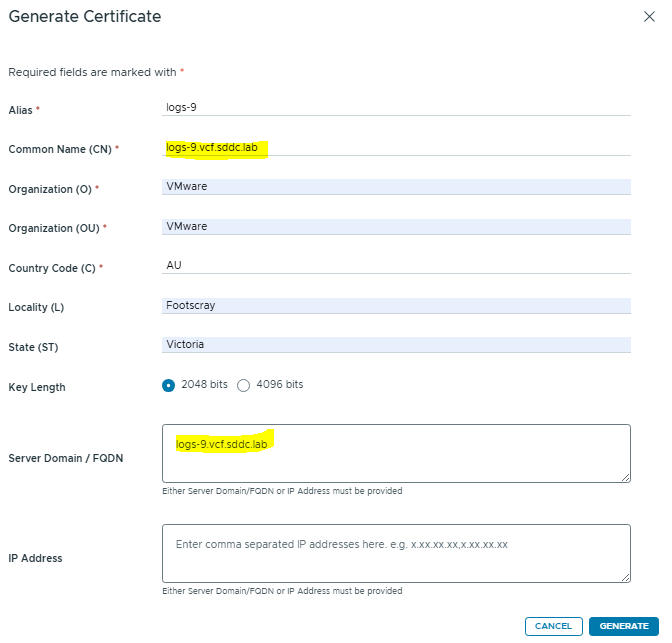
Click next, then we’ll be prompted to generate a certificate before we can proceed.

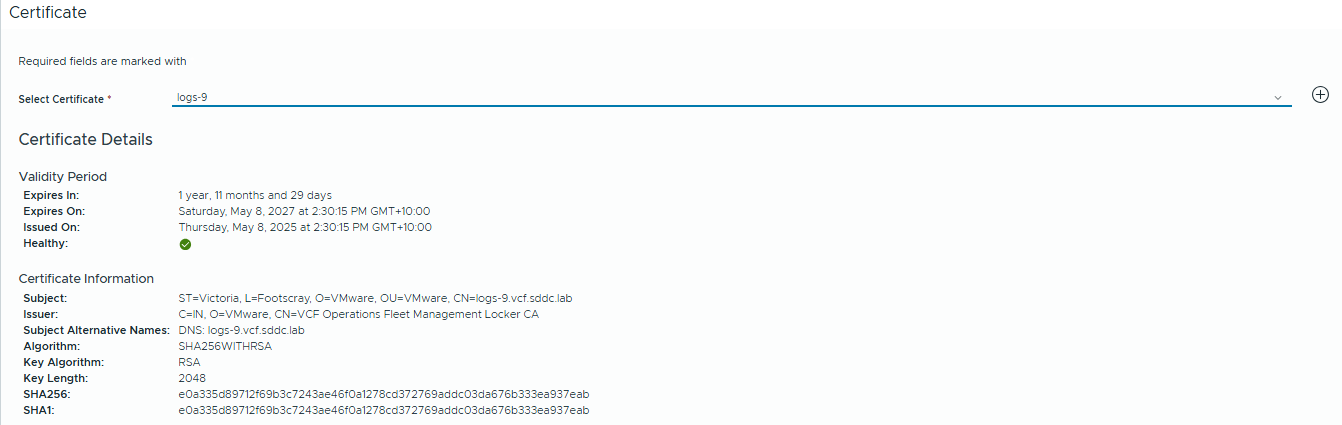
Select the new cert and click Next.
Choose the deployment target. In my example it’s the Holo-A Management Domain.
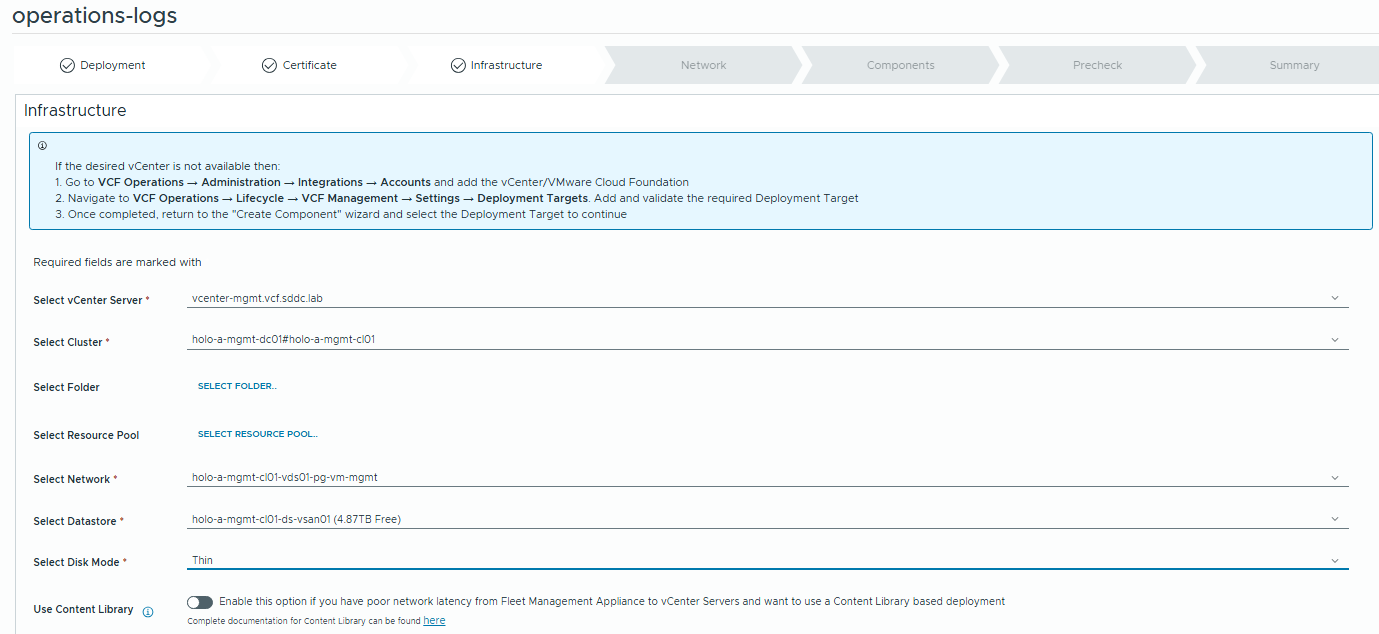
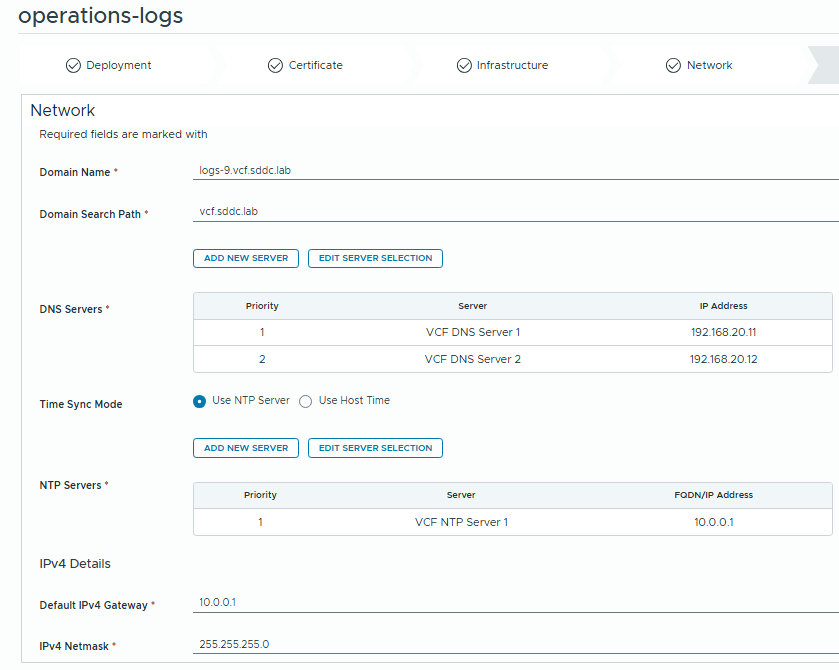
Fill the network details
Enter the details for the Logs instance
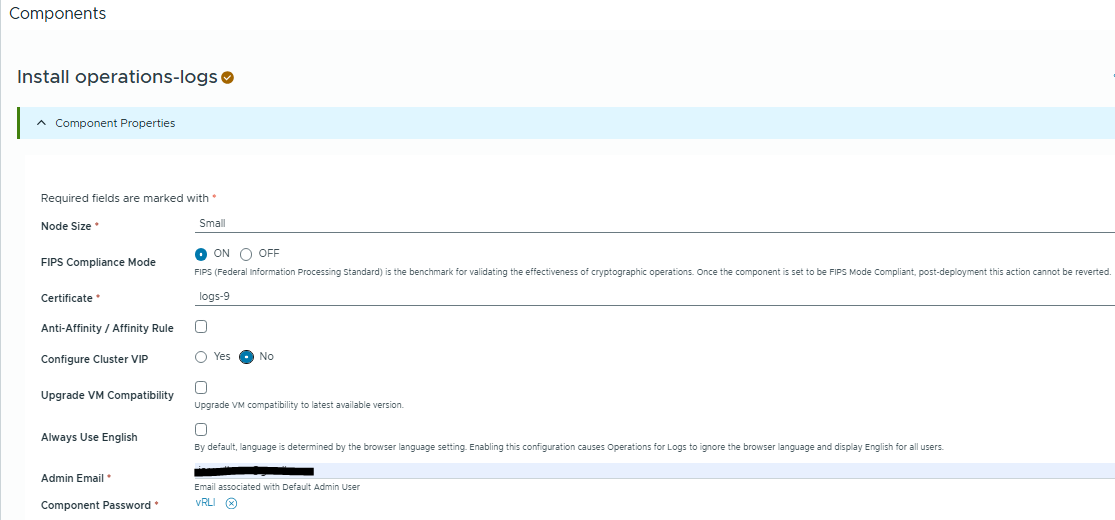
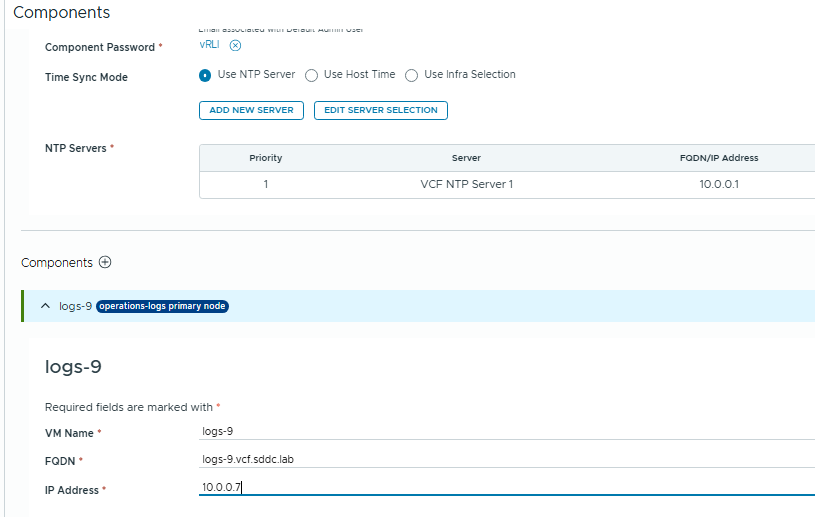
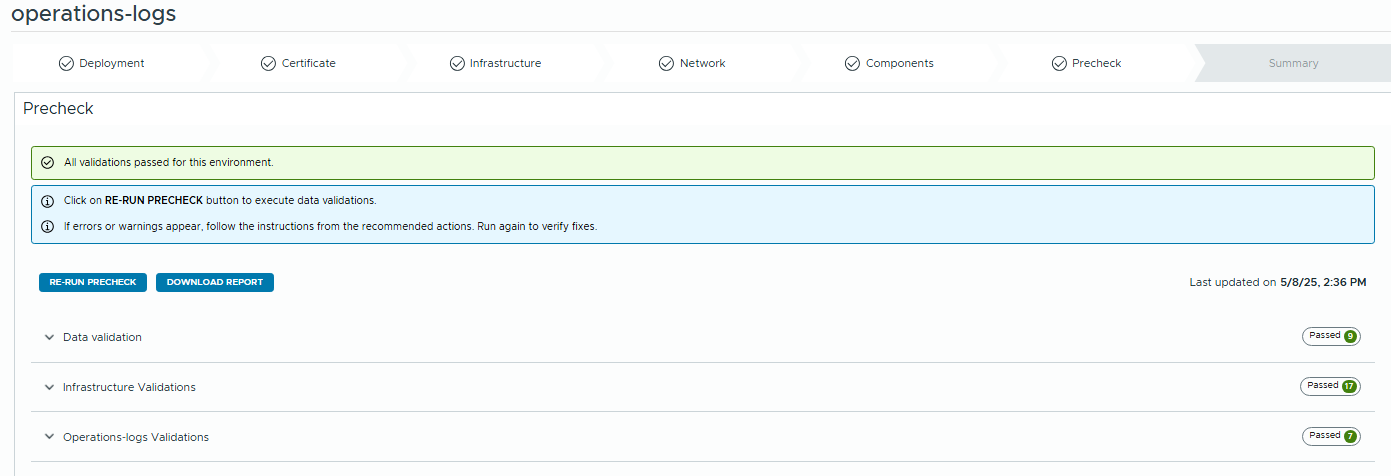
Click Next, then Run Precheck.
If all is green then we can begin the deployment.
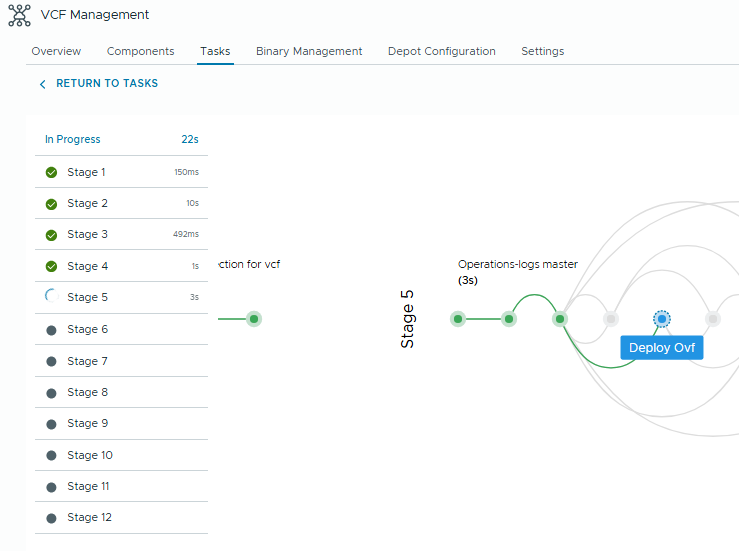
When you click “Submit” the environment will be deployed.
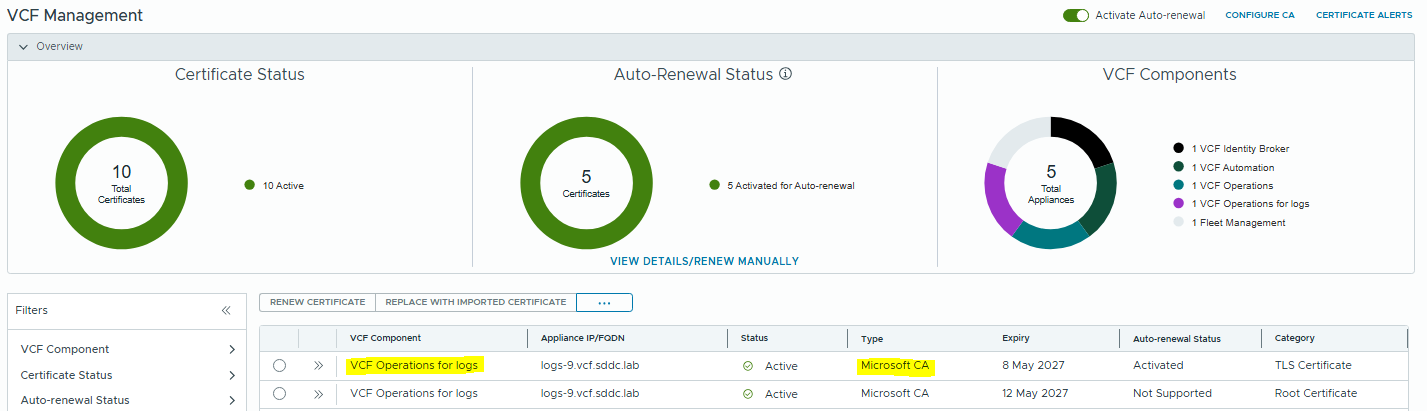
Once this is successfully deployed, we can replace the certificate with a CA signed one via the Certificate Wizard that I’ve detailed in a previous post.
Note, it can take some time before the Operations for Logs instance shows in the certificate panel.
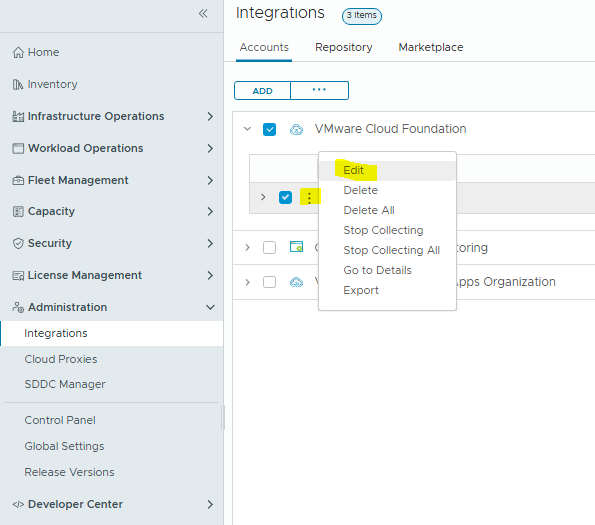
Now lastly, we can enable the Log collection for the Holo-A Management Domain.
In VCF Operations, browse to Administration / Integration
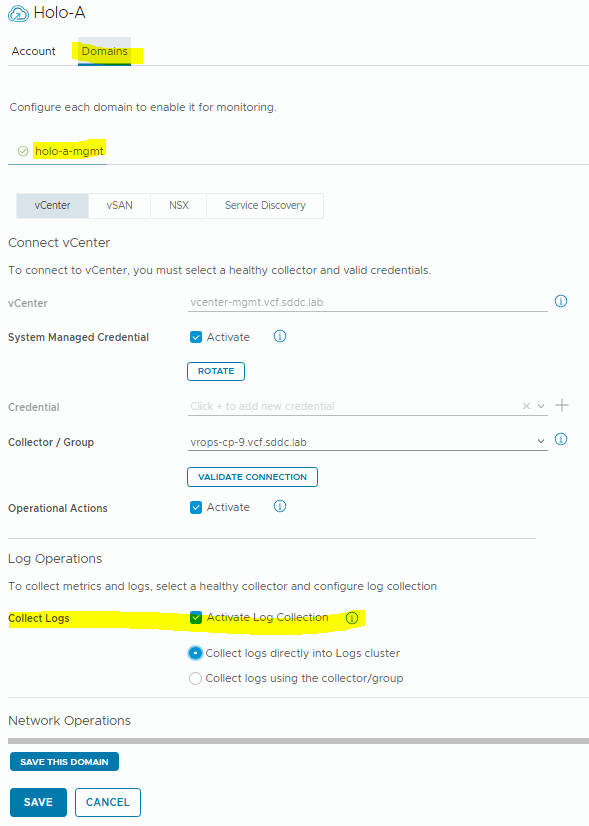
Click save, and ensure the collector status is healthy.
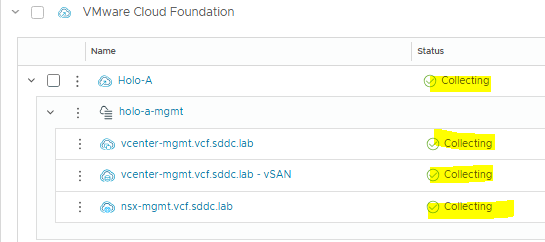
This will auto-configure the logging integration in VCF Operations for Logs
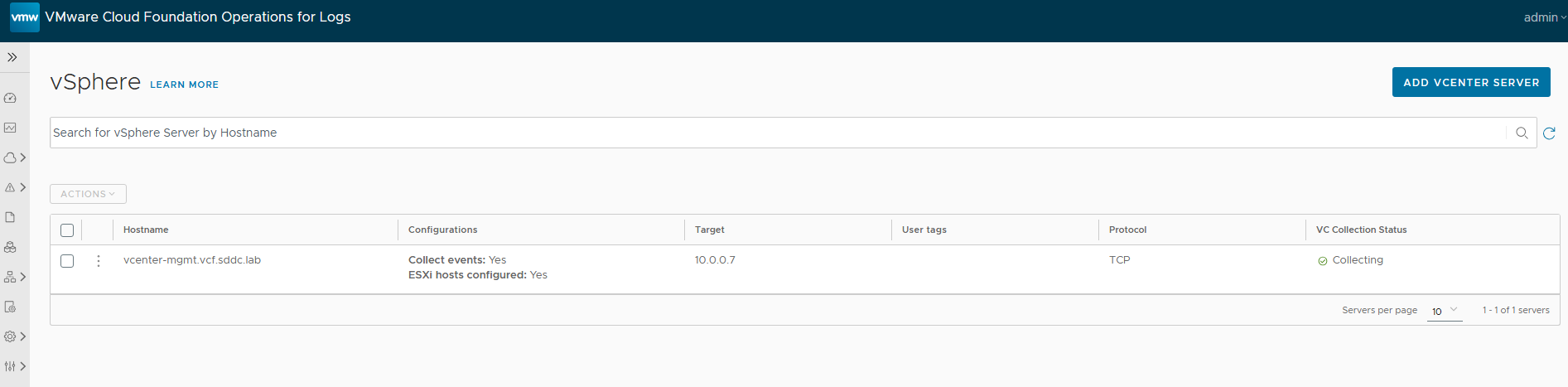
And that’s the end, we’ve now successfully deployed and configured VCF Operations for Logs.
add a comment

vSphere 8 to VCF 9 Upgrade Process
For this example, we’ll be showing how to upgrade/converge a basic vSphere 8 environment without VCF to VCF 9. First,...

VCF 9 – Enable and Configure SSO Part 3 (Operations / Automation / Logs)
In Part 3 of the VCF 9 SSO series, we’ll be integrating VCF Operations, Logs and Automation with the Identity...

VCF 9 – Enable and Configure SSO Part 2 (vCenter / NSX)
In Part 1, I showed how to connect the Identity Broker to your Active Directory. In Part 2 we’ll be configuring the role mappings in vCenter and NSX. First, we need to link the products to the SSO Provider. Click “Edit” and we can select the NSX Manager and vCenters to enable. Note the warning at the top regarding ELM. Enhanced Linked Mode is going away in VCF 9, and there will be a procedure to unlink your vCenters for Brownfield environments. When you click configure you’ll get a warning....
VCF 9 – Enable and Configure SSO Part 1 (Active Directory)
Today we’re going to be going through the steps of configuring SSO across the VCF components and integrating with Active...
