Physical Address
304 North Cardinal St.
Dorchester Center, MA 02124
Physical Address
304 North Cardinal St.
Dorchester Center, MA 02124

Server Message Block (SMB) is a widely used network protocol that allows shared access to files, printers, and serial ports between nodes on a network. It’s heavily used in Windows environments but also supported on Linux and macOS.Understanding which port SMB uses is crucial for configuring firewalls, enhancing security, and enabling successful network file sharing.
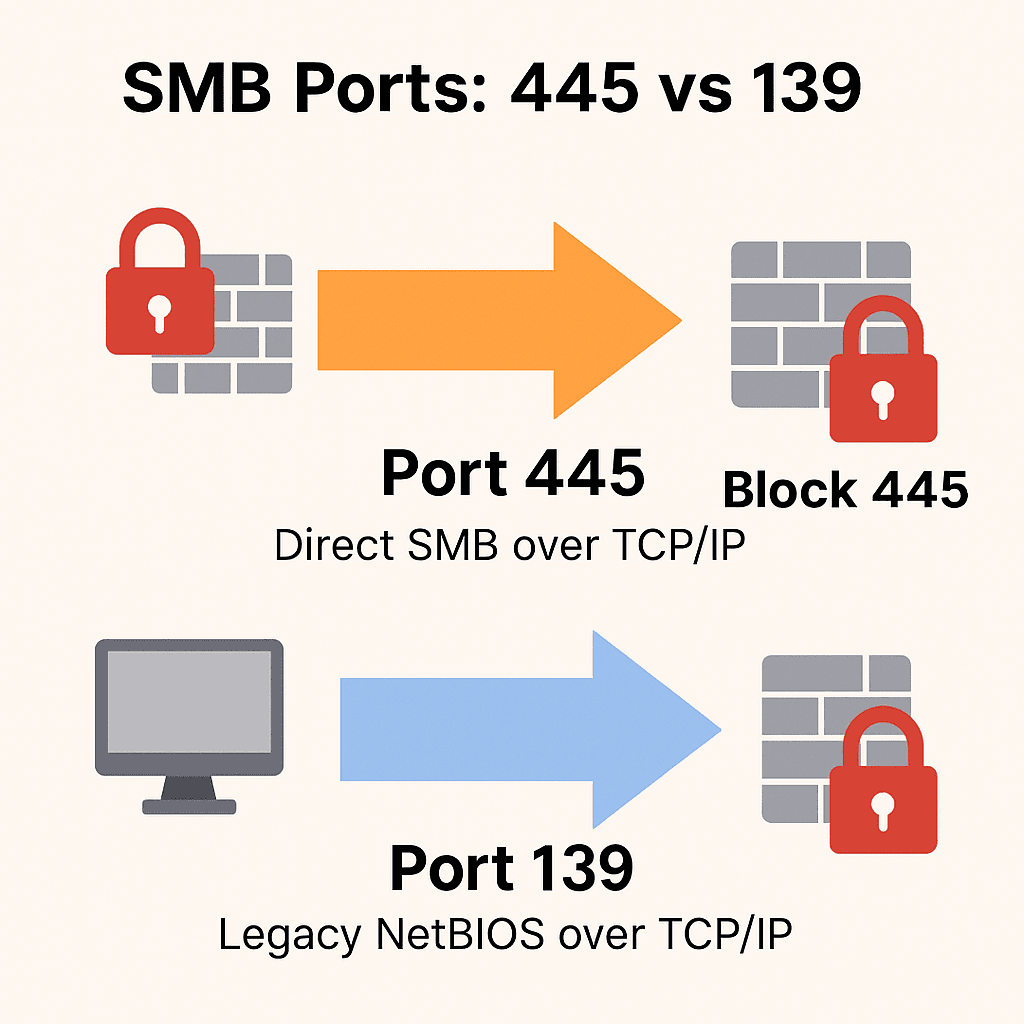
The default port used by SMB is TCP 445. This enables direct communication without relying on older NetBIOS services. Previously, SMB also ran over TCP 139 through NetBIOS, but this method is now mostly deprecated.
Port 445 supports SMB directly over TCP/IP and is used by modern operating systems. It eliminates the dependency on NetBIOS, simplifying configuration and increasing security.
Port 139 is associated with older SMB implementations using NetBIOS over TCP/IP. Although some legacy systems may still use it, it’s considered less secure and should be disabled if possible.
Modern SMB versions (SMBv2 and SMBv3) require port 445 to establish secure and efficient communication. Port 445 supports authentication, encryption, and direct connection between devices without relying on name resolution services.
SMB primarily uses TCP for data transfer. However, NetBIOS services historically required UDP for name resolution and datagram services.
Most modern environments use only port 445, but older systems may still use both ports 445 and 139. Ensuring your infrastructure is up-to-date helps simplify this and boosts security.
Disable SMBv1 using PowerShell:
Set-SmbServerConfiguration -EnableSMB1Protocol $false
The WannaCry and NotPetya ransomware attacks exploited vulnerabilities in SMBv1 over port 445. Blocking or monitoring this port can protect your infrastructure from similar attacks.
Key Tips:
Block port 445 at the perimeter firewall
Disable SMBv1 on all devices
Use Endpoint Detection & Response (EDR) for monitoring SMB usage.
Windows
New-NetFirewallRule -DisplayName "Block SMB 445" -Direction Inbound -LocalPort 445 -Protocol TCP -Action Block
Linux (UFW)
sudo ufw deny 445/tcpsudo ufw deny 139/tcp
To enable SMB for internal file sharing:On Windows:
Go to Windows Firewall > Advanced Settings. Create a new inbound rule for TCP 445.
Allow access from trusted IP ranges only.
On Linux:
sudo ufw allow from 192.168.0.0/16 to any port 445 proto tcp
SFTP (SSH File Transfer Protocol)
NFS (Network File System)
WebDAVCloud-based sharing (e.g., OneDrive, Google Drive)
These options offer encryption, centralized access control, and better protection for remote sharing.
Understanding the role of ports 445 and 139 is essential for secure SMB implementation. Modern networks should rely exclusively on TCP port 445, with legacy ports disabled. Firewalls must be configured to restrict external access and reduce risk from exploits.

We have detected that you are using extensions to block ads. Please support us by disabling these ads blocker.





