Physical Address
304 North Cardinal St.
Dorchester Center, MA 02124
Physical Address
304 North Cardinal St.
Dorchester Center, MA 02124

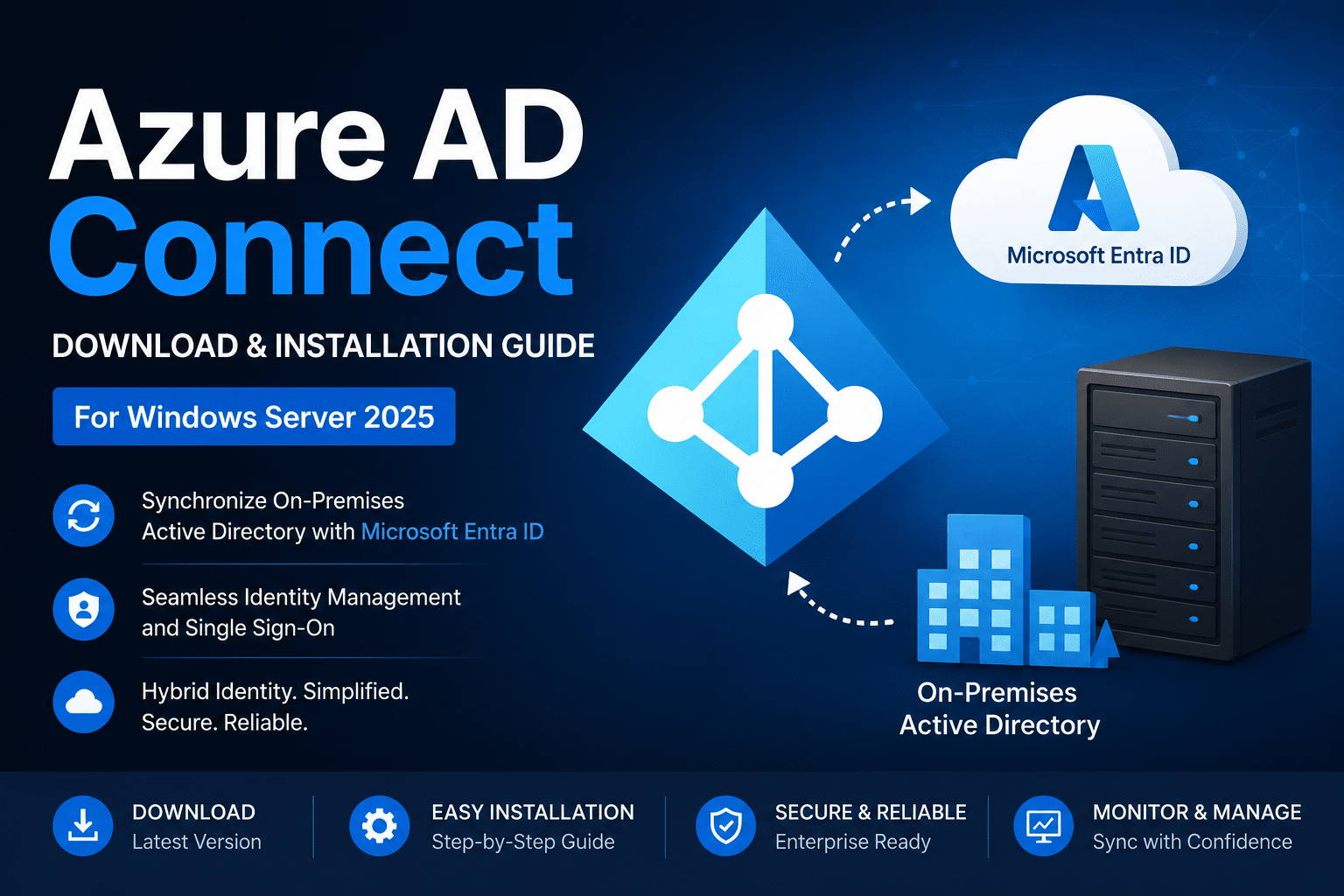
Microsoft Azure AD Connect is a hybrid identity synchronization tool that connects on-premises Active Directory environments with Microsoft Entra ID (formerly Azure Active Directory). It allows organizations to synchronize users, groups, passwords, and other directory objects between local servers and cloud services such as Microsoft 365 and Azure. With Azure AD Connect, users can access both on-premises and cloud resources using a single set of credentials, simplifying identity management and improving user experience.
Azure AD Connect supports features such as Password Hash Synchronization, Pass-Through Authentication, and Seamless Single Sign-On (SSO), enabling secure and efficient authentication methods for hybrid environments. It is widely used in enterprise infrastructures to maintain centralized identity management while transitioning workloads to the cloud. By integrating local Active Directory with Microsoft Entra ID, organizations can improve security, streamline administration, and provide reliable access to modern cloud applications and services.

It enables organizations to:
Azure AD Connect is widely used in hybrid Microsoft 365 deployments.
Allows users to use the same password for both on-premises and cloud services.
Allows users to use the same password for both on-premises and cloud services.
Authenticates users directly against on-premises Active Directory without storing passwords in the cloud.
Supports federation with Active Directory Federation Services (AD FS).
Users can automatically sign in to cloud applications while connected to the corporate network.
Provides centralized identity synchronization between on-premises and Azure environments.
Before downloading Azure AD Connect, ensure the following requirements are met.
Azure AD Connect supports:
You need:
Recommended minimum requirements:
Ensure the server can access:

File Size 144MB

We have detected that you are using extensions to block ads. Please support us by disabling these ads blocker.





