Physical Address
304 North Cardinal St.
Dorchester Center, MA 02124
Physical Address
304 North Cardinal St.
Dorchester Center, MA 02124

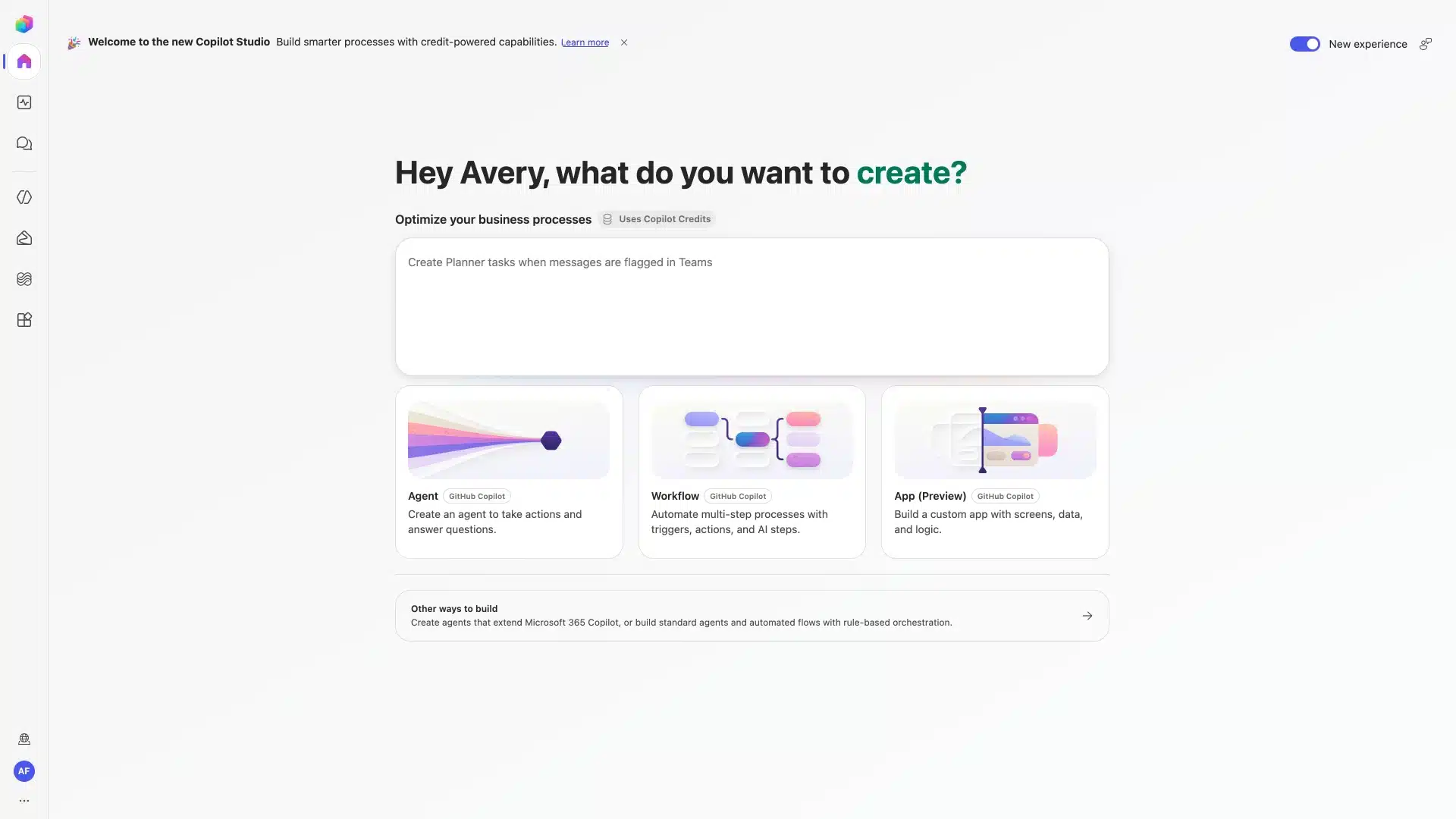
Microsoft is bringing app building directly into the tools your organization already uses for agents and workflows. In Copilot Cowork, you can now build apps with the new /app skill, available through the Microsoft Frontier program. In Copilot Studio, app building is rolling out in public preview over the next week, sitting alongside agents and workflows so you can turn an idea into a complete business process solution from one place.
The pitch is simple: describe the outcome, users, data, and actions you need, and Copilot Studio uses agentic coding to generate a working app scaffold. From there you keep iterating in plain language, inspect the app in preview, and — if you’re technical — go straight into the underlying code.

/app in a Copilot Cowork chat.This isn’t just app scaffolding in a vacuum. Apps built with Copilot Cowork and Copilot Studio use connectors — including Work IQ for organizational context — to read from and write back to the Microsoft 365 systems people already work in. Microsoft’s examples include an onboarding app that pulls progress from a business data source, surfaces learning resources, and updates onboarding records, and a field service app that retrieves technical context from a third-party system and writes results back to connected systems.
| Capability | What It Means |
|---|---|
| Full-stack, open standards | Git-backed source control, deployment stages, version isolation |
| Work IQ / connectors | Read and write access to Microsoft 365 tenant data |
| Entra identity by default | Apps respect existing identity and connector policies |
| M365 admin center visibility | Inventory of published apps plus lifecycle controls for IT |
The interesting part isn’t that non-developers can generate an app in minutes — that’s already common with agentic coding tools. It’s that Microsoft is pairing that with centralized governance from day one: identity, data access, and connector policies are enforced automatically, and published apps show up in the Microsoft 365 admin center with an inventory and lifecycle controls. That’s the piece that’s usually missing when “citizen developers” start shipping their own tools.
App building in Copilot Cowork and Copilot Studio is Microsoft’s answer to the “everyone’s an app builder now” moment: let people describe what they need, but keep identity, data access, and lifecycle governance centralized in the admin center from the start. For IT teams already juggling shadow IT concerns around AI coding tools, this is worth testing early rather than waiting for it to show up unannounced in your tenant.
Source: Microsoft Copilot Blog, “Build apps in Copilot Cowork and Copilot Studio,” published September 10, 2026.

We have detected that you are using extensions to block ads. Please support us by disabling these ads blocker.





