Calibre 9.18 Adds KOReader Sync and OPDS 2.0 Support
The latest release turns Calibre’s Content server into a reading-progress sync point for KOReader and expands catalogue delivery with OPDS 2.0 and page-by-page comic streaming.
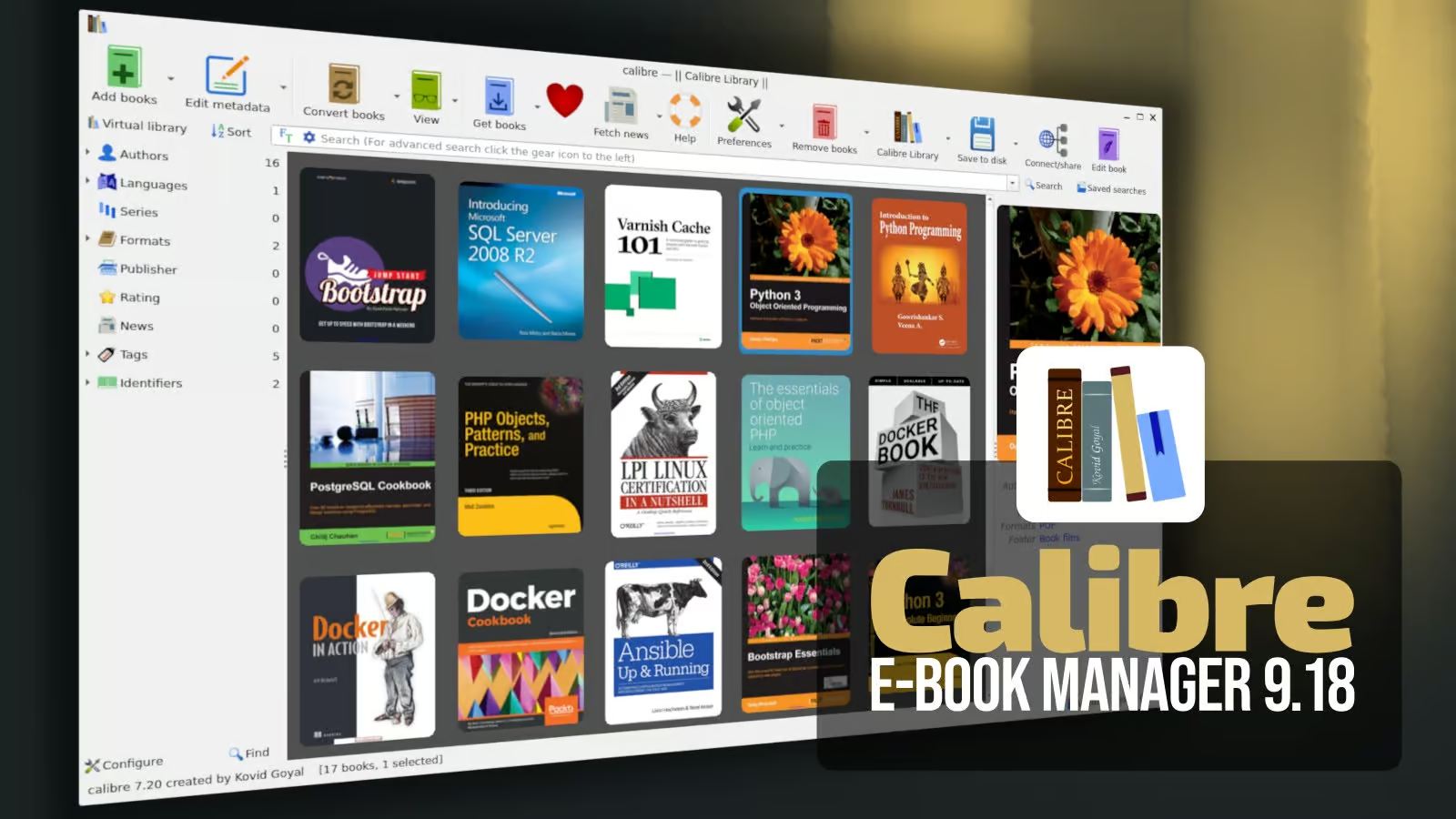
- Calibre 9.18 can synchronize KOReader reading positions through its Content server.
- The Content server now supports OPDS 2.0 feeds and streaming CBZ comics one page at a time.
- The book editor gains tools for language metadata, image alternative text and EPUB accessibility metadata.
- OPDS 1 remains the default feed format; OPDS 2.0 clients request the JSON feed.
Calibre 9.18: What’s new?
Calibre 9.18, released on November 6, 2026, is a feature update for the open-source e-book library manager. Its headline changes focus on reading-progress synchronization, modern catalogue access and accessibility improvements in the book editor. The update also extends command-line library management and improves several reading and conversion workflows.
KOReader reading-progress synchronization
One of the most useful additions is the ability to use Calibre’s Content server as a synchronization server for KOReader. This allows supported KOReader devices to share their reading position through a Calibre server, rather than requiring a separate progress-sync service.
To configure it, first run Calibre’s Content server and ensure that a user account is available. In KOReader, open Tools → Progress sync → Custom sync server, then enter the server address followed by /kosync. For example:
http://192.168.1.20:8080/kosync
Replace the example IP address and port with the address used by your own Calibre Content server. Sign in with the username and password of a Content server user. Calibre’s documentation notes that read-only accounts cannot synchronize reading positions.
Calibre can associate reading positions across different copies and formats of the same book when those copies are recognized through downloads from the server. Copies obtained elsewhere or downloaded before the first synchronization may need additional matching configuration in KOReader.
OPDS 2.0 feeds and streamed comics
Calibre’s Content server adds support for OPDS 2.0. Compatible clients can request JSON catalogues from the existing /opds endpoint using the application/opds+json media type. OPDS 1 remains the default for clients that do not request OPDS 2.0.
The update also improves comic delivery. Applications that support OPDS 2.0 and the Readium Divina format can open CBZ comics page by page, rather than downloading the complete archive before reading. Calibre provides a Divina manifest and makes the comic pages available when the client opens it.
Manga reading direction
For manga archives, Calibre can honor the right-to-left reading direction when the archive includes a ComicInfo.xml file with the appropriate manga setting. This helps compatible readers present pages in the intended order.
Full-text catalogue search
OPDS 2.0 support also includes searching book contents through Calibre’s full-text index. The practical benefit depends on the client application and whether it implements the relevant catalogue capabilities.
New accessibility tools in the book editor
The Edit book interface introduces a dedicated accessibility tool. Editors can set the language of a book and its individual HTML files, review or edit image alternative text—including inline SVG images—and update EPUB Accessibility metadata.
Calibre’s Check book function can now report issues such as:
- Images without alternative text.
- HTML files without a language declaration.
- Headings that skip levels.
- EPUB type values without a matching ARIA role.
- Missing accessibility metadata.
The release notes say that many of these issues can be corrected automatically. These checks help publishers and library maintainers improve the accessibility of EPUB content, although automated checks do not replace a full human accessibility review.
Additional improvements
- Book editor: Color values are previewed with underlines, and Ctrl-clicking a color opens a color wheel for editing.
- E-book viewer: Search can be limited to the current chapter.
- Content server: Keyboard and screen-reader navigation receive further improvements.
- Command line:
calibredbgains commands for notes, annotations, data files, virtual libraries, the trash bin, and renaming or removing library items. - Date searches: New relative date terms include
lastmonth,thisyear,lastyear,monthsagoandyearsago. - Book sources: Standard Ebooks, DOAB and DOAJ are added as book stores.
- PDF input: Page-number detection and handling of large images are improved.
Who benefits most from this release?
Calibre 9.18 is particularly relevant to readers who use KOReader on more than one device and want a central place to synchronize reading positions. It is also useful for home-library administrators who serve books to compatible OPDS clients, comic readers that support page streaming, and ebook editors who need better accessibility checks.
For a single-device user who does not use the Content server, KOReader or OPDS clients, the accessibility and general editor improvements may be the more noticeable changes.
How to get Calibre 9.18
Calibre is available for Linux, Windows and macOS. Use the official download page to obtain the installer or package instructions for your operating system. Linux users should follow the installation method recommended by the Calibre project for their distribution rather than assuming that every distribution repository will immediately provide the newest release.
Download Calibre from the official website.
Final thoughts
Calibre 9.18 is a meaningful update for users who manage a central ebook library and read across multiple devices. KOReader progress synchronization reduces friction between devices, while OPDS 2.0 and streamed CBZ comics make the Content server more capable for compatible reading applications. The new accessibility checks are another practical improvement for anyone maintaining or editing EPUB collections.