Physical Address
304 North Cardinal St.
Dorchester Center, MA 02124
Physical Address
304 North Cardinal St.
Dorchester Center, MA 02124

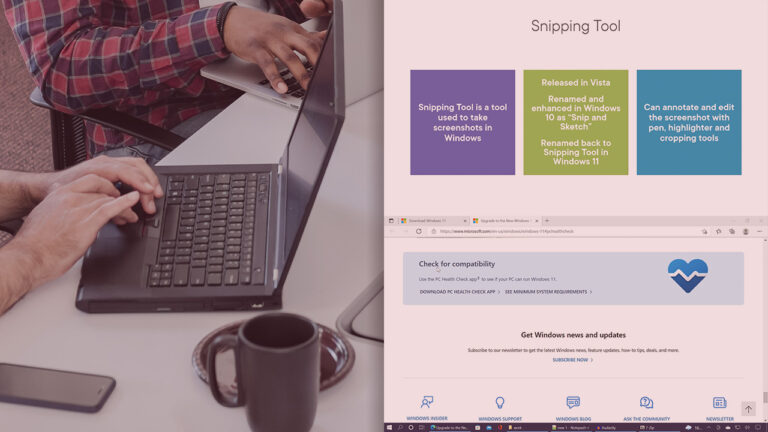
This comprehensive course introduces participants to the fundamentals of Windows 11 desktop management in enterprise environments. Leveraging the experience of a seasoned Microsoft Certified Trainer, this course presents concepts in a simple and understandable way for beginners. Through theoretical lessons and instructor-led practical…

Windows Server 2022 is the latest generation of Windows operating system for servers, released in September 2019 and replacing Windows Server 2019 and Windows Server 2016. Similar to Windows Server 2019, this version of the Windows Server 2022 operating system shares a common core with Windows 10 and, contrary to expectations, is…

Designed for IT professionals, this hands-on course unlocks the full potential of Windows Server 2025. Through hands-on skills and real-world scenarios, participants will learn how to effectively manage, monitor, and maintain Windows Server environments. Starting with creating a management lab…
This course is designed for IT administrators who face the challenges of deploying and managing multiple physical servers and applications. The solution to these challenges is to leverage the Hyper-V and container capabilities in Windows Server 2025. In this comprehensive course, titled…

This one-day course is like you have worked for a company for at least 2 years as a Network Administrator, which you can put on your resume, because you will actually see each section in action with hands-on experiments, just…

This comprehensive course is designed to prepare individuals to assume the role of system administrator in Windows Server 2025 environments. The main emphasis of this course is on practical and experiential learning, and all topics are presented through hands-on labs…
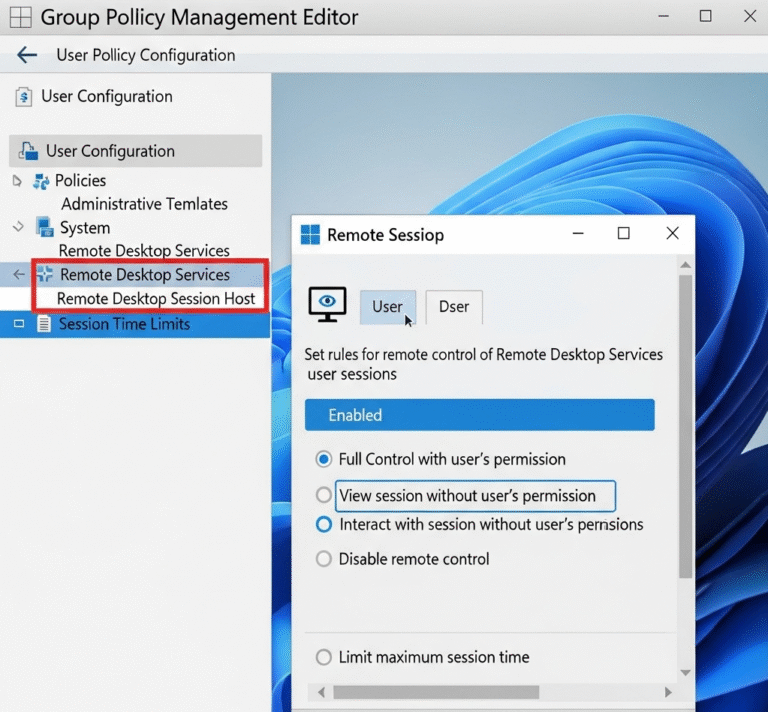
Overview Screen monitoring in a Windows Server 2025 domain environment allows administrators to observe user activities for security, compliance, and productivity purposes. This guide covers multiple approaches including native Windows tools, Group Policy configurations, and integration points for comprehensive monitoring…

When users attempt to access restricted shared folders on Windows file servers, they typically encounter generic “Access is denied” error messages that provide little context or guidance. These default messages can frustrate users and increase helpdesk tickets, as users don’t…

Managing user access to system tools is a critical aspect of enterprise security and system administration. Task Manager, while useful for troubleshooting, can sometimes pose security risks in corporate environments where users might terminate critical processes or access sensitive system…

Managing password policies and tracking password changes is a critical aspect of enterprise security. As system administrators, we often need to verify when users last changed their passwords to ensure compliance with organizational security policies or troubleshoot authentication issues. This…

We have detected that you are using extensions to block ads. Please support us by disabling these ads blocker.




