Physical Address
304 North Cardinal St.
Dorchester Center, MA 02124
Physical Address
304 North Cardinal St.
Dorchester Center, MA 02124

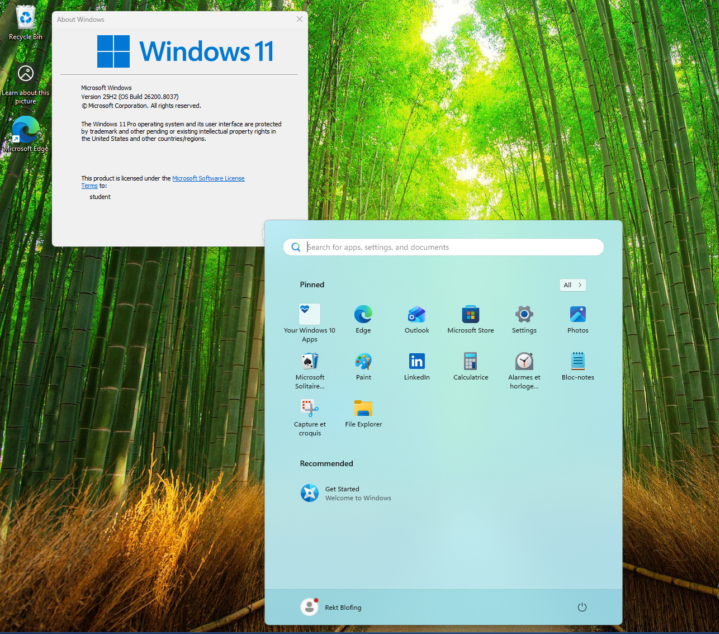
If you’re planning to stay on Windows, there’s now a new tool from Microsoft that makes the upgrade process much easier. Even better, the company is scaling back some of the AI Copilot integration. Copilot’s presence is being reduced in…
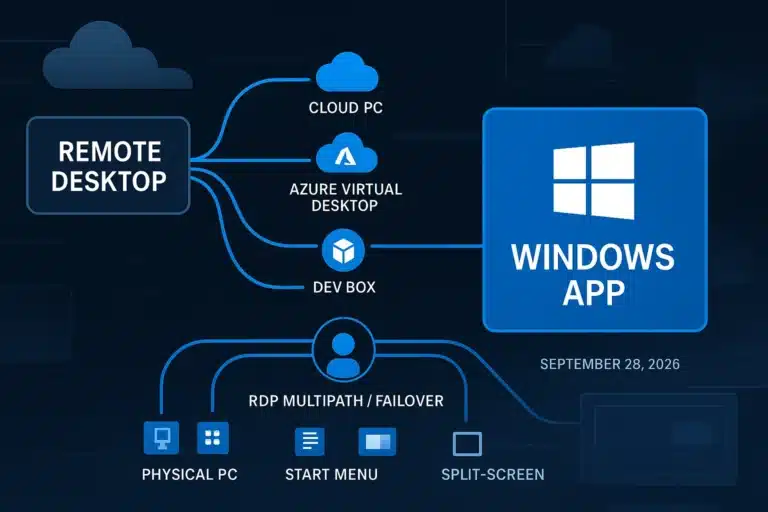
Microsoft is making a clear transition as Windows App replaces Remote Desktop, offering a unified experience for accessing cloud PCs, virtual desktops, and local machines. This shift also brings several enhancements, including LAN connectivity support, integrated keylogging protection, improved connection…
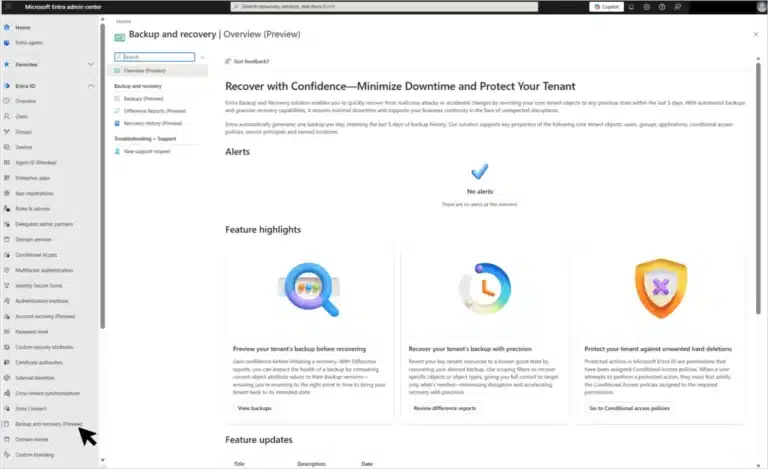
Microsoft’s March 2026 Microsoft Entra update brings passkey authentication to general availability, introduces a built-in tenant backup feature in public preview, and announces a breaking security change for hybrid environments scheduled for June 1, 2026. It also enforces TLS 1.2…
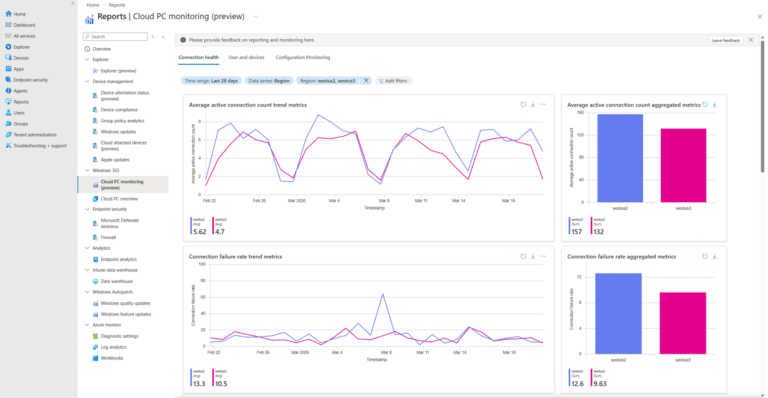
We’re excited to introduce the new Windows 365 monitoring and reporting platform, now available in public preview. This platform delivers a unified reporting experience within the Microsoft Intune admin center, bringing together Cloud PC health, performance, and configuration insights into…
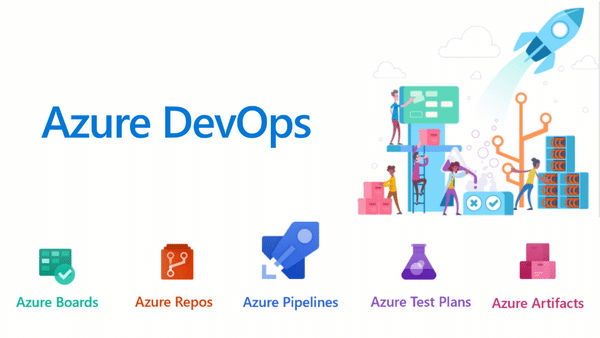
Azure DevOps 22.2 (that is, Azure DevOps Server 2022.2) is the latest point release in the 2022 server line, delivering new features from the cloud‑hosted Azure DevOps plus fixes and security updates. It is intended for on‑premises or private‑cloud deployments of Azure DevOps…
Managing hundreds or thousands of Windows machines individually is not administration — it is chaos. Whether you need to enforce a password policy across every workstation in the domain, restrict access to Control Panel for standard users, deploy software settings,…
What Is Microsoft Agent 365? Microsoft Agent 365 is a platform‑neutral control plane that treats AI agents as first‑class entities inside an enterprise, similar to how you manage users and applications today. It aims to bring governance, security, and observability…
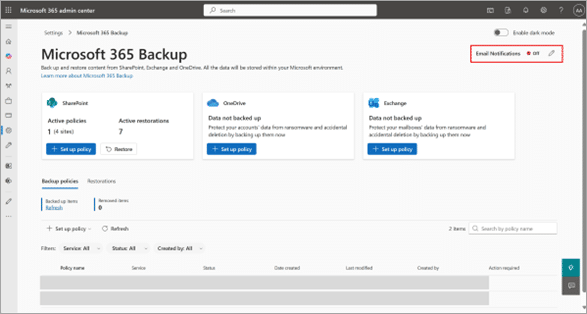
Microsoft has launched departmental billing for Microsoft 365 Backup, effective March 2, 2026, enabling organizations to configure billing policies, delegate administration, and implement chargeback models across different business units. This enhancement addresses enterprise demands for decentralized backup management while maintaining…
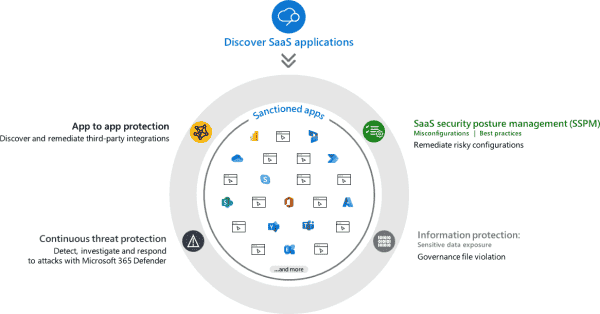
Microsoft Defender for Cloud Apps is a Cloud Access Security Broker (CASB) solution that delivers comprehensive security for Software as a Service (SaaS) applications across your organization. This security platform provides visibility into shadow IT, threat protection, data loss prevention…

According to Microsoft’s latest Digital Defense Report, 97% of identity-based attacks are password spray attacks. This highlights a key reality: most attackers aren’t relying on advanced cracking methods. Instead, they use a simple but highly effective tactic—trying a small set…

We have detected that you are using extensions to block ads. Please support us by disabling these ads blocker.




