Physical Address
304 North Cardinal St.
Dorchester Center, MA 02124
Physical Address
304 North Cardinal St.
Dorchester Center, MA 02124

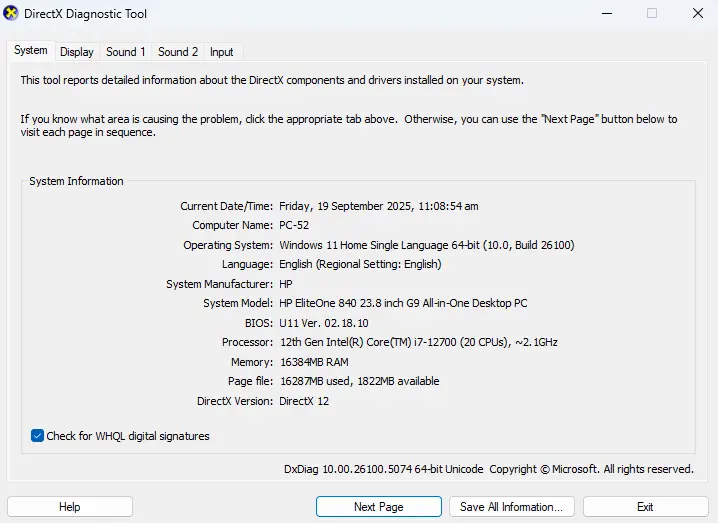
Pull up a chair and let me share something that’ll save you tons of time and frustration. You know that moment when you’re trying to figure out what graphics card is actually running inside your PC? Maybe you’re troubleshooting a…
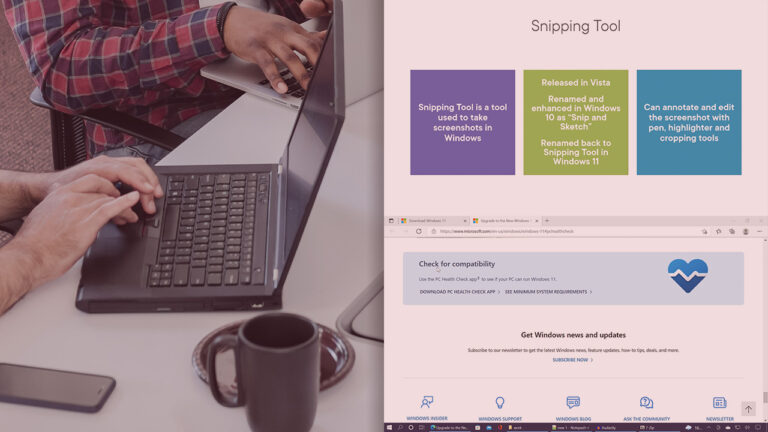
This comprehensive course introduces participants to the fundamentals of Windows 11 desktop management in enterprise environments. Leveraging the experience of a seasoned Microsoft Certified Trainer, this course presents concepts in a simple and understandable way for beginners. Through theoretical lessons and instructor-led practical…

With the 24H2 update, Windows 11 now fully supports Wi-Fi 7, adding new settings and details to help you get the most from your home network. It took a long time for Windows 11 and Wi-Fi 7 to finally come…

Introduction In an era where cyber threats are evolving at an unprecedented pace, Windows Security 2025 emerges as one of the most powerful operating system security platforms ever released by Microsoft. Packed with AI-driven threat detection, zero trust enhancements, and…
Bypassing the administrator password on a Windows 10 computer can be useful if you’ve forgotten your password or are locked out of your account. To do this, you can use the Command Prompt in Safe Mode to access the built-in…
Turning on virtualization in Windows 11 is actually pretty straightforward. You just have to go into your computer’s BIOS or UEFI settings, enable virtualization, and then confirm the changes. Afterward, you may need to enable it in Windows Features. The…

Microsoft Intune: An Administrator’s Guide to Deploying Applications Using PowerShell by Owen Smith is a step-by-step guide designed for IT administrators seeking to simplify the process of deploying applications across corporate devices using PowerShell scripting in Microsoft Intune. What’s Covered…

PDQ Deploy 19.3.575.0 Enterprise offers numerous benefits that streamline software deployment and enhance IT management. It automates the process of deploying software, patches, updates, and scripts across multiple Windows machines, saving time and reducing manual errors. With seamless integration with…
PDQ Inventory 19.3.575.0 Enterprise is part of the PDQ product suite, which focuses on IT asset management and system administration for Windows environments. PDQ Inventory allows IT administrators to manage and maintain a network of Windows computers and servers by…

SolarWinds Hybrid Cloud Observability 2024.2 is a comprehensive solution designed to optimize performance, ensure availability, and reduce remediation time across on-premises and multi-cloud environments. This version introduces several enhancements to improve monitoring and management capabilities. Key Features and Enhancements: System…

We have detected that you are using extensions to block ads. Please support us by disabling these ads blocker.




