Physical Address
304 North Cardinal St.
Dorchester Center, MA 02124
Physical Address
304 North Cardinal St.
Dorchester Center, MA 02124

Explore Windows Server 2022 tutorials, guides, and best practices. Learn installation, configuration, and management to enhance your IT infrastructure.
ManageEngine ADManager Plus 7.2 is a comprehensive Active Directory (AD) management solution designed for IT administrators to simplify the management of AD users, computers, groups, and more, in a centralized platform. The software provides both automation and delegation of AD…

In the ever-evolving world of IT security, password management remains one of the most crucial aspects of safeguarding user access to corporate systems. ManageEngine ADSelfService Plus, a popular self-service password management solution, has recently rolled out its new update —…
Introduction As cyber threats continue to evolve, securing access to your VMware ESXi 8 environment is more critical than ever. While traditional username-password authentication provides a basic level of security, it is no longer sufficient against modern attack vectors like…

Description The Microsoft System Center software suite is Microsoft’s comprehensive management solution for seamlessly managing and running data centers across clients and servers to a variety of network equipment and physical and virtual environments as well as data monitoring and…
Introduction Deploying software across multiple computers in a network can be a time-consuming task, especially in large organizations. Fortunately, Windows Server 2022 simplifies this process through Group Policy, enabling administrators to automate software installations. One common example is deploying Mozilla…
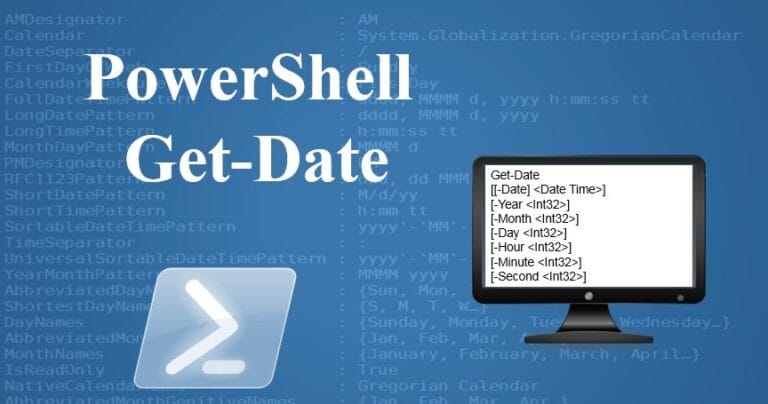
Introduction Setting the correct date and time on your Windows Server is essential for ensuring seamless operations, accurate logging, and proper synchronization with other servers and devices in your network. This guide discusses how to use PowerShell to configure the…
Introduction When managing Active Directory environments, knowing when a Domain Controller (DC) was created can be essential for auditing, troubleshooting, or historical record-keeping. This post discusses how to use PowerShell to find the creation date and time of a Domain…
Introduction The Windows Registry Editor (regedit) is a powerful tool that allows users to modify system settings. However, unauthorized access to the Registry Editor can lead to significant security risks, especially in enterprise environments. By using Group Policy in Windows…
System Center 2019 – One of the most prominent management and monitoring software tools and sets in organizations is Microsoft System Center, and it causes fundamental improvement in IT units. By using the Microsoft Center system, the management infrastructure of an…

In the book Mastering Windows Server 2022 with Azure Cloud Services: IaaS, PaaS, and SaaS, you will learn about the extensive capabilities of Windows Server 2022 and Azure and how to migrate virtual and physical server loads to Azure IAAS, PAAS and SAAS and…

We have detected that you are using extensions to block ads. Please support us by disabling these ads blocker.




