Physical Address
304 North Cardinal St.
Dorchester Center, MA 02124
Physical Address
304 North Cardinal St.
Dorchester Center, MA 02124

Explore Windows Server 2022 tutorials, guides, and best practices. Learn installation, configuration, and management to enhance your IT infrastructure.
Overview of Windows PowerShell This cross-platform automation and configuration tool/framework works well with your existing tools. It is optimized for structured data (i.e., JSON, CSV, XML, etc.), REST APIs, and object models. The software has more than 130 commandlets (cmdlets),…
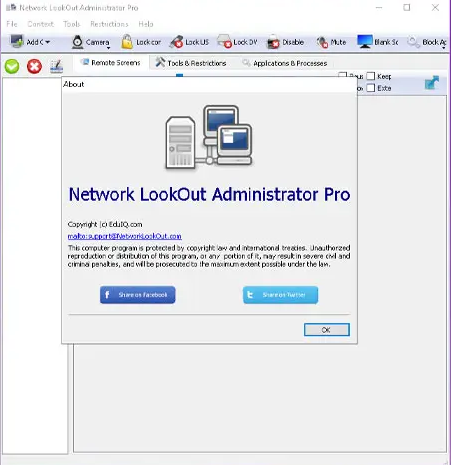
Overview of EduIQ Network LookOut Administrator Pro It is a powerful, easy-to-use network monitoring software designed specifically for Windows operating systems. It allows administrators to remotely monitor and control all the computers in their network, ensuring they are being used…
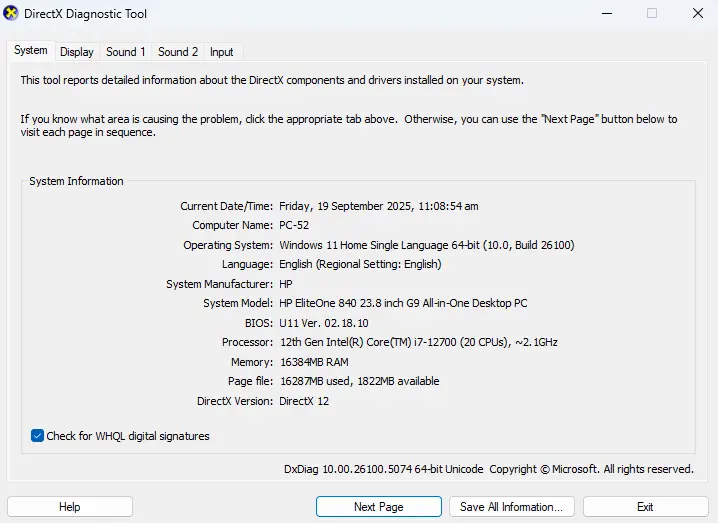
Pull up a chair and let me share something that’ll save you tons of time and frustration. You know that moment when you’re trying to figure out what graphics card is actually running inside your PC? Maybe you’re troubleshooting a…
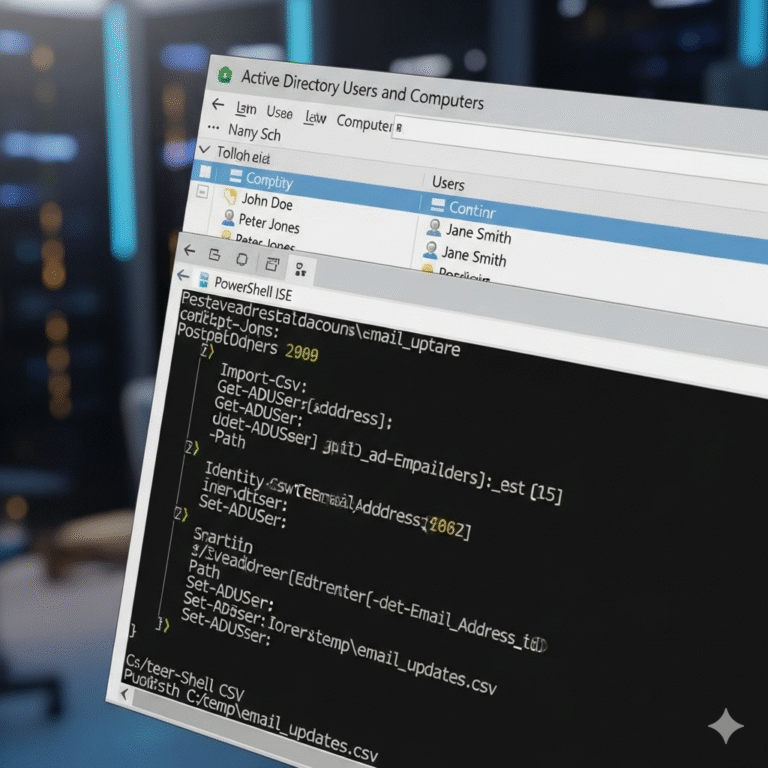
Managing hundreds or thousands of user accounts in Active Directory can quickly become overwhelming, especially when you need to add email addresses to existing domain users. If you’ve ever found yourself manually updating user accounts one by one, you know…

Windows Server 2025 provides robust capabilities for enabling multiple domain users to access Remote Desktop sessions simultaneously. This comprehensive guide covers everything you need to know about configuring, licensing, and managing multi-user Remote Desktop Services (RDS) environments with domain integration.…
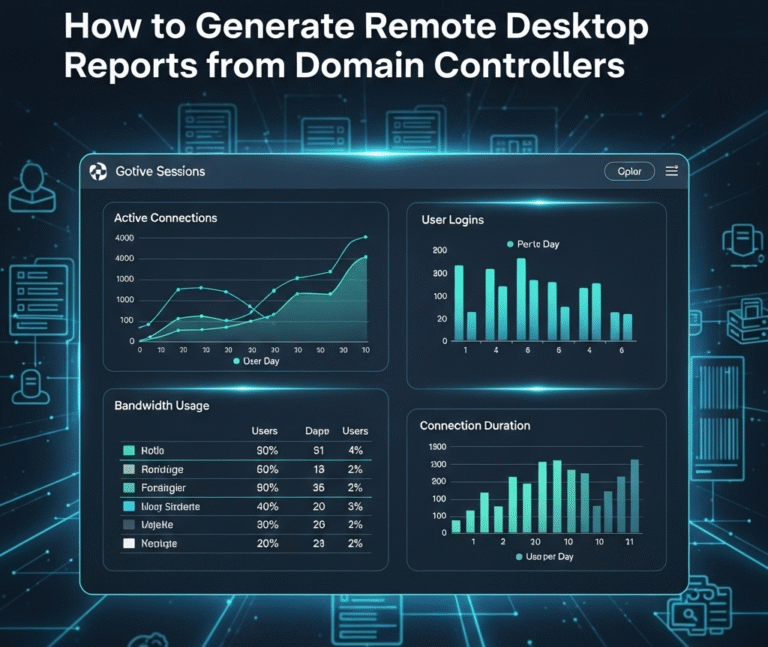
Introduction Remote Desktop Protocol (RDP) management is crucial for Windows system administrators managing enterprise networks. This comprehensive guide provides step-by-step instructions for generating detailed reports of computers with Remote Desktop enabled and tracking remote users across domain controllers. What you’ll…

Windows Server 2022 is the latest generation of Windows operating system for servers, released in September 2019 and replacing Windows Server 2019 and Windows Server 2016. Similar to Windows Server 2019, this version of the Windows Server 2022 operating system shares a common core with Windows 10 and, contrary to expectations, is…

This one-day course is like you have worked for a company for at least 2 years as a Network Administrator, which you can put on your resume, because you will actually see each section in action with hands-on experiments, just…
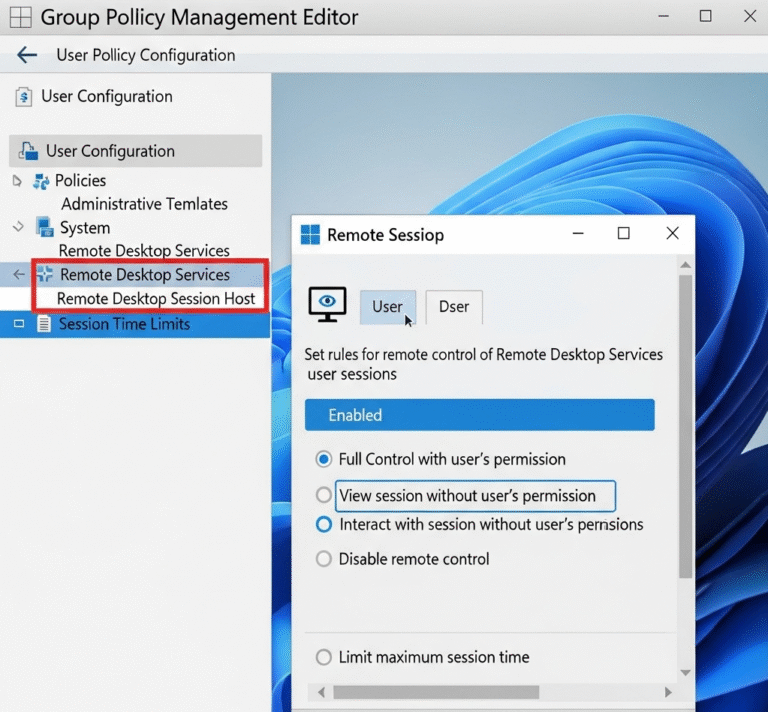
Overview Screen monitoring in a Windows Server 2025 domain environment allows administrators to observe user activities for security, compliance, and productivity purposes. This guide covers multiple approaches including native Windows tools, Group Policy configurations, and integration points for comprehensive monitoring…

When users attempt to access restricted shared folders on Windows file servers, they typically encounter generic “Access is denied” error messages that provide little context or guidance. These default messages can frustrate users and increase helpdesk tickets, as users don’t…

We have detected that you are using extensions to block ads. Please support us by disabling these ads blocker.




