Physical Address
304 North Cardinal St.
Dorchester Center, MA 02124
Physical Address
304 North Cardinal St.
Dorchester Center, MA 02124

Explore ESXi 7 tutorials, guides, and best practices. Learn installation, configuration, and management of VMware ESXi 7 for efficient virtualization.
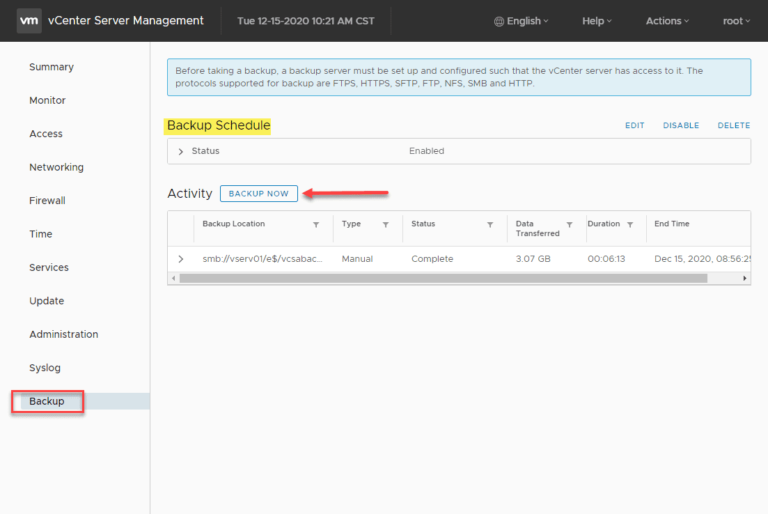
Backing up your VMware vCenter Server is crucial for maintaining the stability and resilience of your VMware vSphere environment, especially if you rely on vSphere Distributed Switches and other vCenter-centric infrastructure components. Protecting your vCenter Server is essential, and modern…
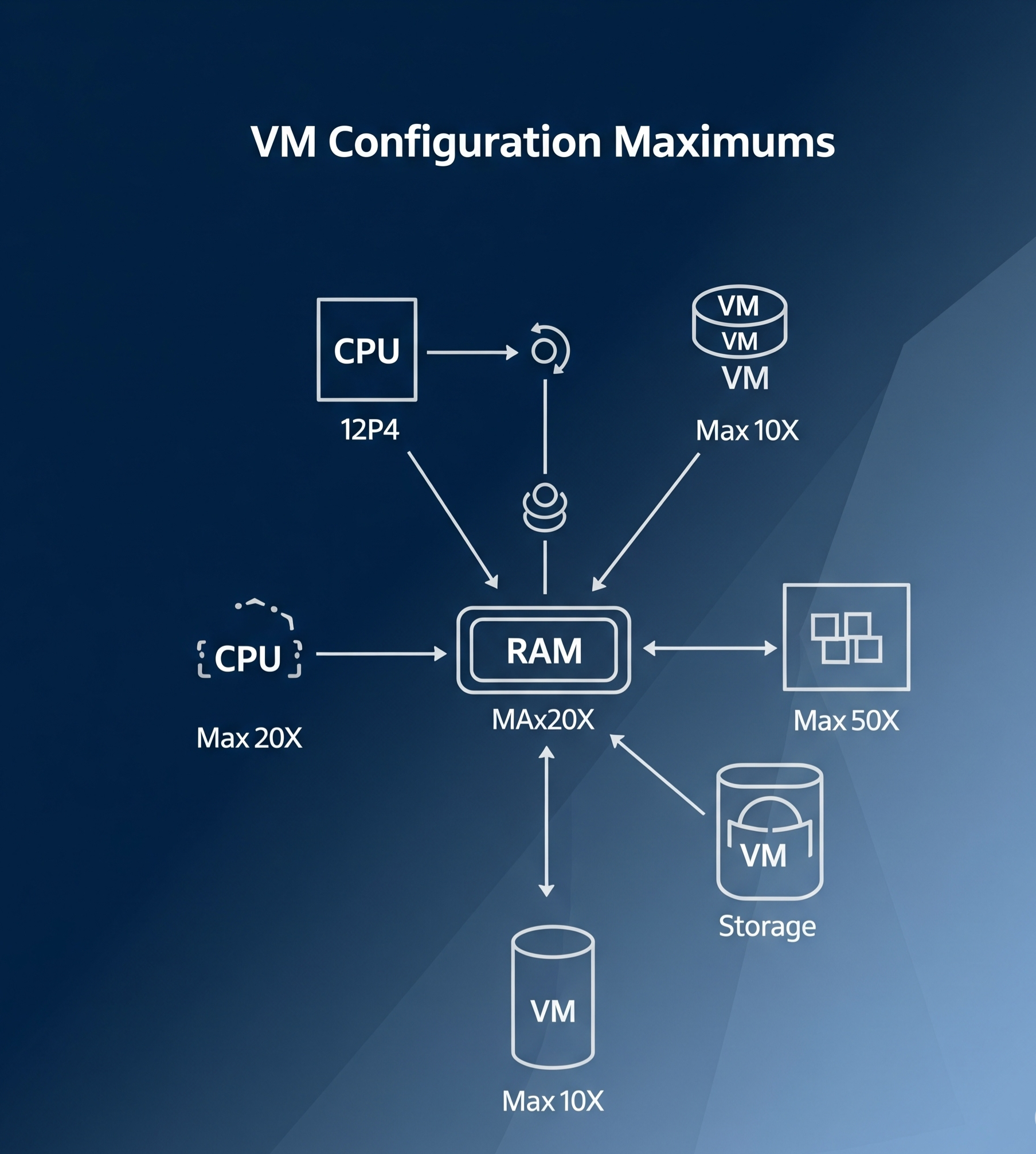
Introduction Virtual Machine (VM) configuration maximums are key limits and specifications that help define the capacity and performance of a virtual machine in a VMware environment. These maximums are essential for understanding how far you can push your VM configurations…

Introduction In VMware vSphere, a vApp is a logical container that allows administrators to group related virtual machines (VMs) into a single management unit. This is particularly valuable for multi-tier applications, where different components—such as web servers, application servers, and…
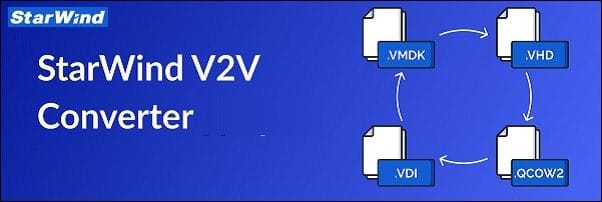
StarWind V2V Converter is a free tool designed to convert virtual machines (VMs) between different formats and to convert physical machines into VMs. With this tool, you can easily perform bidirectional conversions between various supported VM formats, including VMDK, VHD/VHDX…
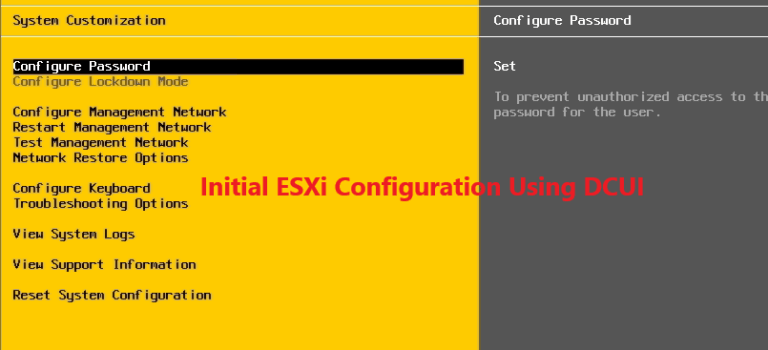
The Direct Console User Interface (DCUI) is the gateway to configuring your newly installed VMware ESXi server. Once the interactive installation is complete, the DCUI offers a straightforward interface to perform initial configuration tasks, such as setting up networking, managing…
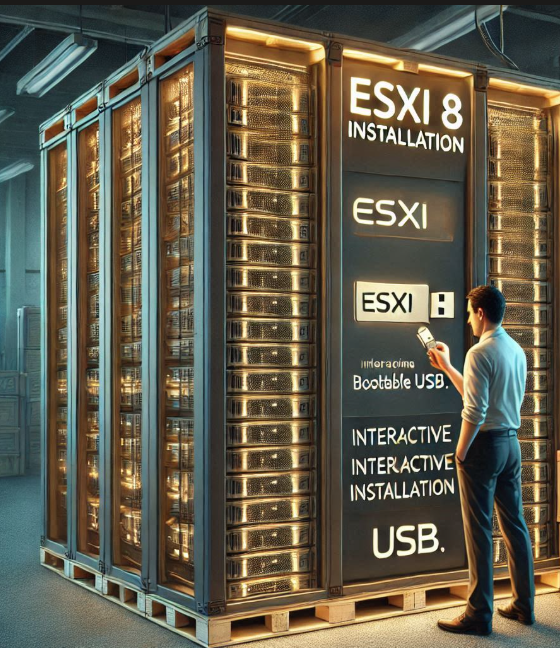
The VMware ESXi 8 hypervisor is the cornerstone of modern virtualization infrastructure, enabling organizations to consolidate workloads, optimize resource utilization, and streamline IT operations. Whether you’re setting up a lab environment, building a proof of concept, or deploying a production-grade…
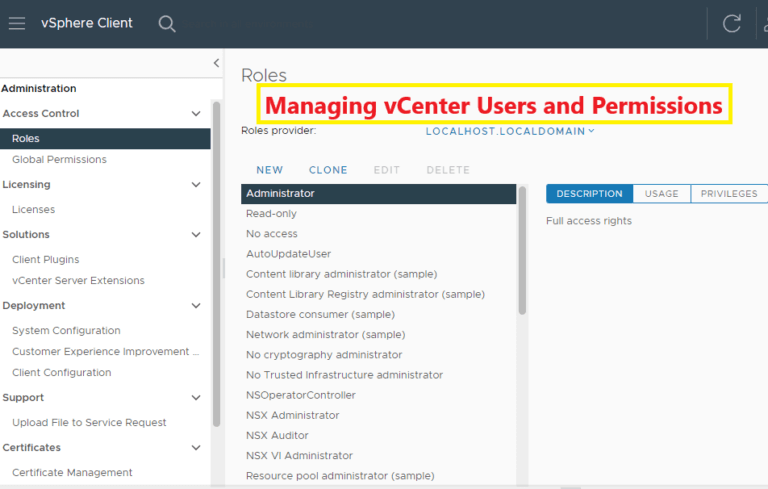
Managing users and permissions in VMware vCenter is a critical aspect of securing your virtual environment. With vCenter’s robust Role-Based Access Control (RBAC) model, you can define and enforce access controls, ensuring users have appropriate privileges without compromising security. This…
Descriptions Clear and Simple VCTA VMware Technical Associate – vSphere 8, Are you looking for VMware vSphere Training? Do you want to learn from an experienced trainer who makes complex concepts simple and easy to understand? Do you need to…
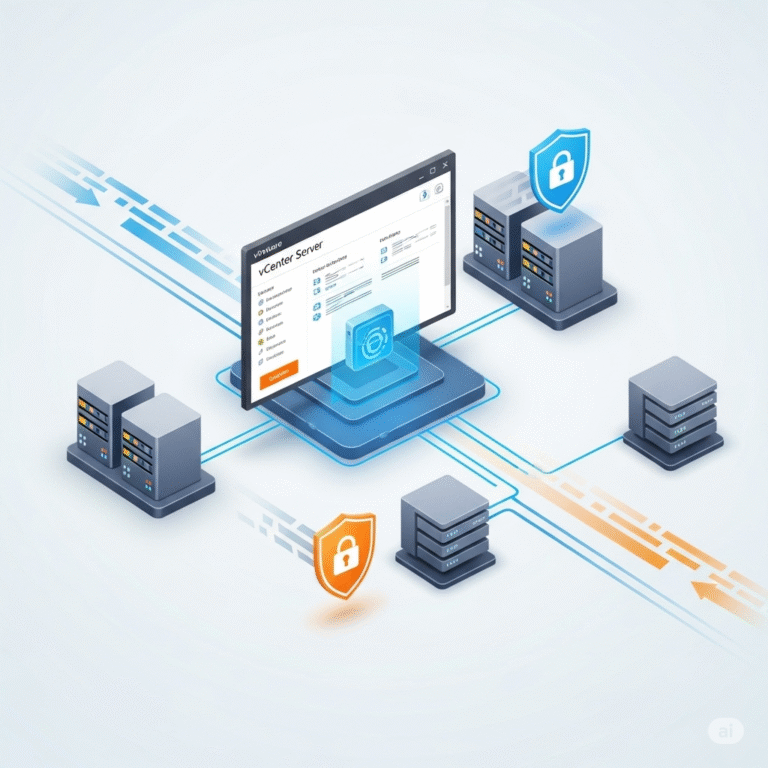
Introduction In today’s IT landscape, VMware vCenter Server is an essential tool for managing virtualized environments efficiently. From resource allocation to security settings, configuring vCenter is crucial to ensure your virtual infrastructure operates smoothly. In this guide, we’ll walk you…
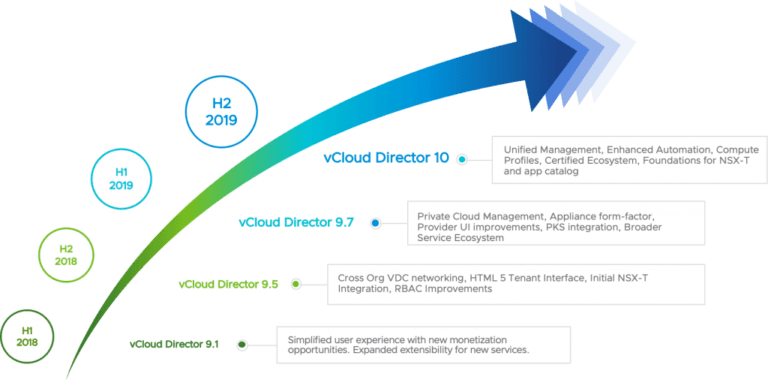
VMware vCloud Director has the role of coordinating the provision of software services in the data center, and it accomplishes this goal in the form of complete and standby virtual data centers. Data center software services, along with virtual data…

We have detected that you are using extensions to block ads. Please support us by disabling these ads blocker.




