Physical Address
304 North Cardinal St.
Dorchester Center, MA 02124
Physical Address
304 North Cardinal St.
Dorchester Center, MA 02124

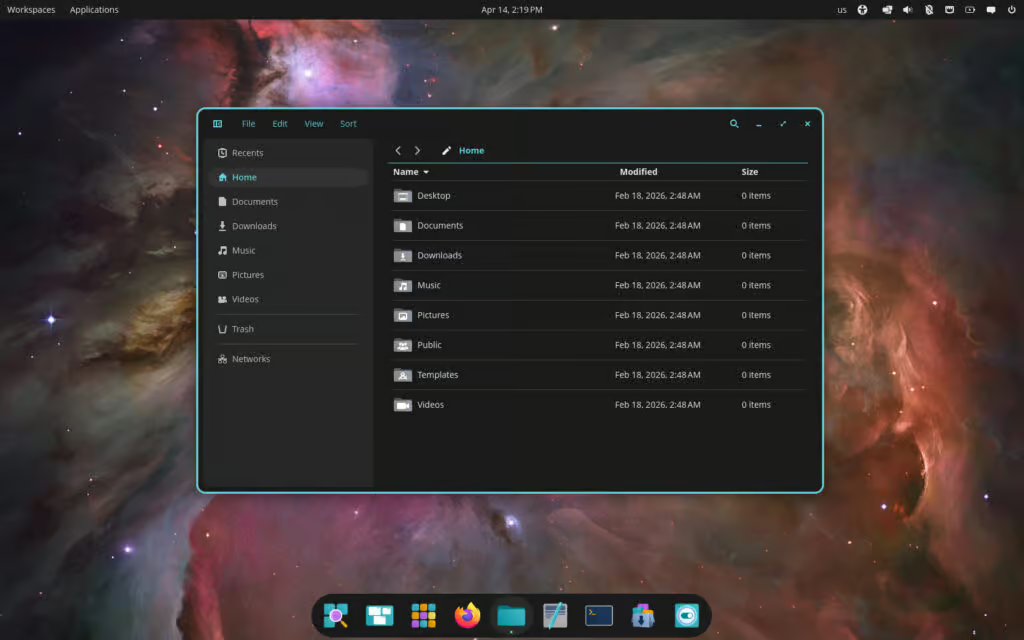
System76 has released COSMIC Desktop 1.0.10, a maintenance update that brings a range of refinements and fixes. One of the standout additions is in COSMIC Files, which now allows users to define custom context menu actions.
The file manager also sees further improvements, including a workaround for clipboard delay issues, better type-to-select behavior, and a fix for tab titles that were previously displayed in bold incorrectly.
On the compositor side, a new option has been introduced to enable or disable workspace wrapping, giving users more flexibility when navigating virtual desktops.
Additionally, COSMIC Applets now supports filtering by workspace and configured outputs, improving performance in multi-workspace and multi-monitor setups.
COSMIC Text Editor receives several bug fixes, such as automatically closing when the final tab is closed, resolving a regression that caused text truncation, and improving focus behavior during project searches. Other components have also been refined—COSMIC App Library fixes sizing issues, while COSMIC Greeter addresses input widget clipping problems.
Further enhancements include COSMIC Session now setting the XDG_SESSION_DESKTOP environment variable, COSMIC Store fetching backends concurrently for better performance, and COSMIC Terminal moving its context menu to a Wayland popup surface, along with minor cleanup improvements.
Packages for COSMIC Desktop 1.0.10 are expected to roll out soon to repositories of rolling-release distributions like Arch Linux, openSUSE Tumbleweed, and CachyOS. Users of Pop!_OS 24.04 LTS can expect the update to arrive in the coming days.
For more information, see the changelog.

We have detected that you are using extensions to block ads. Please support us by disabling these ads blocker.



