



149views

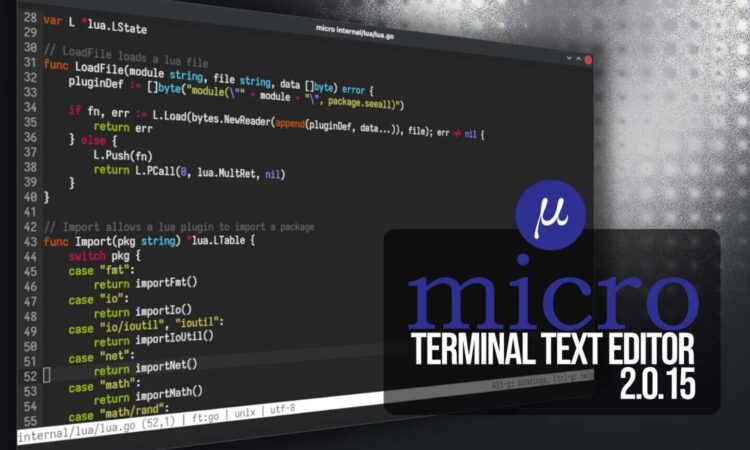
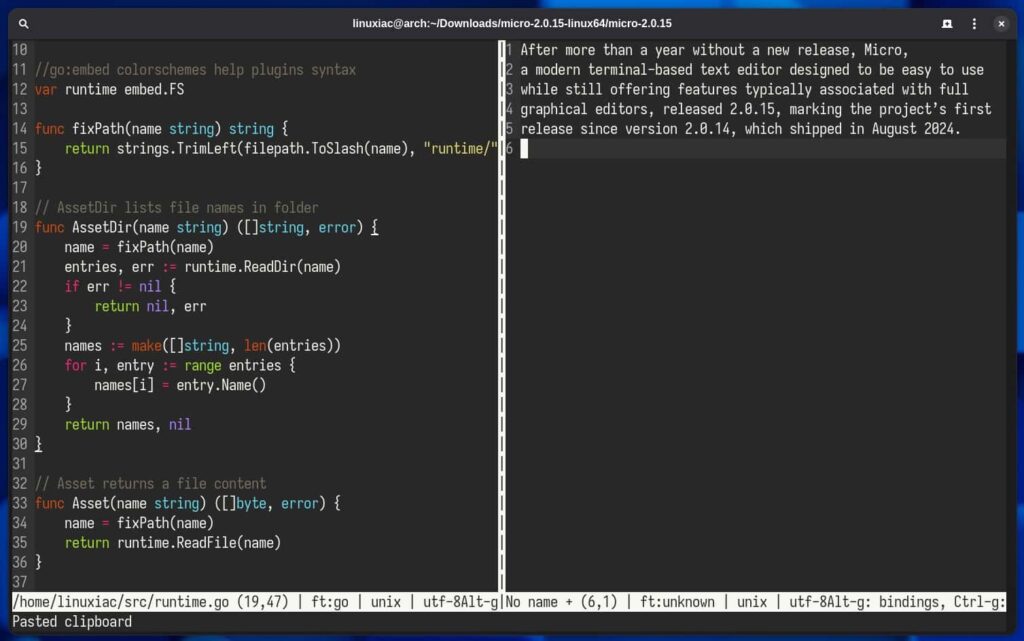
The popular terminal-based text editor Micro has released version 2.0.15, marking its first update in over a year and bringing a host of improvements to the lightweight editing tool beloved by developers and system administrators alike.
A Long-Awaited Update
Micro 2.0.15 arrives after an extended development cycle that began following the previous release. While the gap between versions may seem lengthy, the development team has used this time to refine the editor’s core functionality and address longstanding community requests.
For those unfamiliar with Micro, it positions itself as a modern alternative to traditional terminal editors like nano and vim. The project emphasizes ease of use with familiar keybindings (Ctrl+S to save, Ctrl+Q to quit) while still offering powerful features that advanced users expect from a terminal editor.
What Makes Micro Different
Unlike vim or emacs, which have steep learning curves, Micro works the way most people expect a text editor to function. It supports mouse interaction, multiple cursors, syntax highlighting for over 130 languages, and a plugin system that extends its capabilities. Despite these features, it remains fast and lightweight, with a single binary that’s easy to install across platforms.The editor has gained a dedicated following among developers who want something more capable than nano but less complex than vim, particularly for quick configuration file edits and scripting work on remote servers.
Looking Ahead
With version 2.0.15 now available, the Micro development community continues to maintain and improve the editor. Users can download the latest release from the project’s GitHub repository or through their system’s package manager.For those seeking a modern, user-friendly terminal text editor that doesn’t sacrifice power for simplicity, Micro 2.0.15 represents a mature option worth exploring.
Have you tried Micro? Share your experiences with terminal text editors in the comments below.
add a comment

Incus 6.23 Container & Virtual Machine Manager Released
The Incus project has rolled out version 6.23, marking the final update in the 6.x series before the anticipated 7.0...

KaOS 2026.03 Released With Major Move Away From systemd Components
The KaOS project has rolled out its March 2026 ISO, introducing one of the most extensive internal transformations the distribution...

8 Ubuntu Terminal Tools You Must Master in 2026
Introduction1. micro — The Terminal Editor With Zero Learning Curve2. Neovim — IDE-Level Terminal Editing When You Are Ready3. tmux...

Canonical Plans Controversial GRUB Changes for Ubuntu 26.10 Secure Boot
Canonical is considering a significant overhaul to how Secure Boot works in Ubuntu 26.10, with a proposal aimed at reducing...
