Physical Address
304 North Cardinal St.
Dorchester Center, MA 02124
Physical Address
304 North Cardinal St.
Dorchester Center, MA 02124


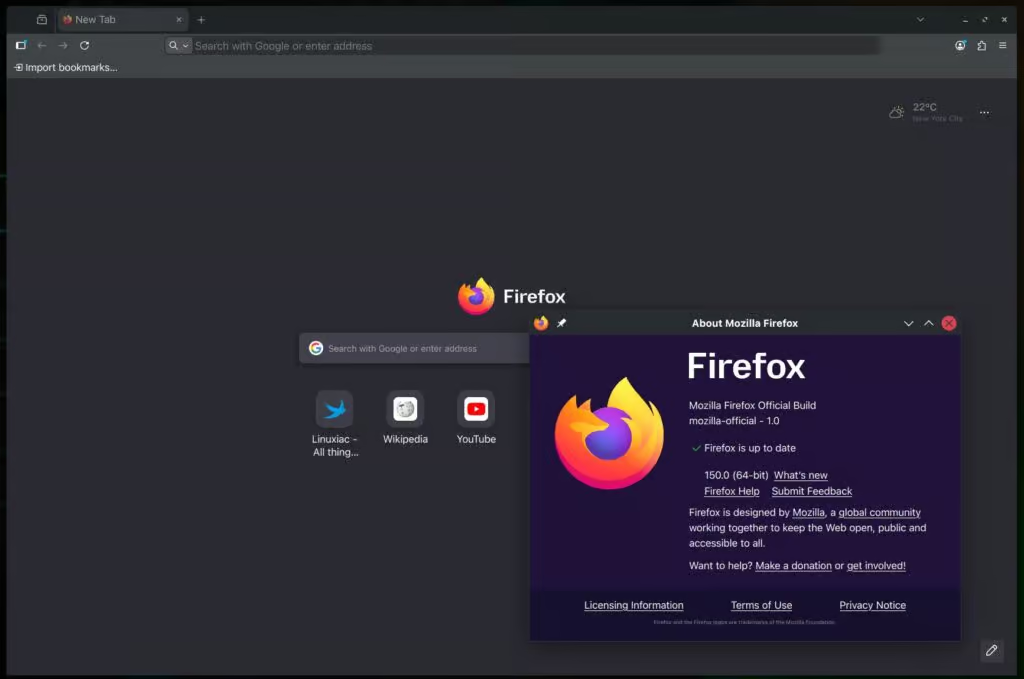
Mozilla Firefox 150 has been released as the latest update to the widely used open-source browser, introducing new features, privacy enhancements, and developer improvements. On Linux systems, one of the most noticeable additions is support for the GTK emoji picker, allowing users to insert emoji using the standard system shortcut (usually Ctrl+.), bringing Firefox closer to native application behavior on GTK-based desktops.
The built-in PDF viewer has also been enhanced, now enabling users to rearrange pages directly within the browser. This includes options to move, duplicate, and delete pages, turning the viewer into a lightweight document editing tool rather than just a reader.
In terms of privacy, Firefox 150 expands its local network protection by requiring websites to request permission before accessing devices or services on a user’s local network. Previously limited to users with strict tracking protection, this feature is now being rolled out more broadly, though it may not appear immediately for all users.
A macOS-specific fix addresses an issue where emoji were not displayed properly in web content when Apple’s Lockdown Mode was enabled. Meanwhile, developers benefit from updates such as refined behavior of the Document.caretPositionFromPoint() method with shadow DOM handling, as well as improved DevTools features, including a more focused pseudo-class toggle section and support for the :open pseudo-class.
Additionally, the network monitor now highlights when a connection uses a certificate issued by a certificate authority outside Mozilla’s trusted Root CA Program. The update is available for download from Mozilla, with automatic updates rolling out to Windows and macOS users soon, while Linux users can expect it to arrive in their distribution repositories shortly.

We have detected that you are using extensions to block ads. Please support us by disabling these ads blocker.



