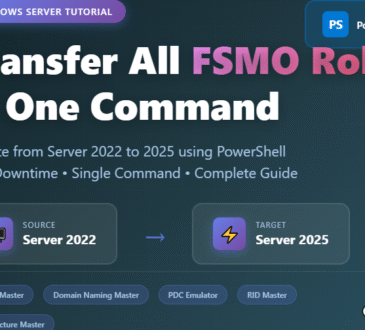
IntroductionWhat Are FSMO Roles?Forest-Level Roles (2 roles)Domain-Level Roles (3 roles)PrerequisitesTechnical RequirementsPre-Transfer ChecklistCreate a System State BackupStep 1: Verify Current FSMO...
Managing a network of domain computers can be challenging, especially when you need to perform maintenance tasks like shutting down or restarting multiple machines simultaneously. Whether you're applying updates, performing scheduled maintenance, or managing power consumption across your organization, Windows Server 2025 provides powerful built-in tools to accomplish these tasks efficiently. In this comprehensive guide, I'll walk you through the process of remotely managing multiple domain computers from your Domain Controller, sharing practical insights from real-world IT administration. Why Remote Management Matters Before diving into the technical steps, let's talk...
IntroductionMethod to Find Domain Controller Creation Date and TimeStep 1: Launch PowerShellStep 2: Import Active Directory ModuleStep 3: Query the Domain Controller Creation DateStep 4: Interpret the OutputStep 5: Save the Output (Optional)Wrapping Up Introduction When managing Active Directory environments, knowing when a Domain Controller (DC) was created can be essential for auditing, troubleshooting, or historical record-keeping. This post discusses how to use PowerShell to find the creation date and time of a Domain Controller in Windows Server 2022. We’ll also provide a step-by-step tutorial to help you perform this...
Ads Blocker Detected!!!
We have detected that you are using extensions to block ads. Please support us by disabling these ads blocker.