
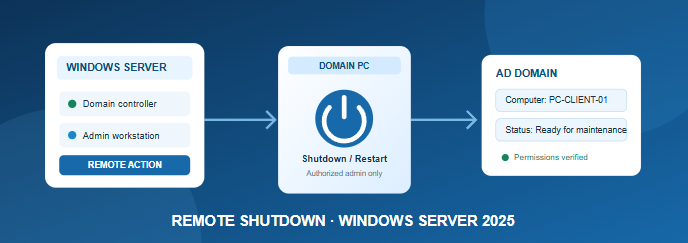
How to Remotely Shut Down a Domain Computer Using Windows Server 2025
A step-by-step guide for administrators to shut down or restart domain-joined Windows computers securely using Command Prompt, the Remote Shutdown dialog, and PowerShell.
A step-by-step guide for administrators to shut down or restart domain-joined Windows computers securely using Command Prompt, the Remote Shutdown dialog, and PowerShell.
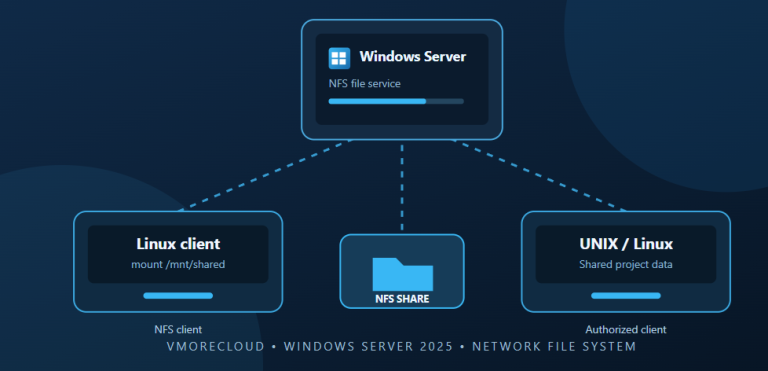
Learn how to install Server for NFS, create a network file share, configure client access, and connect Linux or UNIX systems to Windows Server 2025.
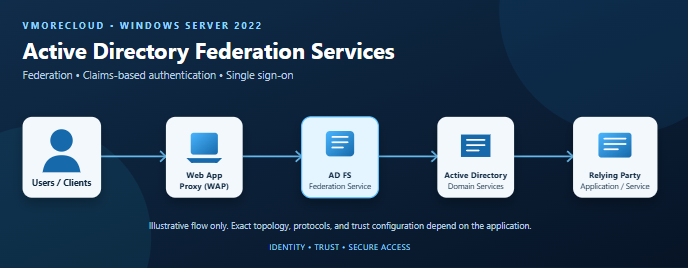
Understand how AD FS enables claims-based authentication and single sign-on, plan a secure deployment, install the role, configure a federation service, and validate the setup on Windows Server 2022.
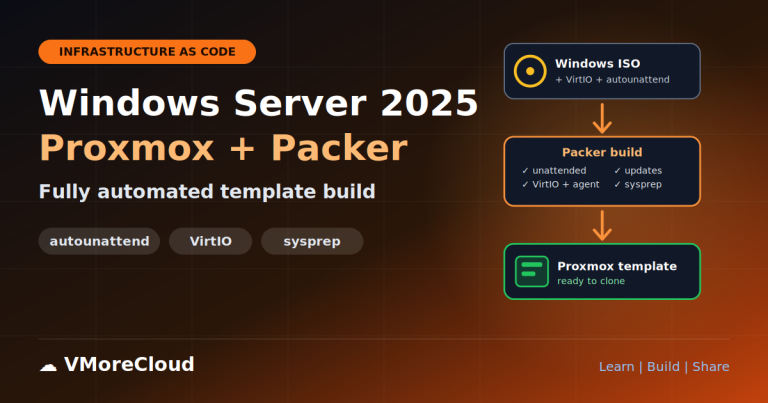
This guide builds that pipeline from scratch. Packer creates the VM, attaches your Windows ISO, the VirtIO driver ISO and a CD it generates on the fly containing the answer file, so you never have to remaster the Windows ISO.
Learn how to define Azure resources as reusable JSON infrastructure code, validate your template, preview deployment changes, and deploy a storage account using Azure CLI.
Home › Windows Server › IPv6 Group Policy Windows Server 2025 Active Directory Networking Group Policy How to Disable IPv6 on All Domain Computers Using Group Policy Learn how to centrally configure IPv6 settings across Windows domain computers using Group…
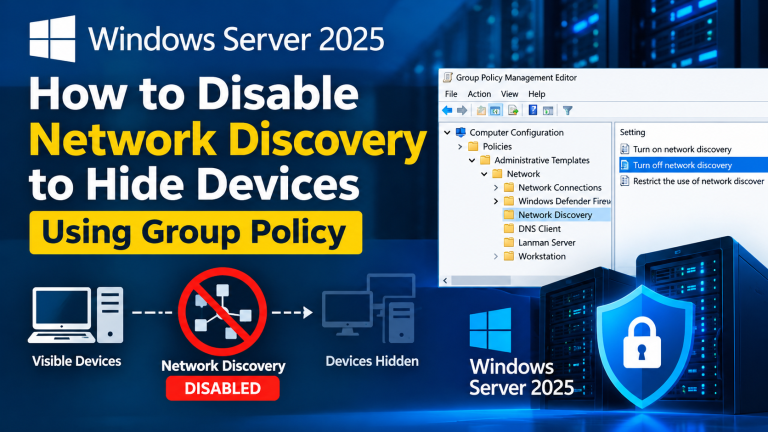
Learn how to configure Windows Server 2025 Group Policy, manage discovery-related firewall rules, and reduce the visibility of domain computers in Windows File Explorer.
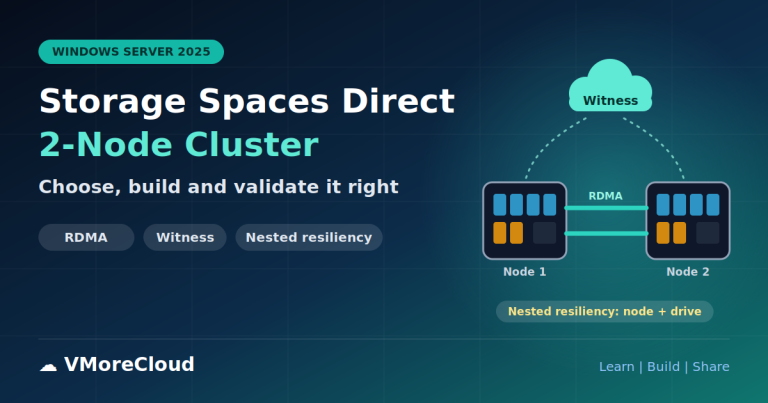
A 2-node S2D cluster is the smallest supported Storage Spaces Direct design, and the one where early decisions are hardest to undo. This guide helps you make those decisions first, then builds the cluster.
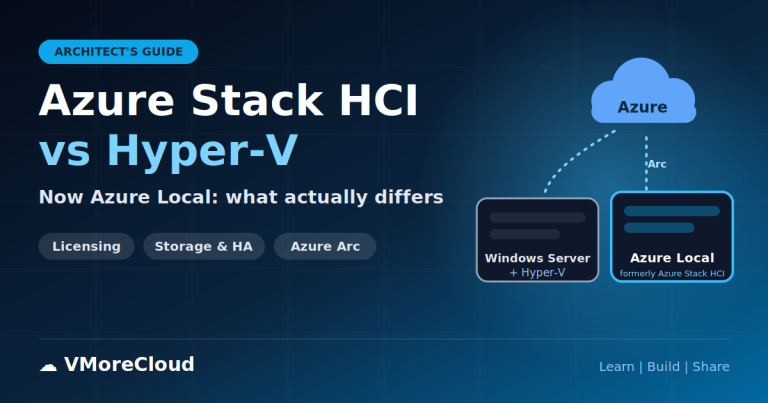
The comparison is often framed as "Azure Stack HCI versus Hyper-V", but those names are not parallel. Hyper-V is a hypervisor. Windows Server is an operating system that can host it.
The Windows Security app is the single place in Windows 11 where you manage antivirus, ransomware controls, firewall, app and browser protection, device hardening and account protection.