Physical Address
304 North Cardinal St.
Dorchester Center, MA 02124
Physical Address
304 North Cardinal St.
Dorchester Center, MA 02124
Ever found yourself frustrated with constant password prompts on kiosk systems or shared workstations? You’re not alone. Managing automatic sign-in for domain users is one of the most searched Windows Server administration tasks, and today I’ll show you exactly how…
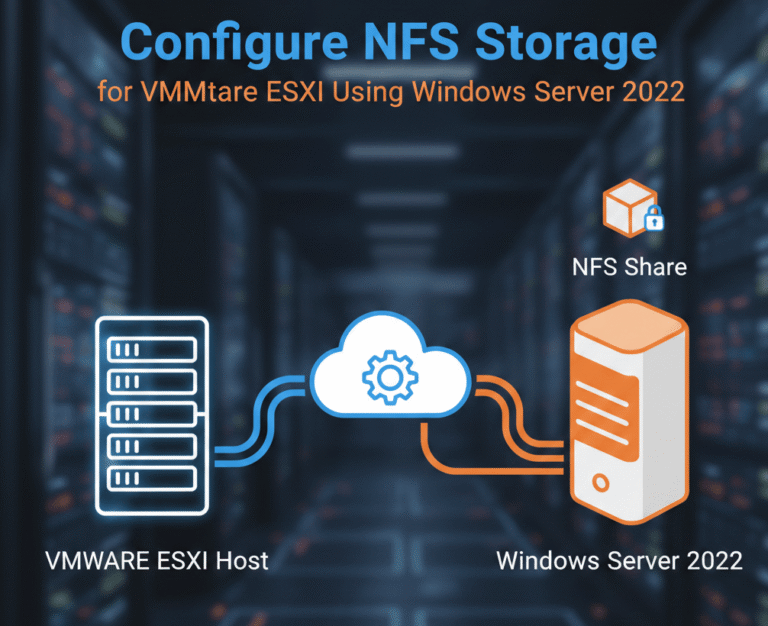
Configuring NFS (Network File System) storage for VMware ESXi is one of the easiest and most flexible ways to provide shared storage for virtual machines, ISO images, templates, and backups. In this guide, you will learn how to set up…

Windows Server 2022 is the latest generation of Windows operating system for servers, released in September 2019 and replacing Windows Server 2019 and Windows Server 2016. Similar to Windows Server 2019, this version of the Windows Server 2022 operating system shares a common core with Windows 10 and, contrary to expectations, is…

VMware vCenter Single Sign-On (SSO) plays a vital role in securing and simplifying access to vSphere components. By centralizing authentication, SSO enables administrators to log in once and gain access to multiple vSphere services without repeated prompts, reducing the need…
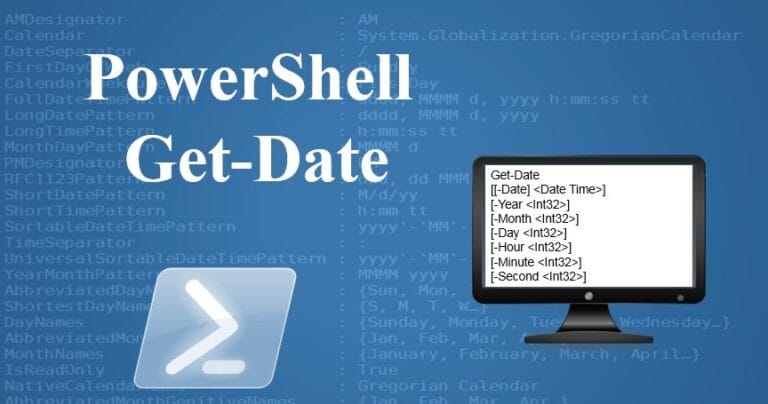
Introduction Setting the correct date and time on your Windows Server is essential for ensuring seamless operations, accurate logging, and proper synchronization with other servers and devices in your network. This guide discusses how to use PowerShell to configure the…
Introduction When managing Active Directory environments, knowing when a Domain Controller (DC) was created can be essential for auditing, troubleshooting, or historical record-keeping. This post discusses how to use PowerShell to find the creation date and time of a Domain…
Introduction The Windows Registry Editor (regedit) is a powerful tool that allows users to modify system settings. However, unauthorized access to the Registry Editor can lead to significant security risks, especially in enterprise environments. By using Group Policy in Windows…

In the book Mastering Windows Server 2022 with Azure Cloud Services: IaaS, PaaS, and SaaS, you will learn about the extensive capabilities of Windows Server 2022 and Azure and how to migrate virtual and physical server loads to Azure IAAS, PAAS and SAAS and…

Exam Ref 70-740 Installation, Storage and Compute with Windows Server 2022 Exam Ref 70-740 is the source of the 740-70 exam, which is one of the courses related to MCSA 2022 and will help you master the topics of the test. This book…

Exam Ref 70-741 Networking with Windows Server 2022 The Exam Ref 70-741 is a comprehensive guide for IT professionals preparing for the Microsoft 70-741 certification exam, which focuses on networking capabilities and configurations in Windows Server 2022. This exam is…



