Physical Address
304 North Cardinal St.
Dorchester Center, MA 02124
Physical Address
304 North Cardinal St.
Dorchester Center, MA 02124

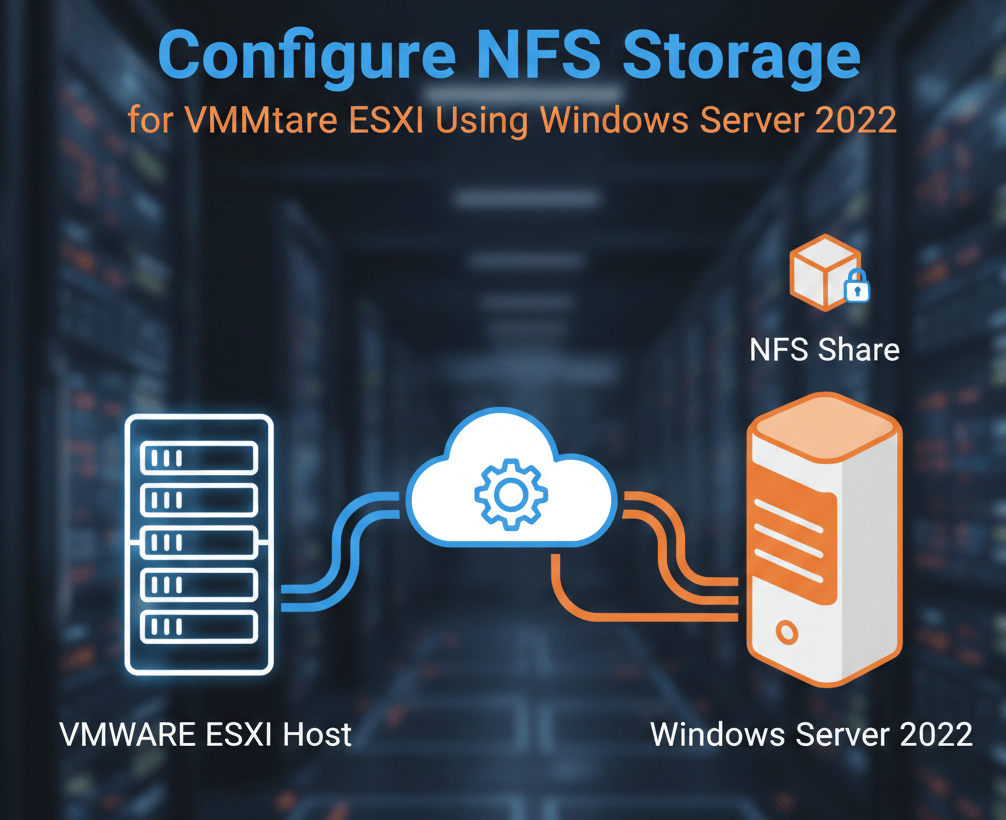
Configuring NFS (Network File System) storage for VMware ESXi is one of the easiest and most flexible ways to provide shared storage for virtual machines, ISO images, templates, and backups. In this guide, you will learn how to set up NFS on Windows Server 2022, create a dedicated VMkernel port on ESXi, and successfully mount the NFS datastore.
This step-by-step tutorial is beginner-friendly and ideal for lab environments, home labs, and production setups where storage simplicity is preferred.

Before you begin, ensure you have:
Both systems should be on the same subnet for best performance.
Open Server Manager
You will see a dashboard with options like Local Server, All Servers, File and Storage Services, etc.
On the top-right of Server Manager, click Manage
From the dropdown, select Add Roles and Features
This opens the Add Roles and Features Wizard, which will guide you through installing server roles or optional features.
When prompted, select Role-based or feature-based installation. This is the standard method to install roles like NFS Server, DHCP, DNS, etc. Click Next.
You’ll see a list of available servers in your server pool. Select the Windows Server 2022 machine where you want to install NFS (your domain controller, in this case). Click Next.
File and Storage Services
   → File and iSCSI Services
        → Server for NFS

Click Install. Restart the server if required. NFS Server is now installed on Windows Server 2022.
Create a folder for NFS, for example:

C:\NFS_Share
Right-click the folder → Properties
Go to NFS Sharing → Click Manage NFS Sharing
Enable:
✔ Share this folder
✔ Allow read-write access
✔ Allow root access
✔ No Root Squash
Click Permissions and add your ESXi host:

Click OK to save changes.
Enable firewall rules for NFS. Open PowerShell as Administrator.
Set-NetFirewallRule -DisplayGroup "Network File System" -Enabled True
Or manually allow:
This ensures ESXi can connect to the NFS share.
VMkernel ports are special network interfaces on your ESXi host that handle host-level traffic. Unlike virtual machine NICs, VMkernel ports are used for services like:
Creating a dedicated VMkernel port for NFS ensures that Storage traffic is isolated from management or VM traffic. Performance is optimized because NFS traffic does not compete with other network traffic. Troubleshooting becomes easier if you have multiple services.

Go to Networking → VMkernel NICs

Click Add VMkernel NIC. Select a vSwitch (example: vSwitch0 or a dedicated vSwitch)

Enter:
Network Label:NFS-Port
VLAN ID:0 (or your storage VLAN)
I have set DHCP on. it this VMkernel port will received IP address automatically.

To check the IP address of this port, click on the Port Group name which is NFS Port. Here you can see the IP address assigned to this VMkernel NIC.

SSH into your ESXi host and run:
vmkping 192.168.91.129

If you receive replies, your NFS VMkernel network is properly configured.
Read also How to Configure VMkernel Port for VMware vMotion
Go to Storage. Click New Datastore

Select NFS

Choose NFS 3 (best compatibility with Windows)
Enter:
Name:Win2022-NFS
NFS Server:192.168.91.129
Share Path:/NFS-ESXi
NFS Version:
NFS 3
Click Next → Finish

Your NFS datastore should now appear under Storage.

At this point Windows Server 2022 is sharing the NFS folder. ESXi has a dedicated VMkernel port for storage traffic. The NFS datastore is available for storing VMs, ISOs, templates, and snapshots. This setup is ideal for labs and lightweight production workloads.
Setting up NFS storage for VMware ESXi using Windows Server 2022 is a quick and flexible way to expand your virtualization environment. Using a dedicated VMkernel port improves performance, enhances isolation, and follows VMware best practices. If you’re running a home lab, SMB environment, or testing vSphere features, NFS is one of the easiest and fastest storage solutions to deploy.
Click here to read more about NFS vs. iSCSI for VMware ESXi

We have detected that you are using extensions to block ads. Please support us by disabling these ads blocker.






Awesome! Its genuinely remarkable post, I have got much clear idea regarding from this post
Nice post. I learn something totally new and challenging on this website.
Pretty! This has been a really wonderful post. Many thanks for providing these details.
very informative articles or reviews at this time.
[…] Read also How to Configure NFS Storage for VMware ESXi Using Windows Server 2022 […]
[…] I have created a detail setup on how to configure NFS datastore. […]