
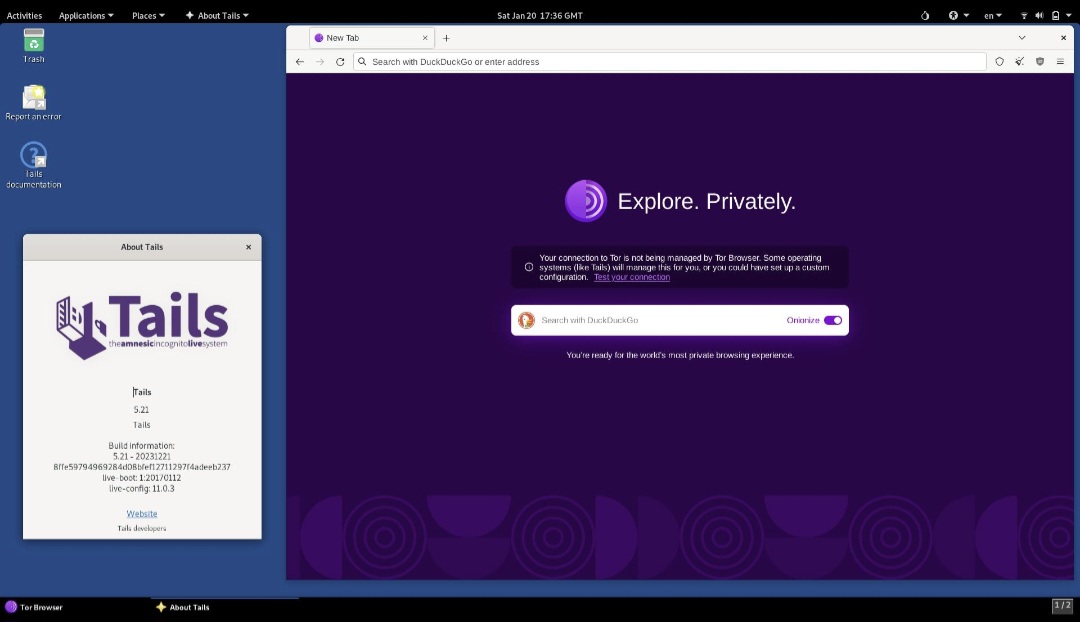
Tails 7.15.1 has been released as an emergency security update to block compromised certificate authority certificates that could allow attackers to impersonate legitimate HTTPS websites. The release updates Tor Browser and extends the protection to other applications in the privacy-focused Linux distribution.
The update follows the discovery that intermediate certificates associated with eMudhra, a certificate authority, had been compromised. Because trusted certificates help browsers establish the identity of websites, a compromised certificate can undermine the security users expect from an encrypted HTTPS connection.
What Is Tails Linux?
Tails, short for The Amnesic Incognito Live System, is a Debian-based Linux operating system designed to help people protect their privacy and anonymity. It can be started from a USB stick and routes internet connections through the Tor network by default.
Tails is intended for people who need additional privacy when using a computer, including journalists, activists, researchers, and other users facing sensitive communication or browsing situations. Its amnesic design aims to leave no persistent local traces of a session by default, although users can deliberately save selected information in encrypted Persistent Storage.
Like other operating systems, Tails still depends on security updates to its browser, system libraries, trusted certificates, and other components. Version 7.15.1 addresses one such issue involving the certificates used to authenticate secure websites.
Why Was Tails 7.15.1 Released?
On October 17, 2026, Mozilla blocked certificates associated with eMudhra after its intermediate certificates were compromised. The Tails project subsequently issued version 7.15.1 to ensure that its users receive the corresponding protection.
Certificate authorities issue digital certificates that browsers use to verify website identities. When a browser trusts a certificate chain, it can establish an encrypted connection and verify that it is communicating with the intended website.
If an attacker can use a compromised certificate to impersonate a legitimate website, HTTPS encryption alone may not protect the user from that impersonation. The connection may be encrypted while the website’s identity is being misrepresented.
How Could This Affect Tor Users?
The Tor network routes traffic through multiple relays, including an exit relay when accessing the regular internet. Traffic leaving the Tor network toward a conventional website passes through the exit relay before reaching its destination.
According to the Tails project, an attacker with access to one of the compromised intermediate certificates could potentially impersonate an HTTPS website. The threat could involve a malicious Tor exit node, the internet service provider of an exit node, or a government able to control relevant network infrastructure.
The developers say they are not aware of this attack being carried out by Tor exit nodes. The emergency release is a precautionary security response to the certificate compromise, not a claim that Tor users have already been targeted through this specific method.
What Does Tails 7.15.1 Change?
Tor Browser 15.0.26
The release updates Tor Browser to version 15.0.26, which fixes CVE-2026-113470 and blocks certificates issued by eMudhra.
System-wide certificate updates
The certificate authorities used by other applications are also updated to block eMudhra certificates through Debian’s ca-certificates package.
Protection beyond browser traffic
Applications that rely on the system’s trusted certificate store receive the updated trust configuration, rather than relying on the browser update alone.
Persistent Storage preservation
Eligible automatic upgrades allow existing users to retain their Persistent Storage instead of reinstalling the operating system.
Why Updating the System Certificate Store Matters
Tor Browser is the primary browser supplied with Tails, but it is not the only software that may establish secure connections. Other applications can rely on the system’s certificate authority bundle to determine which certificate issuers they trust.
Tails 7.15.1 therefore updates both Tor Browser and the system certificate authorities. This broader change matters because an application that relies on the system trust store could otherwise retain trust in a compromised authority even after the browser itself has been updated.
Updating the trusted certificate bundle helps ensure that applications using the relevant system certificates also reject certificates issued by eMudhra. Actual behavior can still depend on how each application manages its own certificate store.
How to Upgrade to Tails 7.15.1
The recommended upgrade method depends on whether you already use Tails or are installing it for the first time.
Option 1: Automatic upgrade for existing users
Automatic upgrades are available from Tails 7.0 or later to version 7.15.1. This is the preferred route for users who want to retain their existing encrypted Persistent Storage.
- Start your existing Tails USB stick.
- Connect to the internet and allow the system to check for available upgrades.
- Follow the on-screen instructions to complete the automatic upgrade.
- Restart Tails if prompted.
- Confirm that the system is running Tails 7.15.1 and that your Persistent Storage remains accessible.
For detailed instructions and troubleshooting, use the official Tails upgrade documentation.
Option 2: Manual upgrade
If the automatic upgrade is unavailable or Tails fails to start after an automatic upgrade, the project recommends trying a manual upgrade procedure.
Follow the current official manual upgrade instructions carefully. Do not format or reinstall your existing USB stick as a substitute for an upgrade unless you have made the necessary arrangements to preserve your data.
Consult the official upgrade guide for the supported procedure and recovery steps.
Option 3: Install Tails on a new USB stick
New users can obtain the latest USB image or ISO image from the official website and follow the installation instructions.
Warning: Installing Tails onto an existing USB stick instead of upgrading it will erase that stick’s Persistent Storage. If you already use Tails and need to preserve saved data, follow the upgrade procedure rather than performing a fresh installation over the existing stick.
Download the latest release and review the official instructions at tails.net/install.
Does Tails 7.15.1 Make Browsing Completely Anonymous?
No operating system can guarantee complete anonymity or protection against every attack. Tails is designed to reduce traces left on a computer and route internet traffic through Tor, but users must still consider their own behavior, the applications they use, and the information they reveal.
This release addresses a specific certificate trust problem. It does not eliminate every risk associated with phishing, compromised websites, malicious documents, browser vulnerabilities, account tracking, or mistakes that reveal a user’s identity.
- Install security updates promptly.
- Use the official Tails website for downloads and upgrade instructions.
- Avoid opening untrusted files and links.
- Understand the limits of Tor and HTTPS, especially when accessing ordinary websites.
- Keep sensitive data in Persistent Storage only when necessary and protect access to it.
Why This Emergency Release Matters
Tails relies on several layers of protection working together: Tor for network anonymity, browser security for web activity, and trusted certificates to verify the identity of secure websites. A weakness in any one of these layers can affect the overall security of a session.
By blocking the compromised eMudhra certificates in Tor Browser and the system certificate store, Tails 7.15.1 responds directly to the identified threat. The release also highlights why privacy-focused operating systems need timely updates even when their core privacy architecture remains unchanged.
Final Thoughts
Tails 7.15.1 is an emergency security release rather than a feature-focused update. Its main purpose is to block compromised eMudhra certificates that could otherwise be used to impersonate legitimate HTTPS websites.
The update brings Tor Browser to version 15.0.26, fixes CVE-2026-113470, and extends certificate blocking to other applications using the system certificate bundle. The project recommends upgrading promptly, and users on Tails 7.0 or later can use the automatic upgrade path to preserve their Persistent Storage.
For users who depend on Tails for privacy-sensitive work, applying the official update is a practical step toward maintaining the protections the operating system is designed to provide.
Official Sources and Further Reading
- The Tor Project: New Release — Tails 7.15.1 — official release announcement and security details.
- Official Tails Website — project information, downloads, and documentation.
- Tails Upgrade Documentation — instructions for upgrading an existing USB stick.
- Install Tails — official installation instructions for new users.
- Linuxiac: Tails 7.15.1 Released as an Emergency Security Update — additional release coverage.