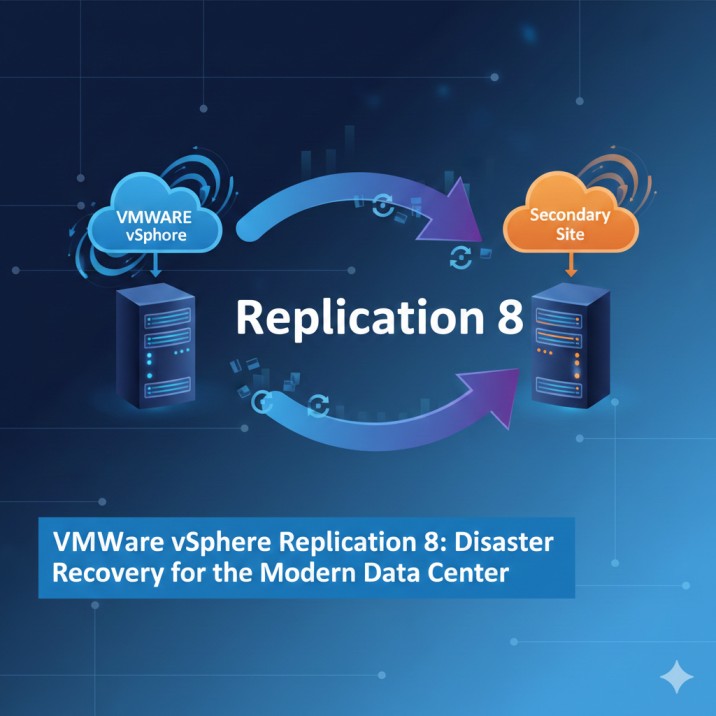
VMware vSphere Replication 8

VMware vSphere Replication 8 is a built-in disaster recovery tool for VMware vSphere environments. It enables continuous data protection by replicating virtual machines at the hypervisor layer. With near real-time replication and integration with VMware Site Recovery Manager (SRM), it is ideal for enterprise-grade workload protection.
Key Features
- ✔ Hypervisor-based VM replication (no agents required)
- ✔ Supports multiple target sites
- ✔ Compression and network optimization for efficient replication
- ✔ Point-in-time recovery options
- ✔ Easy deployment and configuration via vSphere Client
- ✔ Seamless integration with VMware Site Recovery Manager
- ✔ Supports Replication Across vCenter Servers (Cross-vCenter Replication)

Download VMware vSphere Replication 8 (Official Installer)
Click the link below to download the installer directly from our server:
File Size~1.5GB
🖥 System Requirements
Before installation, ensure your environment meets VMware’s minimum requirements:
- vCenter Server 7.x or 8.x
- ESXi hosts with compatible versions
- Minimum 4 vCPUs & 4 GB RAM for the VR appliance
- Supported storage: VMFS, NFS, vSAN, and others
- Network ports allowed for VR communication
How to Install VMware vSphere Replication 8
- Download the OVA file from the link above.
- Open vSphere Client → Deploy OVF Template.
- Select the downloaded file.
- Configure network settings and storage.
- Complete deployment and power on the VM.
- Register the vSphere Replication appliance with vCenter Server.
- Enable replication for selected virtual machines.
add a comment
You Might Also Like
TrueNAS Responds to Community Concerns With New Community and Enterprise Vision
After discussions within the community about shifting the TrueNAS build infrastructure to internal systems, iXsystems released a blog post titled...
TrueNAS Deprecates Public Build Repository and Raises Transparency Concerns
136
TrueNAS, a widely used enterprise-grade NAS platform built on Linux, recently sparked discussion among homelab users and self-hosting enthusiasts after...
How to properly boot a migrated Windows vSphere VM in Proxmox
To properly boot a migrated Windows vSphere VM in Proxmox during a migration, you must follow a specific procedure. Windows...
Incus 6.22 Container & Virtual Machine Manager Released
The team behind Incus has released version 6.22 of their container and virtual machine management platform. This project is a...