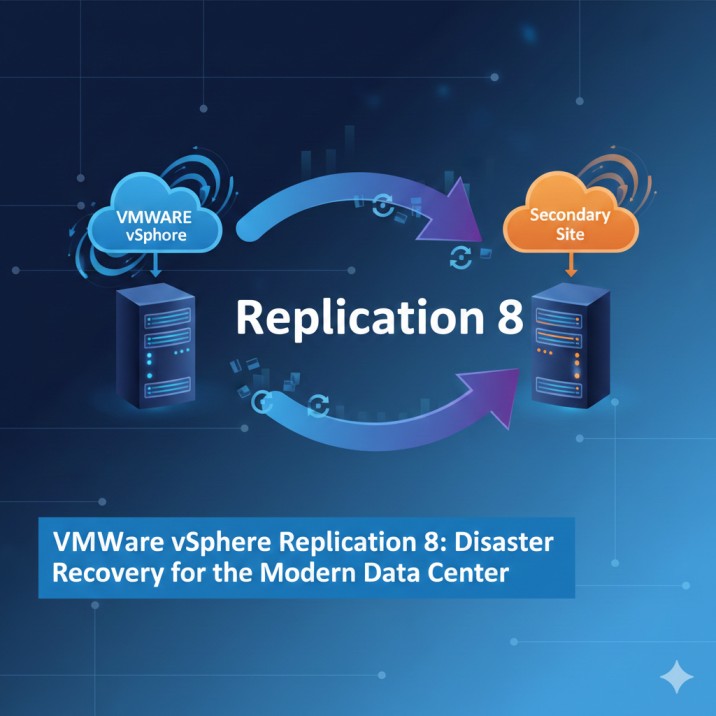
VMware vSphere Replication 8

VMware vSphere Replication 8 is a built-in disaster recovery tool for VMware vSphere environments. It enables continuous data protection by replicating virtual machines at the hypervisor layer. With near real-time replication and integration with VMware Site Recovery Manager (SRM), it is ideal for enterprise-grade workload protection.
Key Features
- ✔ Hypervisor-based VM replication (no agents required)
- ✔ Supports multiple target sites
- ✔ Compression and network optimization for efficient replication
- ✔ Point-in-time recovery options
- ✔ Easy deployment and configuration via vSphere Client
- ✔ Seamless integration with VMware Site Recovery Manager
- ✔ Supports Replication Across vCenter Servers (Cross-vCenter Replication)

Download VMware vSphere Replication 8 (Official Installer)
Click the link below to download the installer directly from our server:
File Size~1.5GB
🖥 System Requirements
Before installation, ensure your environment meets VMware’s minimum requirements:
- vCenter Server 7.x or 8.x
- ESXi hosts with compatible versions
- Minimum 4 vCPUs & 4 GB RAM for the VR appliance
- Supported storage: VMFS, NFS, vSAN, and others
- Network ports allowed for VR communication
How to Install VMware vSphere Replication 8
- Download the OVA file from the link above.
- Open vSphere Client → Deploy OVF Template.
- Select the downloaded file.
- Configure network settings and storage.
- Complete deployment and power on the VM.
- Register the vSphere Replication appliance with vCenter Server.
- Enable replication for selected virtual machines.
Share this:
- Share on Facebook (Opens in new window) Facebook
- Share on X (Opens in new window) X
- Share on Bluesky (Opens in new window) Bluesky
- Share on LinkedIn (Opens in new window) LinkedIn
- Share on Reddit (Opens in new window) Reddit
- Share on Threads (Opens in new window) Threads
- Print (Opens in new window) Print
- Share on Mastodon (Opens in new window) Mastodon
Related
add a comment
You Might Also Like
Beginning Azure DevOps: Planning, Building, Testing, and Releasing Software Applications on Azure
329
Understanding and Using Azure Developer Services to Plan Work, Collaborate on Code Development, and Build and Deploy Applications helps any...
Mastering VMware vCenter Content Library
153
Introduction Managing virtual machine templates, ISO images, and OVF/OVA packages across a multi-host vSphere environment has historically been one of...
Google Professional Cloud Developer Exam Guide
116
Are you preparing for the Google Professional Cloud Developer certification? This highly respected credential validates your ability to design, develop,...
Ultimate Azure IaaS for Infrastructure Management
112
Ultimate Azure IaaS for Infrastructure Management is your go-to guide for mastering Azure’s Infrastructure as a Service (IaaS). The book...