Physical Address
304 North Cardinal St.
Dorchester Center, MA 02124
Physical Address
304 North Cardinal St.
Dorchester Center, MA 02124

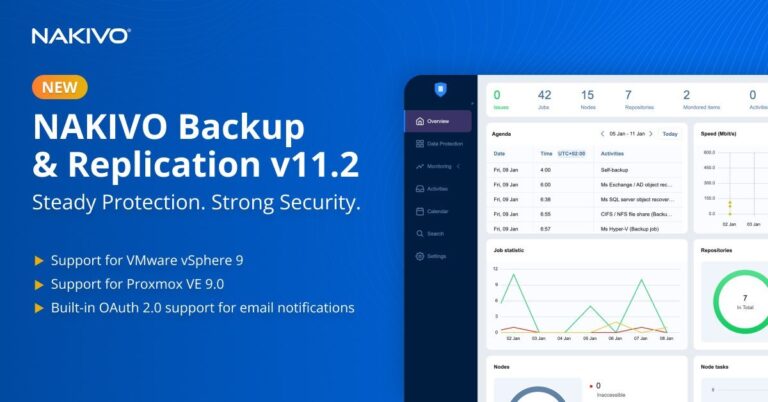
NAKIVO Inc. announced the release of NAKIVO Backup & Replication v11.2, offering expanded platform support, enhanced security, and faster disaster recovery for organizations worldwide. This version is the product of a focused engineering roadmap, while NAKIVO’s international growth reflects deepening market demand for…
If you’ve been reading my blog for a while, you’ll know I regularly explore backup and recovery tools that simplify life for virtualization administrators—especially those working with VMware vSphere, hybrid environments, or newer platforms like Proxmox VE. Over the years,…
To install Nakivo on Hyper-V, you can choose either the supported Windows or Linux platforms based on your business requirements. Installing Nakivo on a Linux-based virtual machine (Ubuntu Server 24.04 LTS in this example) allows you to save a Windows license, as the product provides…
Overview of NAKIVO Backup & Replication 10 This program offers a complete solution backup, replication, failover, backup to the cloud, backup copy, backup size reduction, screenshot verification, and site recovery for virtualized, cloud, and physical environments all in one convenient…
In today’s IT world, data protection is not just a necessity—it’s a critical part of business continuity. With the growing threat of ransomware, hybrid environments, and cloud adoption, organizations need a reliable and cost-effective backup solution. NAKIVO Backup & Replication…
Nakivo Backup to Tape is a feature provided by Nakivo Backup & Replication that allows archiving backups created by Backup Jobs to tape devices. The Nakivo Backup to Tape operation can be done by performing a Backup Copy Job setting the tape device as destination. A direct…
The Boot Verification feature in Nakivo Backup & Replication ensures that VM backups or replicas are not corrupted and can be successfully booted when needed. To perform verification, Nakivo leverages iSCSI technology to connect the VM disks stored in the backup to the ESXi host. Boot Verification feature…
The Federated Repository is a new cool feature available in Nakivo Backup & Replication 11 that allow to flexibly add storage space while using existing backup configurations. When the Backup Repository runs out of space and Backup Jobs need to be reconfigured to avoid…
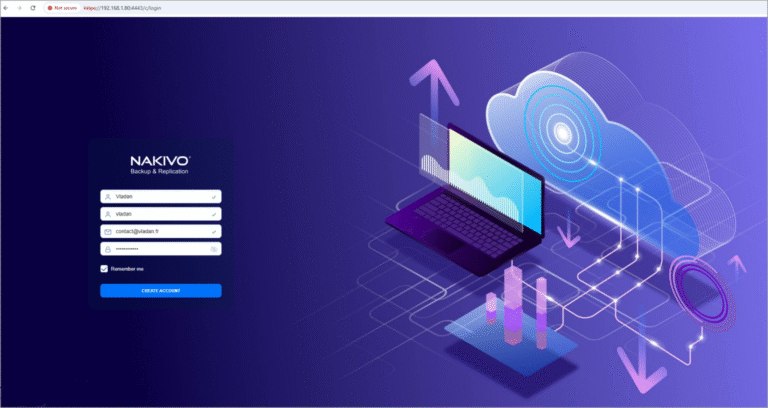
Nakivo Backup and Replication is a data protection solution for virtual, physical and cloud environment that our readers knows well. For new people that has just discovered our blog, here is our first back to basis article where we’ll deploy…
Nakivo has recently announced exciting updates to its NAKIVO Backup & Replication solution. The latest version, v11.0.1, now supports additional languages, including French, German, Italian, Polish, and Chinese, in addition to full support for English and Spanish. This enhancement aims to provide a more personalized…

We have detected that you are using extensions to block ads. Please support us by disabling these ads blocker.




