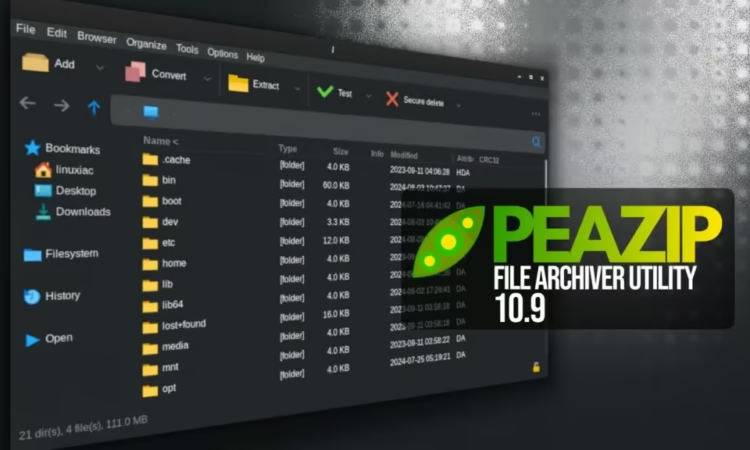
PeaZip, the popular cross-platform and open-source file archiver, has released version 10.9, arriving roughly one month after the previous 10.8 update. This new release focuses on improving usability, performance, and viewer functionality, with many changes centered around the built-in file manager.
Both the Pea and Unpea graphical interfaces have received refinements. Input and output fields are now interactive, allowing users to open related directories with a single click. Interface readability has also been improved, making file sizes, progress indicators, and compression ratios clearer at a glance.
A significant portion of the update enhances the file manager experience. The integrated image viewer now offers more reliable full-screen windowed behavior across different widget sets, correctly identifying available screen space and displaying scroll bars when required.
Drag-and-drop functionality between the file browser and directory tree has been reworked. Context menus now consistently appear, giving users explicit control over actions such as copying or moving files. These options are also available when dragging items while browsing the local filesystem.
The text viewer has gained several upgrades, including BOM header detection, word-wrap support, and case-sensitive search through keyboard shortcuts. Users can now choose custom fonts, zoom in and out, and rely on viewer preferences being saved between sessions. The hex viewer has been updated accordingly and now shares the same monospaced font settings.
PeaZip 10.9 also introduces new alternative context menus for Open With and Rename, along with an expanded set of keyboard shortcuts. The space bar now serves as a universal viewer shortcut, automatically opening text or image previews depending on the selected file. Additional shortcuts provide quick access to hex viewing, checksum calculations, and archive tree navigation.
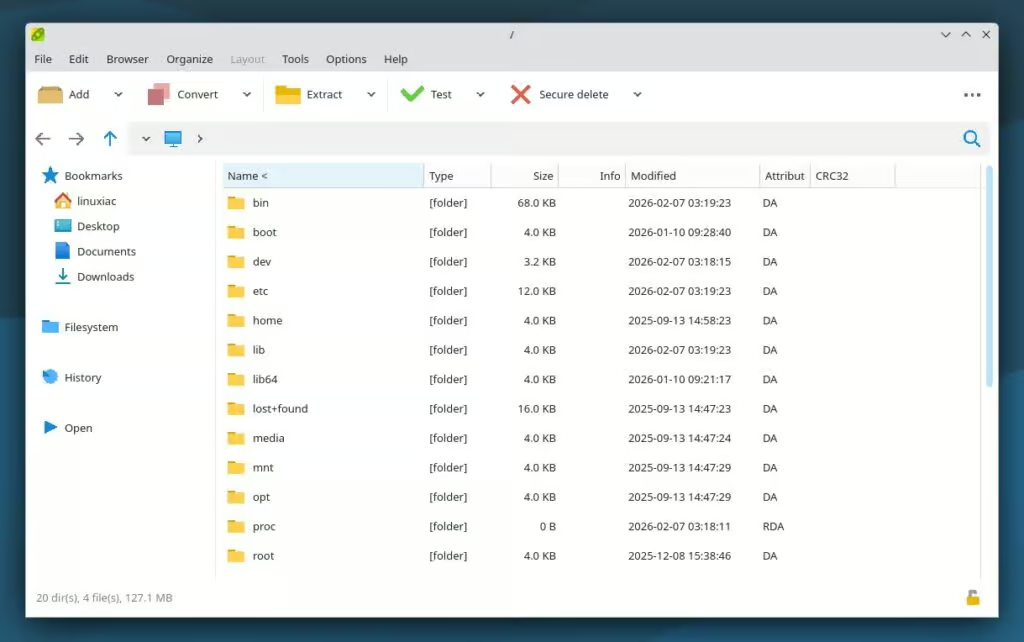
Performance improvements are another highlight of this release. Navigating very large archives is now more efficient, with memory usage reportedly reduced by around 18 percent and smoother responsiveness when working with archives containing hundreds of thousands of files. Support for multi-volume archives has been improved, progress reporting has been refined, and temporary preview files are now removed asynchronously to keep the interface responsive.
Additional enhancements include the ability to delete an entire archive directly from the delete menu, customizable middle mouse button behavior in the file manager, and reduced unnecessary GUI refreshes. Startup and shutdown processes have also been reorganized to ensure configuration settings are saved reliably, even when background cleanup tasks are still in progress.
On non-Windows platforms, detection of external RAR binaries has been improved, and freedesktop integration documentation has been updated with Flatpak and similar environments in mind.
As with every major update, PeaZip 10.9 comes with numerous bug fixes addressing issues such as archive sorting errors, column width resets under Qt6, duplicate file extensions, archive locking problems, and inconsistencies when running archive tests from context menus or scripts.
For full details, users can consult the official release notes or visit the project’s GitHub page. Linux users can also install PeaZip via Flatpak.