Physical Address
304 North Cardinal St.
Dorchester Center, MA 02124
Physical Address
304 North Cardinal St.
Dorchester Center, MA 02124


The VMware Certified Professional – Network Virtualization (VCP-NV) certification validates a person’s knowledge and skills in setting up, implementing, and supporting VMware NSX environments, which virtualize networking and security services. Regardless of the underlying physical architecture, the VCP-NV certification validates…
A home server can be a true powerhouse for convenience, productivity, and entertainment—but managing it often feels overwhelming. This is where Docker steps in, simplifying application deployment and management while providing key benefits such as portability, scalability, resource isolation, and…
To remove Ceph datastore from Proxmox several steps are involved, especially if you want to completely clear Ceph from your system. Before proceeding, keep in mind that this process will permanently delete all data stored on the Ceph datastore. Make sure to have a working backup of any critical data…
To shutdown Proxmox cluster and prevent data loss or corruption, especially when Ceph storage is in use, you must follow a specific procedure. When working with a high-availability infrastructure, performing maintenance tasks can be a delicate process. Shutting down a cluster, even…
The virtualization industry is undergoing rapid transformation, especially after VMware’s acquisition by Broadcom. This shift is prompting organizations that rely on VMware to reevaluate the role of virtualization in IT infrastructure and application architecture. As a result, many enterprises are…

Get ready to experience the most advanced open-source virtualization platform with Proxmox VE 9.0! Released on August 5, 2025, this latest version brings groundbreaking features and enhanced performance to your infrastructure. What’s New in Proxmox VE 9.0? Proxmox Virtual Environment…
Proxmox supports several storage protocols suchs as NFS, iSCSI, LVM, etc. and the procedure to add a NFS storage to Proxmox requires only few settings. If a NAS device is available in your infrastructure, it can be easily used as storage by exporting an NFS…
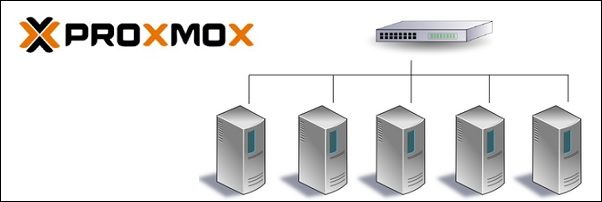
Compared to VMware, to create a Proxmox cluster you don’t need a dedicated appliance to centralize the management of resources such as CPU, RAM, storage and networking. The cluster is at the node level and can be managed by any node since it is…
The Ceph Storage Cluster is a feature available on the Proxmox platform, used to implement a software-defined storage solution. Ceph is an embedded feature in Proxmox and is completely free to use. Prerequisites Before starting the installation of Ceph Storage Cluster, you need to create…
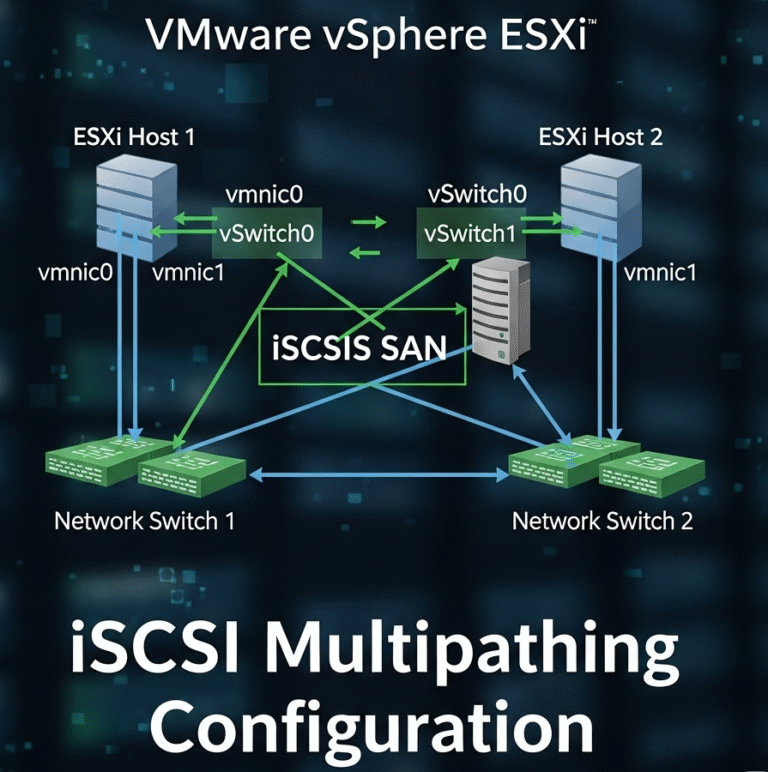
VMware vSphere ESXi iSCSI multipathing is a critical storage connectivity feature that provides redundancy, load balancing, and improved performance for virtual machine storage. In this comprehensive guide, we’ll cover the fundamentals, prerequisites, configuration steps, best practices, and troubleshooting methods for…

We have detected that you are using extensions to block ads. Please support us by disabling these ads blocker.




