Physical Address
304 North Cardinal St.
Dorchester Center, MA 02124
Physical Address
304 North Cardinal St.
Dorchester Center, MA 02124


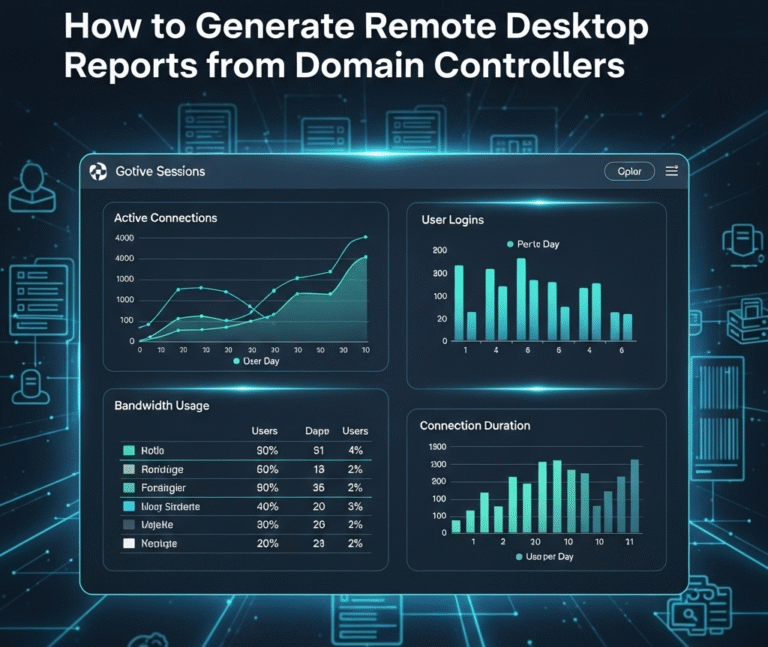
Introduction Remote Desktop Protocol (RDP) management is crucial for Windows system administrators managing enterprise networks. This comprehensive guide provides step-by-step instructions for generating detailed reports of computers with Remote Desktop enabled and tracking remote users across domain controllers. What you’ll…
Wireshark is an advanced network protocol analysis tool that can be used to intercept traffic, monitor the sending/receiving of data packets, investigate network issues and suspicious activities, collect statistics, and more. Wireshark is used worldwide as the leading software for analyzing network protocols and provides…
Iperius Backup is one of the most complete and powerful tools for backing up all kinds of systems and servers. Using this software, you can perform activities such as creating hardware-independent image files, backing up to NAS, remote backup to cloud services such…
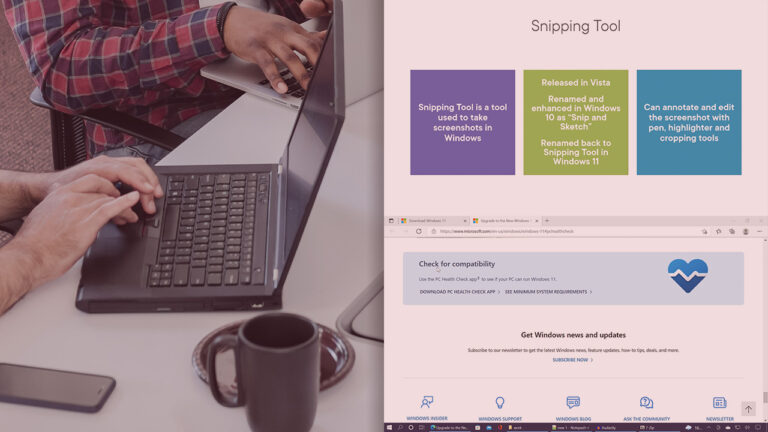
This comprehensive course introduces participants to the fundamentals of Windows 11 desktop management in enterprise environments. Leveraging the experience of a seasoned Microsoft Certified Trainer, this course presents concepts in a simple and understandable way for beginners. Through theoretical lessons and instructor-led practical…

Windows Server 2022 is the latest generation of Windows operating system for servers, released in September 2019 and replacing Windows Server 2019 and Windows Server 2016. Similar to Windows Server 2019, this version of the Windows Server 2022 operating system shares a common core with Windows 10 and, contrary to expectations, is…

Designed for IT professionals, this hands-on course unlocks the full potential of Windows Server 2025. Through hands-on skills and real-world scenarios, participants will learn how to effectively manage, monitor, and maintain Windows Server environments. Starting with creating a management lab…
This course is designed for IT administrators who face the challenges of deploying and managing multiple physical servers and applications. The solution to these challenges is to leverage the Hyper-V and container capabilities in Windows Server 2025. In this comprehensive course, titled…
This course provides a hands-on, hands-on approach to learning VMware vSphere 8.0 using 100% hands-on labs. In this course, participants will learn how to install, configure, manage, and scale vSphere 8.0. They will also learn how to deliver VM service…

This one-day course is like you have worked for a company for at least 2 years as a Network Administrator, which you can put on your resume, because you will actually see each section in action with hands-on experiments, just…

This comprehensive course is designed to prepare individuals to assume the role of system administrator in Windows Server 2025 environments. The main emphasis of this course is on practical and experiential learning, and all topics are presented through hands-on labs…

We have detected that you are using extensions to block ads. Please support us by disabling these ads blocker.




