Physical Address
304 North Cardinal St.
Dorchester Center, MA 02124
Physical Address
304 North Cardinal St.
Dorchester Center, MA 02124

Explore ESXi 8 tutorials, guides, and best practices. Learn installation, configuration, and management of VMware ESXi 8 for efficient virtualization.
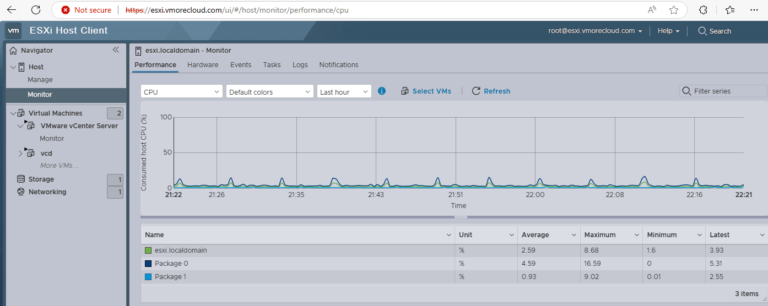
Introduction Performance monitoring in VMware ESXi 8 is a crucial skill for every virtualization administrator. Whether you’re managing a single host or a cluster, understanding how to measure and interpret performance metrics will help you maintain a healthy and optimized…

Upgrading to vCenter Server 8.0 U1b is a crucial step in boosting efficiency and security within your VMware environment. This update brings significant enhancements that streamline your operations while strengthening your system’s protection. In this post, I will show how…
Runecast Analyzer is a powerful tool designed for proactive monitoring and management of VMware environments. It helps organizations ensure the health and compliance of their VMware vSphere infrastructure by scanning for configuration issues, security vulnerabilities, best practice violations, and hardware…

Introduction Are you looking to install ESXi on your VMware Workstation? ESXi, a hypervisor used in virtualization, allows you to run multiple virtual machines on a single physical server. This can be a great solution for testing and learning purposes,…
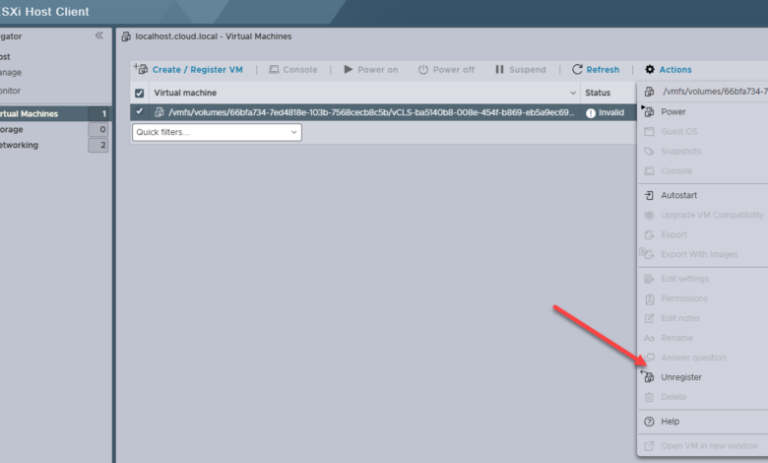
There are a lot of times when I am working in the home lab and removing things and adding things, changing hardware, etc and you get things in a funky state when it comes to datastores and other configuration. I…
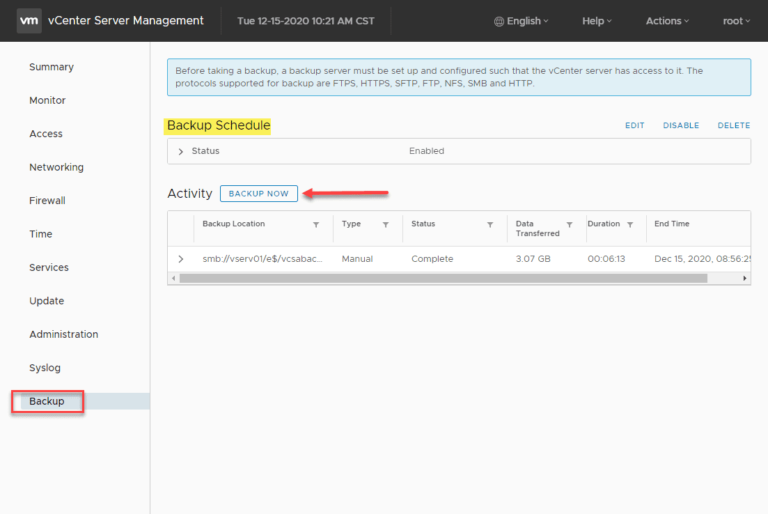
Backing up your VMware vCenter Server is crucial for maintaining the stability and resilience of your VMware vSphere environment, especially if you rely on vSphere Distributed Switches and other vCenter-centric infrastructure components. Protecting your vCenter Server is essential, and modern…
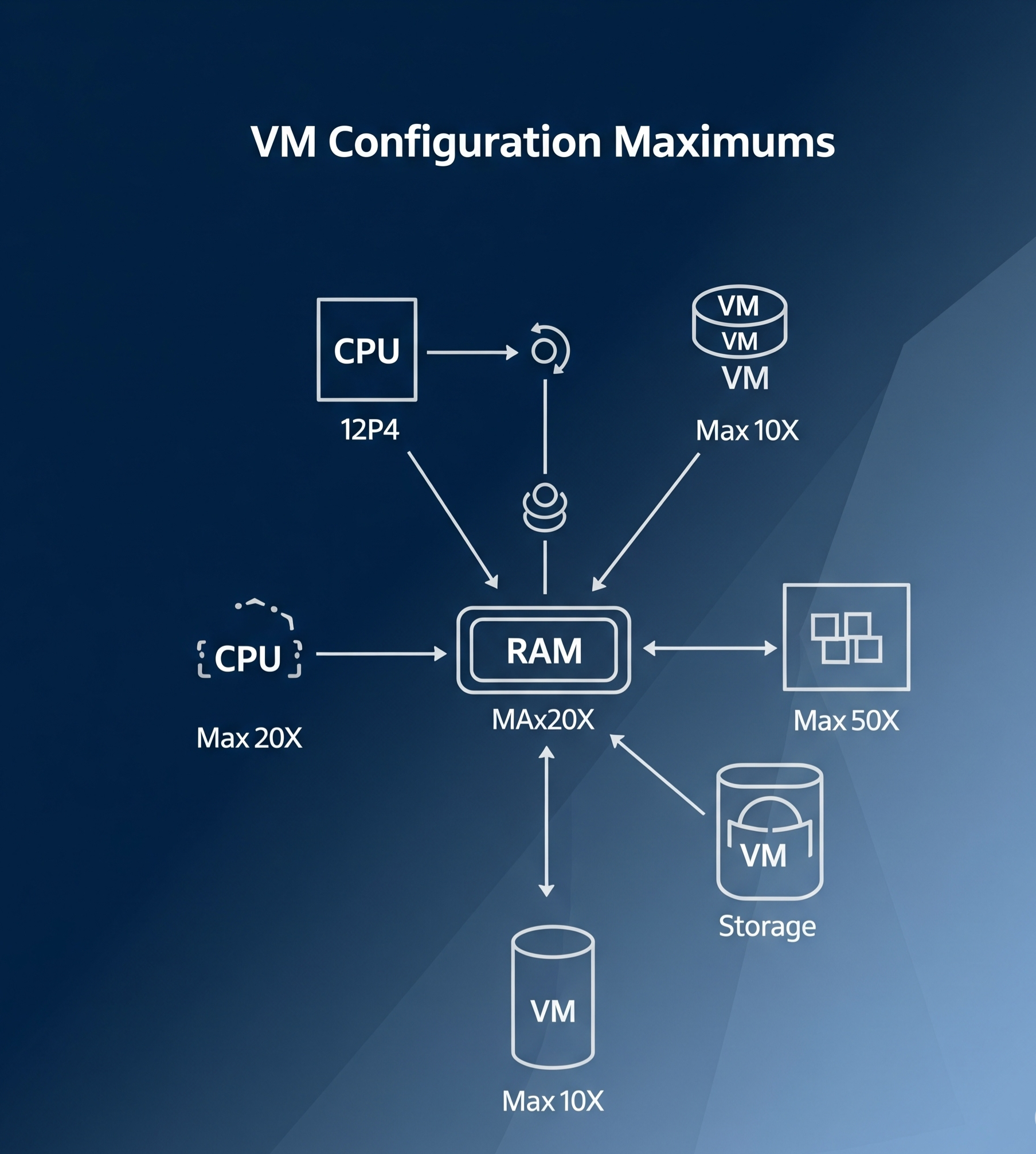
Introduction Virtual Machine (VM) configuration maximums are key limits and specifications that help define the capacity and performance of a virtual machine in a VMware environment. These maximums are essential for understanding how far you can push your VM configurations…
Introduction Cloning a virtual machine (VM) is a critical process in virtualization, allowing you to create exact replicas of an existing VM for testing, backup, or scaling purposes. VMware vSphere 8 simplifies this process with its advanced tools and intuitive…
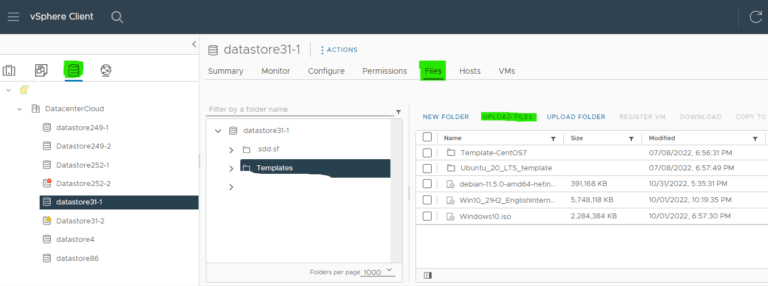
Introduction Efficiently managing virtual machines (VMs) in vSphere 8 is critical for IT administrators. One of the most powerful features for streamlining VM deployment is the use of templates. Templates allow you to preconfigure and standardize VM settings, saving time…

Introduction In VMware vSphere, a vApp is a logical container that allows administrators to group related virtual machines (VMs) into a single management unit. This is particularly valuable for multi-tier applications, where different components—such as web servers, application servers, and…

We have detected that you are using extensions to block ads. Please support us by disabling these ads blocker.




