Physical Address
304 North Cardinal St.
Dorchester Center, MA 02124
Physical Address
304 North Cardinal St.
Dorchester Center, MA 02124

Explore ESXi 8 tutorials, guides, and best practices. Learn installation, configuration, and management of VMware ESXi 8 for efficient virtualization.
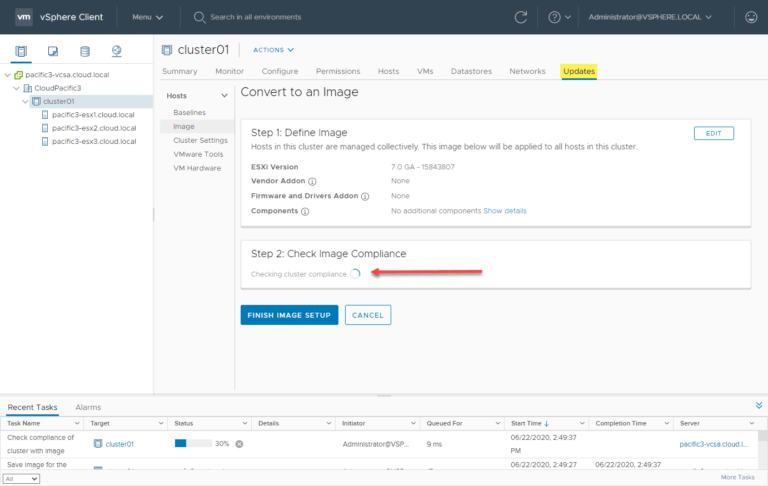
VMware vSphere Lifecycle Manager (vLCM) is a powerful tool integrated within vCenter Server that simplifies and automates the lifecycle management of ESXi hosts across a datacenter. With vLCM, administrators can deploy consistent software images, maintain patch levels, manage firmware compliance,…
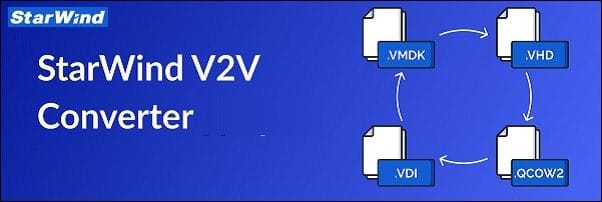
StarWind V2V Converter is a free tool designed to convert virtual machines (VMs) between different formats and to convert physical machines into VMs. With this tool, you can easily perform bidirectional conversions between various supported VM formats, including VMDK, VHD/VHDX…
Overview of the Course The StormWind VMware vSphere VCP 2024 – Data Center Virtualization (VCP-DCV) training is designed to help IT professionals master VMware’s virtualization platform. This course prepares participants for the VMware Certified Professional – Data Center Virtualization (VCP-DCV)…
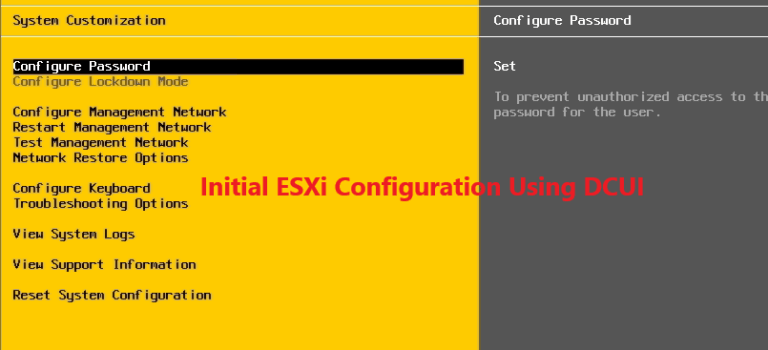
The Direct Console User Interface (DCUI) is the gateway to configuring your newly installed VMware ESXi server. Once the interactive installation is complete, the DCUI offers a straightforward interface to perform initial configuration tasks, such as setting up networking, managing…
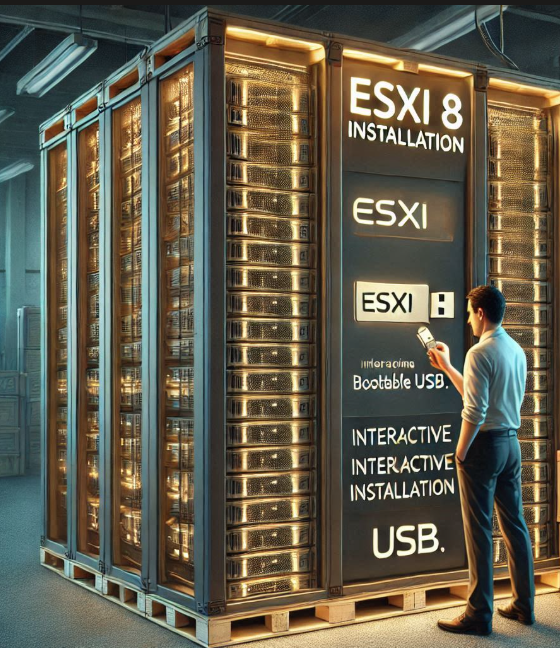
The VMware ESXi 8 hypervisor is the cornerstone of modern virtualization infrastructure, enabling organizations to consolidate workloads, optimize resource utilization, and streamline IT operations. Whether you’re setting up a lab environment, building a proof of concept, or deploying a production-grade…
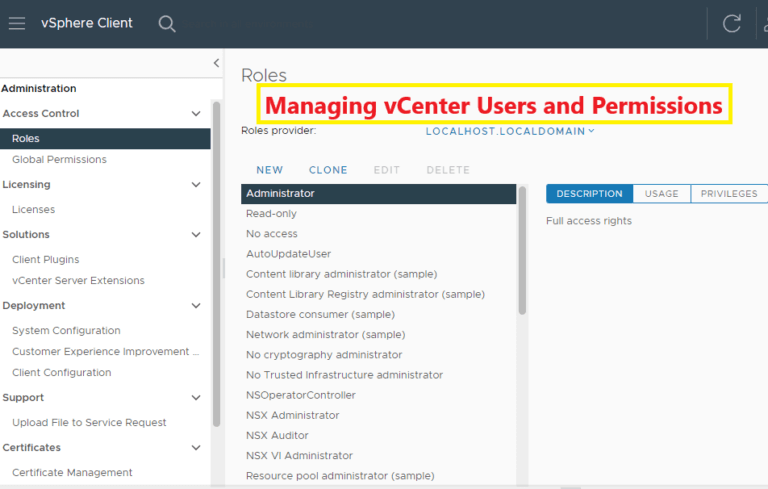
Managing users and permissions in VMware vCenter is a critical aspect of securing your virtual environment. With vCenter’s robust Role-Based Access Control (RBAC) model, you can define and enforce access controls, ensuring users have appropriate privileges without compromising security. This…
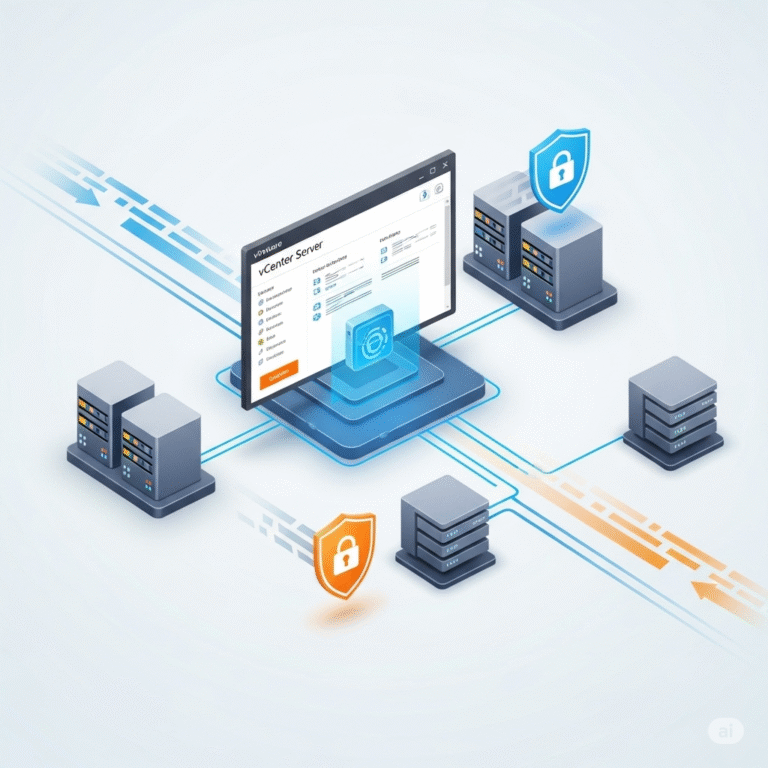
Introduction In today’s IT landscape, VMware vCenter Server is an essential tool for managing virtualized environments efficiently. From resource allocation to security settings, configuring vCenter is crucial to ensure your virtual infrastructure operates smoothly. In this guide, we’ll walk you…
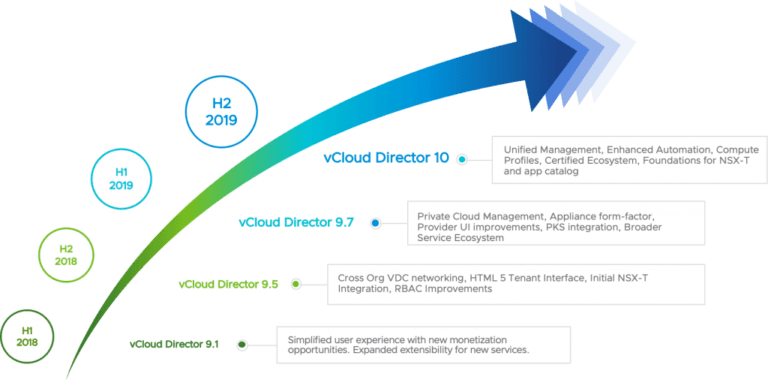
VMware vCloud Director has the role of coordinating the provision of software services in the data center, and it accomplishes this goal in the form of complete and standby virtual data centers. Data center software services, along with virtual data…

Introduction Backing up virtual environments is a critical aspect of IT management, especially for organizations that rely on VMware ESXi for their virtualization needs. With the increasing importance of data integrity and availability, ensuring that your virtual machines are properly…
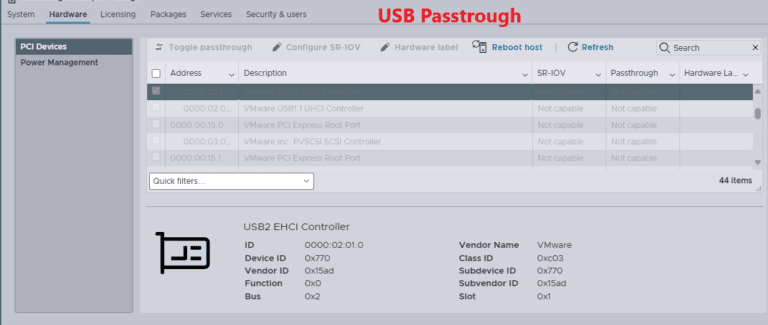
In today’s virtualized environments, the ability to integrate physical hardware with virtual machines is essential for maximizing functionality and flexibility. One common requirement is the need to connect USB devices directly to virtual machines (VMs) running on VMware vSphere. This…

We have detected that you are using extensions to block ads. Please support us by disabling these ads blocker.




