Physical Address
304 North Cardinal St.
Dorchester Center, MA 02124
Physical Address
304 North Cardinal St.
Dorchester Center, MA 02124

Explore virtualization tutorials and guides at vMoreCloud. Learn about VMware, Hyper-V Proxmox, and virtualization technologies to enhance your IT skills.
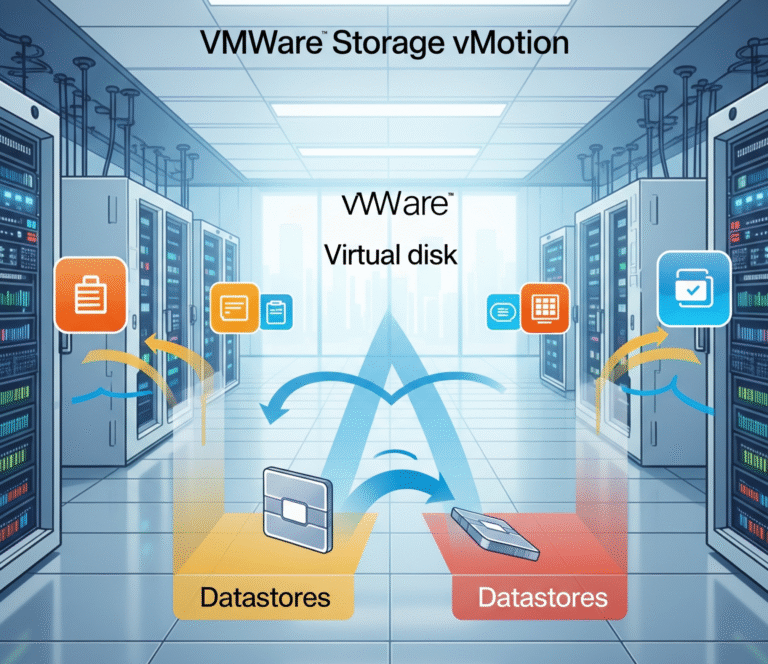
In the ever-evolving landscape of virtualization, managing storage efficiently and without disrupting critical workloads is paramount. VMware Storage vMotion emerges as a powerful solution, enabling live migration of a virtual machine’s (VM) virtual disks between datastores – all while the…
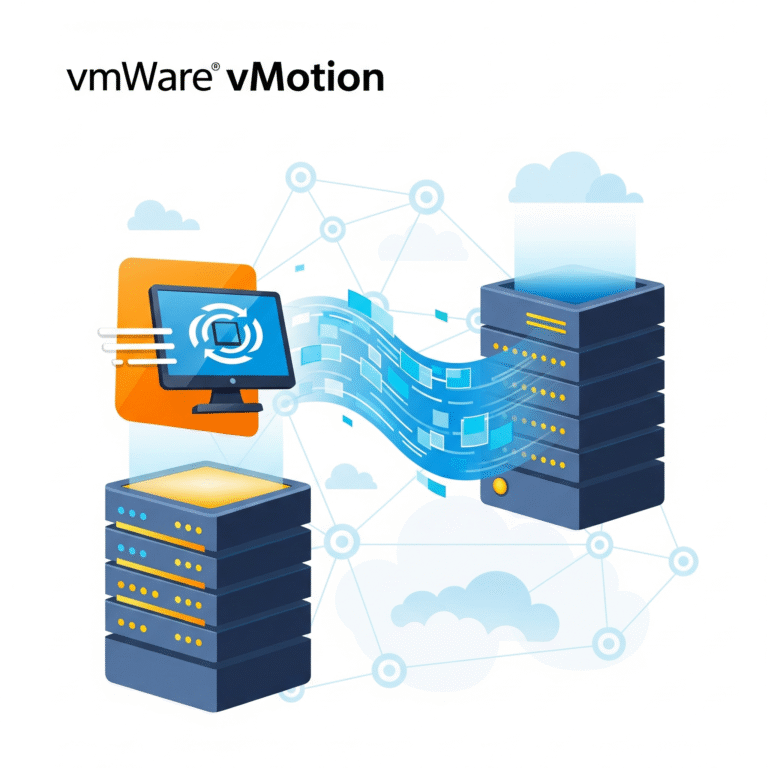
In today’s dynamic IT environments, maintaining application availability and optimizing resource utilization are paramount. VMware vMotion, a cornerstone technology within the vSphere suite, provides a seamless solution for live migration of running virtual machines (VMs) between ESXi hosts with no…
Introduction to Host Profiles Host Profiles in VMware vCenter simplify and standardize ESXi host configuration. They help enforce consistent settings across your VMware environment, reducing manual errors and speeding up provisioning. Benefits of Using Host Profiles Standardize host configurations Reduce…

In modern IT environments, securing VMware vSphere environments with trusted certificates is essential to avoid browser warnings, ensure encryption, and meet compliance. This blog will guide you step-by-step on how to configure vSphere certificates by integrating VMware vCenter Server with…
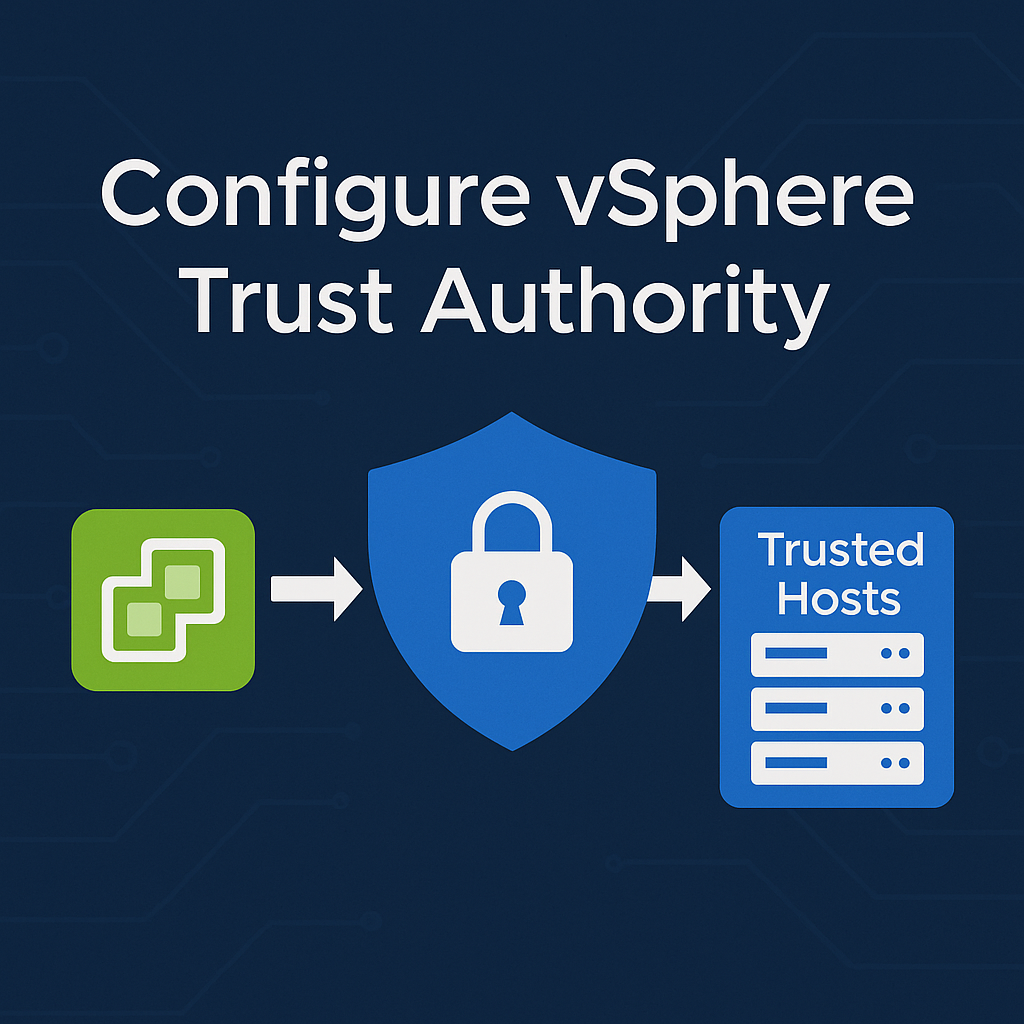
vSphere Trust Authority (vTA) is a feature introduced by VMware to ensure secure workloads run only on trusted infrastructure. As cyber threats evolve, organizations must take a zero-trust approach to virtualization security. This guide explains how to configure vSphere Trust…
vCenter file-based backup is a critical part of VMware data protection strategy. With the rising need for vCenter Server Appliance (VCSA) backup, especially in production environments, using native tools to ensure business continuity is a best practice. In this guide,…
In VMware environments, consistency, scalability, and control are vital. That’s where virtual machine template versions come into play. Managing multiple templates for different versions of applications, operating systems, and configurations can quickly become complex. VMware’s template versioning system provides a…
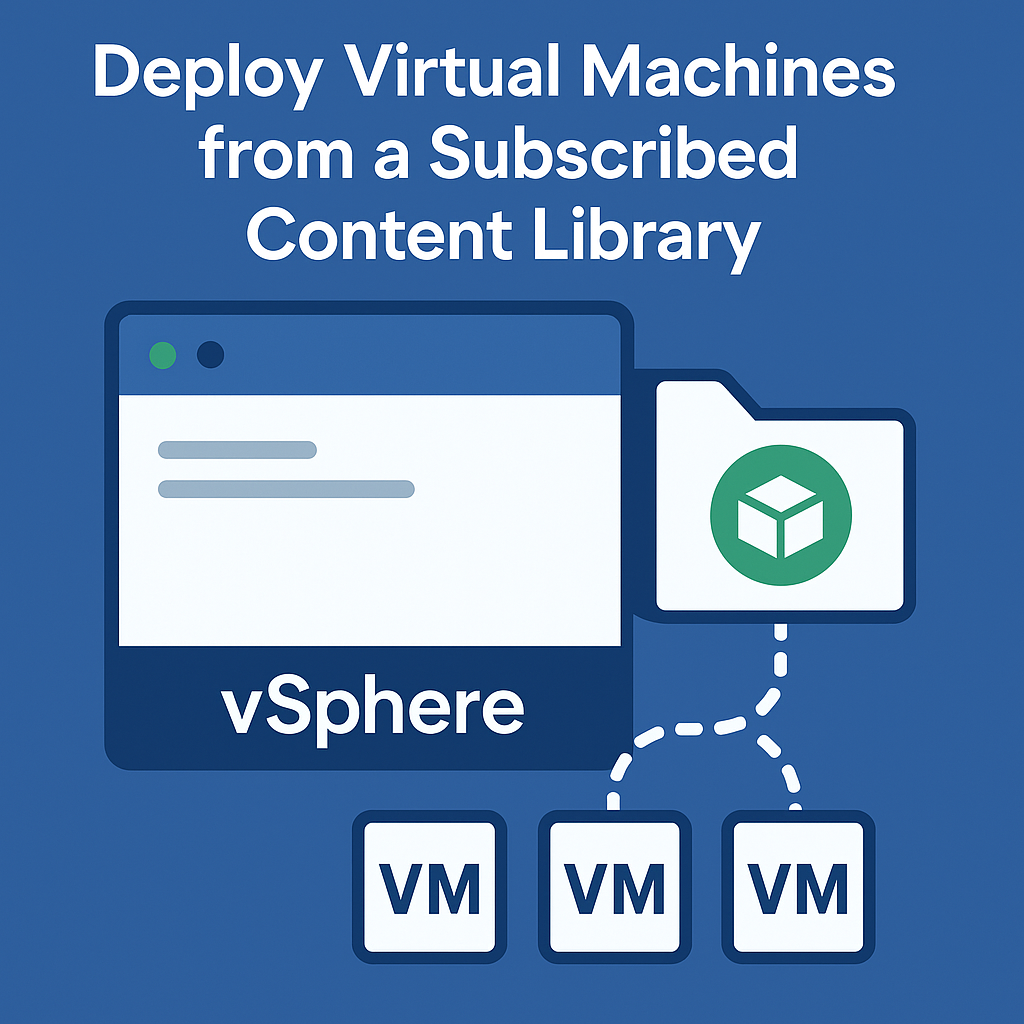
So you’ve got your vCenter environment humming along, and now you’re looking at subscribed content libraries thinking, “There’s got to be an easier way to deploy VMs than what I’ve been doing.” You’re absolutely right. Let me walk you through…
Managing VM templates, ISO images, scripts, and OVF files efficiently is crucial in any virtualized environment. VMware vCenter’s Content Library simplifies this task by allowing you to centralize, organize, and distribute content across multiple vCenter Server instances. Whether you’re working…

Introduction VMware vSphere High Availability (HA) is a critical component of enterprise virtualization infrastructure, providing automated failover capabilities that ensure business continuity in the event of host failures. This comprehensive guide explores the advanced features, configuration options, and best practices…

We have detected that you are using extensions to block ads. Please support us by disabling these ads blocker.




