Physical Address
304 North Cardinal St.
Dorchester Center, MA 02124
Physical Address
304 North Cardinal St.
Dorchester Center, MA 02124

It is a small bootable GNU/Linux distribution; it has been developed since 2004 and is used to deploy many computers simultaneously. It is a handy tool; however, it does have several limitations. To use it, you must first prepare a DRBL server, AND the machine to be deployed must boot from a network.
Create partition and disk images for backup purposes and restore them whenever necessary, all thanks to this powerful open-source application Clonezilla Live. There’s nothing worse than losing all the data stored on the computer because of a hard disk failure or a severe system crash. Fortunately, advanced backup and recovery systems can help you prevent such situations from happening. Clonezilla is one of them.
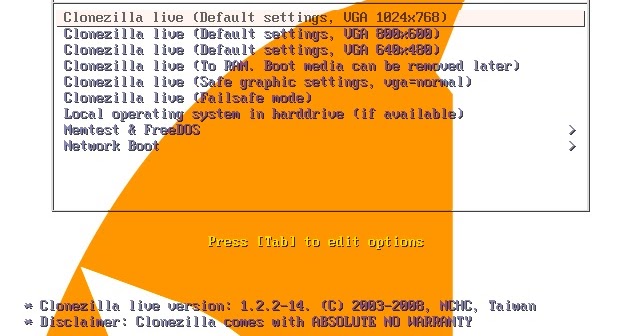
Booting from the Clonezilla media opens a menu to choose the running mode for Clonezilla Live and run memory tests. The console data configuration options are displayed as you proceed, allowing you to select the keymap policy.
To install this program, the basic steps are to download pre-build Clonezilla Live and then put it in a boot media (CD, USB flash drive, or USB hard drive). Two types of files are available, iso and zip. The former is for CDs; the latter is for USB flash drives. Besides, you can put Clonezilla live on a hard drive or PXE server.

File Size: 452 MB
File name: clonezilla-live-3.2.2-15-amd64.zip
Created by Clonezilla
Version 3.2.2-15
License type freeware
Release Date June 20, 2025

We have detected that you are using extensions to block ads. Please support us by disabling these ads blocker.





