
DavMail 7.1 Improves Microsoft 365 Integration and IMAP Support
DavMail 7.1 improves Microsoft Graph integration, IMAP compatibility, calendar handling, and connection reliability. This cross-platform, open-source gateway lets compatible mail and calendar clients access supported Exchange and Microsoft 365 services through protocols such as IMAP, SMTP, CalDAV, CardDAV, and LDAP.
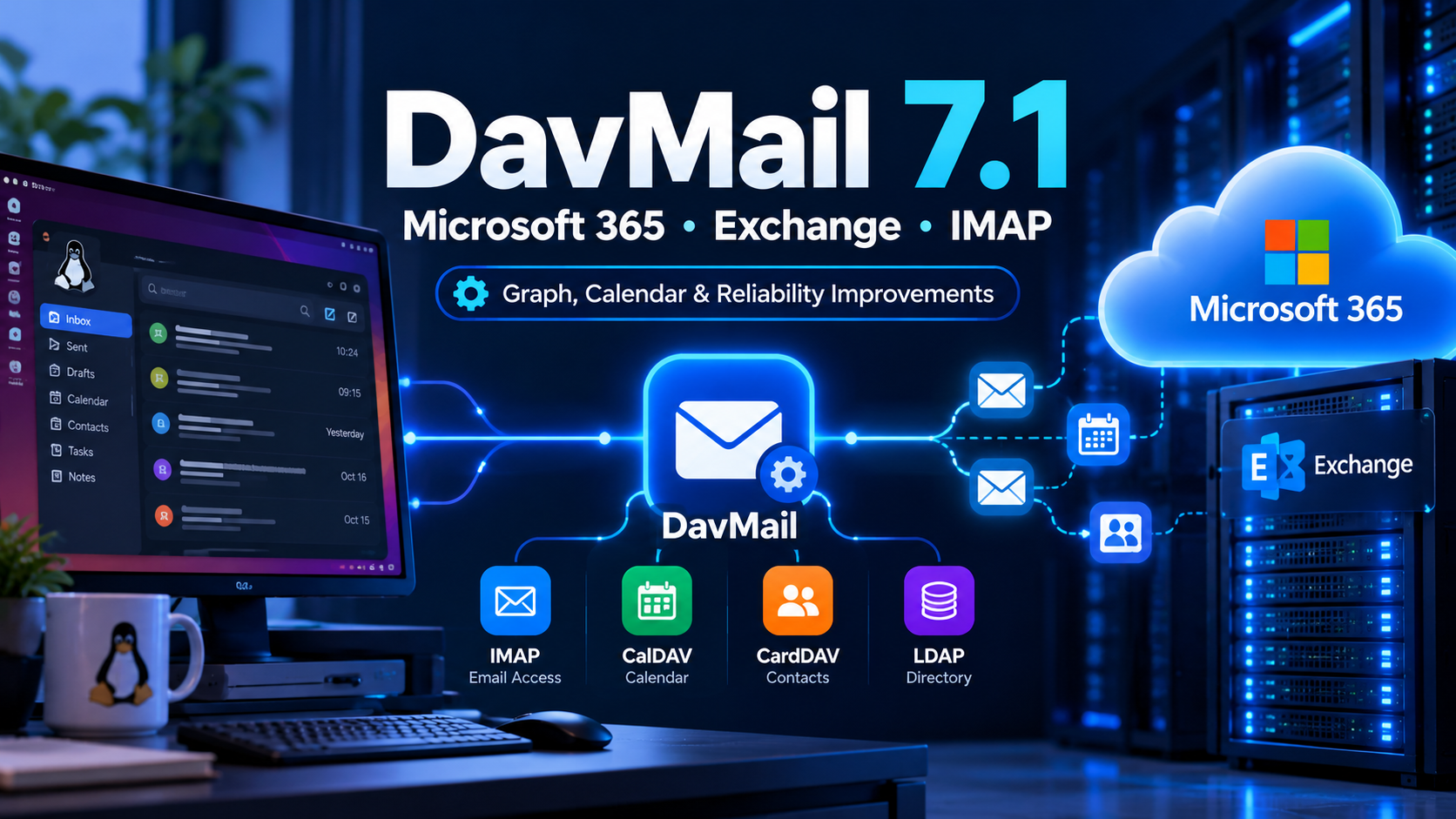
DavMail 7.1 improves Microsoft Graph integration, IMAP.
Choose the correct package for your operating system from the official project files. This button opens the project’s download page, not a direct binary link.
What is DavMail?
DavMail is a compatibility gateway between Microsoft Exchange or Microsoft 365 and applications that use standard protocols. Depending on the backend and configuration, it can provide IMAP for mail access, SMTP for sending, CalDAV for calendar operations, CardDAV for contacts, LDAP for address-book searches, and POP for inbox retrieval.
This can help users connect compatible applications such as Thunderbird to Exchange services. DavMail is not a replacement for Exchange or Microsoft 365, and available functionality depends on the configured backend, tenant policy, and client.
What’s new in DavMail 7.1?
Microsoft Graph integration
Replaces the previous A–Z Global Address List lookup approach with native people search, improves token validation, and retries transient Graph errors.
IMAP compatibility
Adds UID EXPUNGE and UNKEYWORD support and improves date searches using SINCE, BEFORE, and ON.
Calendar handling
Fixes address recurring events and time zones more reliably, improves meeting-room booking, and better identifies canceled appointments while reducing duplicate events.
Connection reliability
Addresses IMAP connections that could remain stuck after a client disconnects, improves MOVE/EXPUNGE notifications, and makes network failure reporting more consistent.
TLS certificate generation
Can generate a self-signed PKCS#12 certificate through the settings interface or the new -generateCert command-line option.
Additional fixes
Includes CalDAV alarm and discovery fixes, SWT graphical-interface deadlock fixes, SMTP error-handling improvements, and EWS room-booking updates.
Microsoft Graph and authentication
DavMail 7.1 continues development of its Microsoft Graph backend. Native people search improves directory lookups and reduces unnecessary API calls compared with the earlier A–Z method. More careful token validation and retry handling can help the gateway recover from temporary service errors.
The release also includes a workaround for accessing Exchange Online Archive mailboxes in Graph mode. Treat this as a targeted workaround, not a guarantee that every archive scenario is supported. Confirm the limitations in the project release notes and test with your tenant and mailbox configuration.
Improved retries may help with transient errors and throttling, but they cannot eliminate network outages, tenant policy restrictions, service limits, or API limitations.
IMAP, calendar, and contacts
The additional IMAP commands improve interoperability with clients that use them. More consistent date-based searches and mailbox operations can reduce differences between a client’s requests and the gateway’s responses. Calendar fixes focus on recurring events, time zones, room bookings, canceled appointments, and duplicate event creation.
Before a broad rollout, test mail sending and receiving, folder synchronization, directory lookups, recurring meetings, shared calendars, room resources, and contacts with the applications your organization supports.
Download DavMail 7.1
DavMail is available for Linux, Windows, and macOS. Linux users can look for Debian packages or the platform-independent Java archive. The project’s release area lists the available files; package names and runtime requirements vary by platform.
| Platform | Package to look for | Check before installation |
|---|---|---|
| Linux | Debian package or Java archive; distribution packages may also be available | Java/runtime requirements, service configuration, distribution compatibility |
| Windows | Windows installer or standalone package | Architecture, firewall rules, certificate settings |
| macOS | macOS application/package | Current Java/runtime guidance and platform-specific notes |
Use the official project download area rather than unverified mirrors. The project repository also links to release notes, configuration documentation, and alternative package sources.
Upgrade and configuration checklist
- Back up configuration: Save your existing DavMail properties and certificates before replacing a working installation.
- Confirm backend settings: Review whether your environment uses Microsoft Graph or EWS and check the related configuration options.
- Test authentication: Validate sign-in and token refresh against your organization’s Microsoft 365 authentication policy.
- Review network exposure: Check listener addresses, firewall rules, TLS trust, and reverse-proxy settings.
- Run functional tests: Verify mail flow, folders, directory lookups, calendar invitations, recurring events, and contacts.
- Review logs: Look for authentication failures, throttling, certificate warnings, or protocol errors after the upgrade.
Who should consider upgrading?
DavMail 7.1 is relevant to users who depend on the gateway for Exchange or Microsoft 365 connectivity and need its Graph, IMAP, calendar, and reliability fixes. Review the release notes and test in a controlled environment before rolling it out widely, particularly if your workflow depends on specialized calendar behavior or an older Exchange backend.
DavMail is not necessary for every Microsoft 365 client. If your mail application supports your account type and authentication method directly, compare native integration with the gateway approach before introducing another service to maintain.
Official sources
- Linuxiac — DavMail 7.1 release coverage
- DavMail project news and release announcements
- DavMail official download files
- DavMail source repository and release notes
- DavMail project website and configuration documentation

