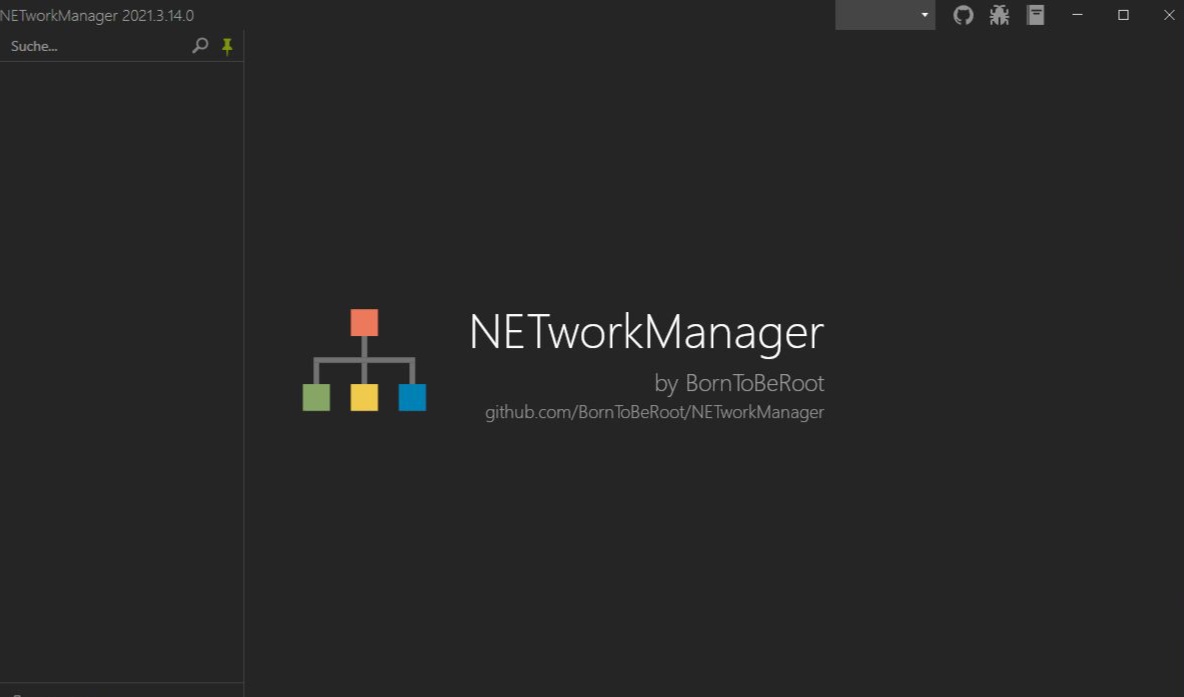
NETworkManager 2025.8.10.0

Overview of NETworkManager
The main window holds a wide variety of tools placed on the left part of the screen for easy access.
Moreover, tools let you view the network interface and its various information, scan IP ranges and display results, scan for hosts and ports, ping a particular host, perform a quick lookup, connect to a server with PuTTy or VNC, query SNMP and perform a wake-up-on-LAN.
Features of NETworkManager
- Dashboard
- Network Interface – Information, Bandwidth, Configure
- WiFi – Networks, Channels
- IP Scanner
- Port Scanner
- Ping
- Ping Monitor
- Traceroute
- DNS Lookup
- Remote Desktop
- PowerShell
- PuTTY (requires PuTTY)
- TigerVNC (requires TigerVNC)
- SNMP – Get, Walk, Set (v1, v2c, v3)
- Wake on LAN
- HTTP Headers
- Whois
- Subnet Calculator – Calculator, Subnetting, Supernetting
- Lookup – OUI, Port
- Connections
- Listeners
- ARP Table
Technical Details and System Requirements
- Supported OS: Windows 11, Windows 10, Windows 8.1, Windows 7
- RAM (Memory): 2 GB RAM (4 GB recommended)
- Free Hard Disk Space: 200 MB or more
file size: 23.6 MB
Product Information
File Name NETworkManager_2025.8.10.0_Setup.msi
Created By BornToBeRoot
Version 2025.8.10.0
License Type freeware
Release DateAugust 12, 2025
Change Log What’s New?
Languages English

add a comment
You Might Also Like
How to Disable Network Discovery To Hide Devices Using Group Policy on Windows Server 2025
Why Should You Care About Network Discovery?Understanding Network Discovery in Windows Server 2025Prerequisites: What You'll NeedStep-by-Step Tutorial: Disabling Network Discovery via Group PolicyStep 1: Open the Group Policy Management ConsoleStep 2: Create a New Group Policy ObjectStep 3: Edit the Group Policy ObjectStep 4: Navigate to the Network Discovery SettingsStep 5: Configure the Network Discovery SettingsStep 6: Configure Windows Defender Firewall Rules (Additional Security Layer)Step 7: Link the GPO to the Appropriate Organizational UnitStep 8: Force Group Policy UpdateStep 9: Verify the SettingsWrapping Up If you're managing a Windows Server...
NetworkManager 1.56 Released with WireGuard Peer Management in nmcli
Overview The widely used Linux networking service NetworkManager has introduced version 1.56, bringing a mix of functional improvements, policy refinements,...
Checkmate: Your Open-Source Infrastructure Monitoring Solution
157
Checkmate is a comprehensive monitoring platform designed to track and monitor server hardware, uptime, response times, and incidents in real-time....
Solarwinds-NPM-2025.2.1-OfflineInstaller.iso
137
SolarWinds-NPM-2025.2.1 Offline Installer is the offline installation ISO for SolarWinds Network Performance Monitor (NPM) version 2025.2.1 — a self-hosted Orion-Platform...