Physical Address
304 North Cardinal St.
Dorchester Center, MA 02124

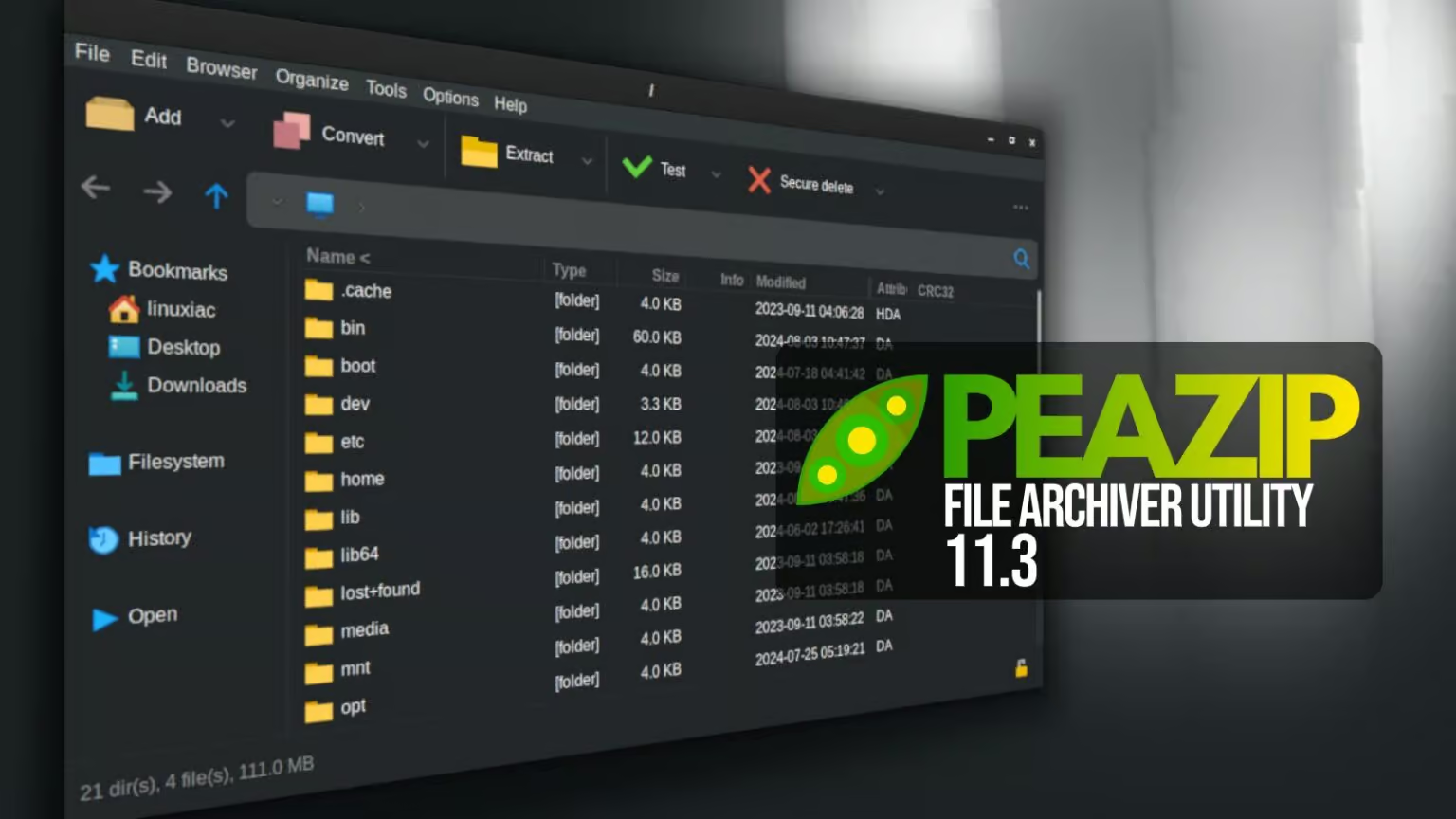
PeaZip 11.3 introduces a safer PEA extraction workflow, mandatory Password Manager protection, improved ZPAQ handling, security hardening, and practical usability updates.
PeaZip 11.3 is a cross-platform open-source archive manager release focused heavily on security, validation, and everyday file-management improvements. The project’s official changelog identifies a new PEA test function, safer extraction behavior, improved ZPAQ support, a mandatory Password Manager master password, and a new Open with picker as headline changes.
The release was published on September 26, 2026. The official project documentation also notes that PeaZip 11.3 is built with Lazarus 4.x while retaining compatibility with Lazarus 3.x and 2.x.
The most security-relevant change is the revised handling of PEA extraction. Instead of immediately extracting directly into the requested destination, the UNPEA procedure first works inside a randomly named temporary directory.
If validation succeeds, that temporary workspace is renamed to the requested output directory. If validation fails, the temporary data is automatically removed. This creates a more controlled extraction flow and reduces the chance of leaving partially validated extraction data at the final destination.
PeaZip 11.3 adds a dedicated Test mode for PEA archives. The changelog also documents fixes for archives that were incorrectly reported as containing relative paths, invalid password-length errors in some interactive modes, and unchecked sizing of the first compressed block.
For administrators and users handling downloaded or transferred archives, an explicit archive-test operation can be useful as a validation step before extraction or long-term storage.
PeaZip 11.3 makes a master password mandatory when using its integrated Password Manager. This changes the upgrade workflow for users who already have stored credentials.
PeaZip 11.3 extends its security-focused changes beyond the PEA format. The release broadens the default list of security-sensitive file extensions that require confirmation before launch, and the check also applies when files are opened or previewed with associated applications.
On Windows, the drag-and-drop DLL is now loaded at runtime from an absolute path after hash validation. The release also fixes syntax used for checking Mark of the Web and Alternate Data Streams and improves handling of metacharacters during filename validation, command-line sanitization, and scripting.
These changes matter because archive managers can interact with files that ultimately launch external applications. Requiring confirmation and strengthening path or component validation can reduce opportunities for accidental execution and unsafe file handling.
ZPAQ receives several changes in this release. PeaZip 11.3 adds support for the Force typing password interactively option and fixes a crash or hang that could occur when working with encrypted ZPAQ archives without supplying the password in advance.
Archive creation also gains a display preference for compression percentage or compression ratio. A new option can automatically open the output directory in PeaZip after an archiving or extraction operation completes.
A new Open with picker is available through Shift+F12. The screen provides access to system-associated applications, custom applications, scripts, web services, or another PeaZip instance.
For technical users who frequently move between archive inspection, scripts, and external utilities, this provides a centralized way to choose how a selected item should be opened.
| Component | PeaZip 11.3 | Purpose |
|---|---|---|
| 7z / p7zip | 26.03 | Archive/compression backend update |
| Pea | 1.33 | PEA-related backend functionality |
| Lazarus | 4.x | Build environment; compatibility retained with 3.x and 2.x |
| Archive formats | 243 extensions | Supported archive file types listed by the project |
PeaZip’s new extraction workflow is useful, but archive security still depends on the surrounding operating environment. For enterprise and lab systems, VMoreCloud recommends treating archive files as untrusted input until they have been validated.
PeaZip is available for multiple platforms, and the project publishes current packages through its official download and release channels. The official changelog links to downloads for Windows, Linux, macOS, source packages, and the project’s GitHub releases.
Verification: The PeaZip project states that SHA256 hash values for release packages are published in the SHA256.txt file for each release on GitHub. Verify the package hash before using downloaded software in production environments.
PeaZip 11.3 is notable less for a single interface change and more for the way several small controls reinforce safer archive handling. The temporary-directory extraction workflow, explicit PEA testing, stronger launch confirmation, Windows component validation, and mandatory Password Manager master password all address different parts of the archive-management workflow.
For users who work with archives as part of system administration, software distribution, backups, or file-transfer workflows, these changes are worth understanding before deploying the new release across managed systems.
Hybrid Cloud & Virtualization Engineer specializing in VMware, Azure, AWS, Windows Server, Microsoft 365, Linux, networking, backup & disaster recovery. I share practical guides, technical projects and insights into modern IT infrastructure through VMoreCloud.
Follow VMoreCloud for practical Linux, cloud, virtualization, cybersecurity, backup, and infrastructure news explained for IT professionals.
Explore More Technology News →
We have detected that you are using extensions to block ads. Please support us by disabling these ads blocker.





