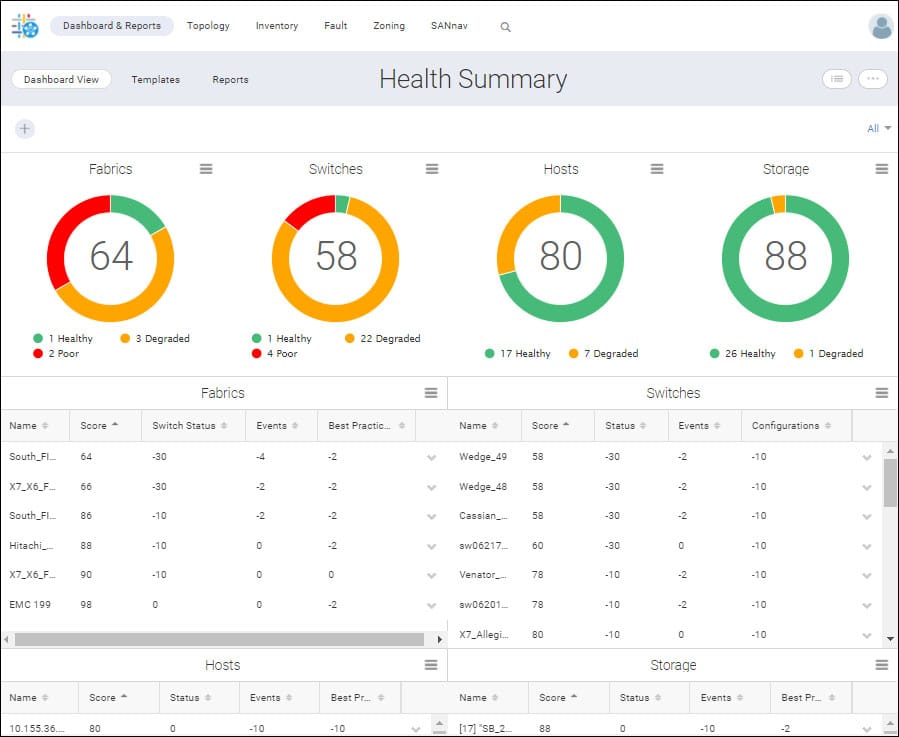
VMware Skyline Health Diagnostics (SHD) has transformed to a unified diagnostic utility that brings both proactive and reactive health check and diagnosis for various VMware products like vSphere (ESXi and vCenter), vSAN, VMware Cloud Foundation, VMware Horizon, VMware SD-WAN, with many more on the road map. Skyline Health Diagnostics (SHD) is a joint initiative between VMware Engineering and VMware Global Support to enhance your support experience. SHD minimizes downtime by managing day-2 operations with ease and enables seamless upgrades. Key Features of VMware Skyline Health Diagnostics 4.0 Proactive Monitoring: It continuously monitors your VMware environment, identifying potential issues before they impact performance or availability. Comprehensive Diagnostics: The tool analyzes various VMware components, such as vCenter Server, ESXi Hosts, vSAN, and vSphere Distributed...
Introduction VMware Aria Operations is a unified, AI-powered self-driving IT operations management platform for private, hybrid and multi-cloud environments. It...
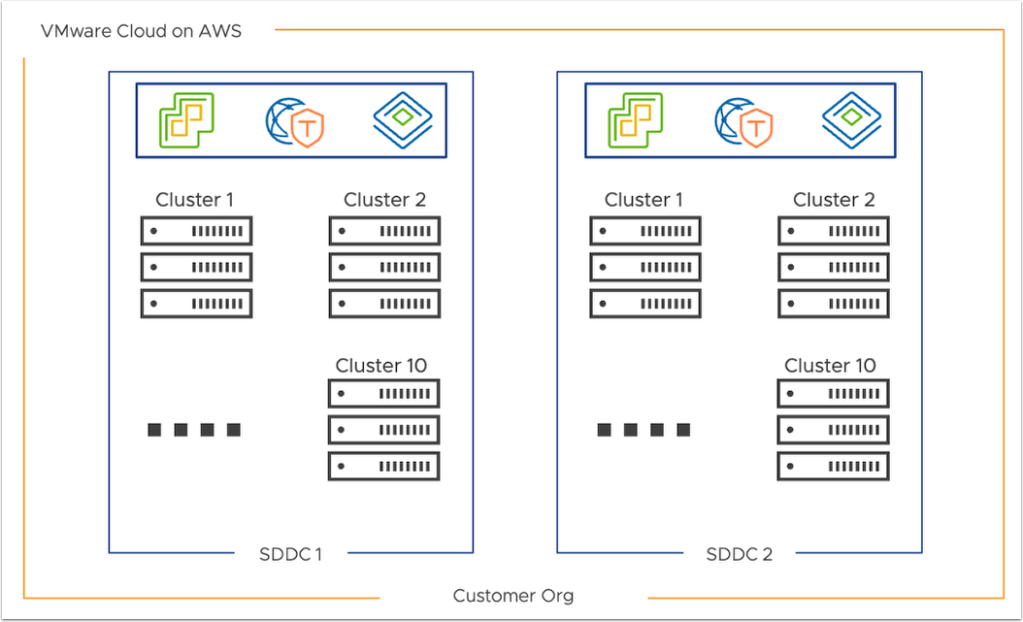
Introduction VMware Cloud on AWS is a hybrid cloud solution that seamlessly integrates VMware's enterprise-class Software-Defined Data Center (SDDC) with...