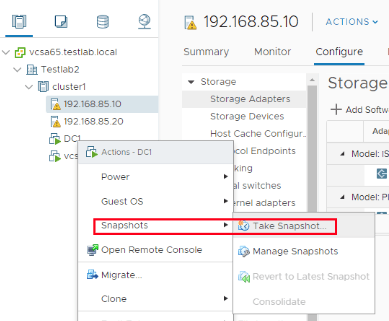
Introduction Cloning a virtual machine (VM) is a critical process in virtualization, allowing you to create exact replicas of an existing VM for testing, backup, or scaling purposes. VMware vSphere 8 simplifies this process with its advanced tools and intuitive interface. In this guide, we will walk you through a lab setup to clone a VM in vSphere 8. Prerequisites Before starting, ensure you have the following: Access to vSphere Client (HTML5-based interface). A powered-off or running VM to be cloned. Adequate storage and resources on the destination datastore. Administrative...
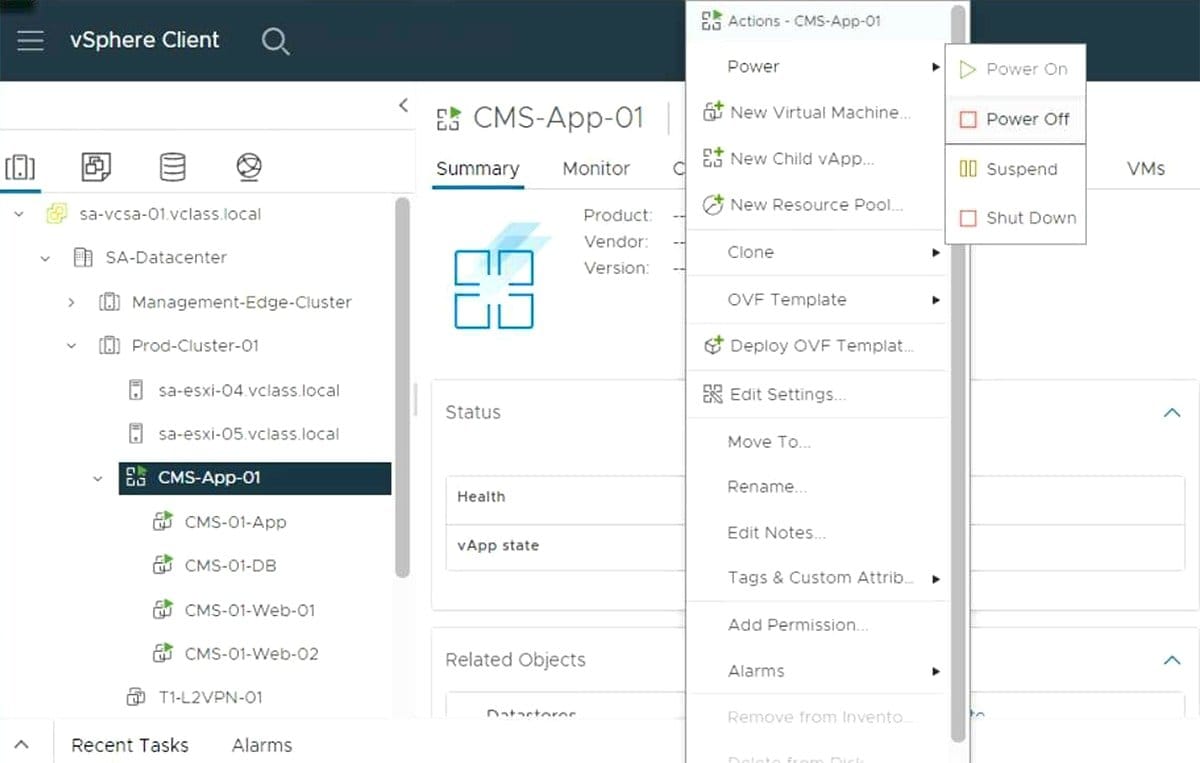
IntroductionKey Features of vAppLogical Grouping of VMsResource AllocationPower-On SequencingNetworkingTemplate and PortabilityBenefits of vAppSimplified Application ManagementConsistent DeploymentResource ControlAutomation and OrchestrationvApp Architecture...
What is vSphere Lifecycle Manager?What is vSphere Lifecycle Manager Used ForBenefits of Using vSphere Lifecycle ManagerKey Sections of vSphere Lifecycle...
What is DCUI?PrerequisitesSteps for Initial ESXi Configuration Using DCUIAccessing the DCUIConfiguring Management NetworkSetting Up a Root PasswordTesting Network ConfigurationEnable or...