Physical Address
304 North Cardinal St.
Dorchester Center, MA 02124
Physical Address
304 North Cardinal St.
Dorchester Center, MA 02124

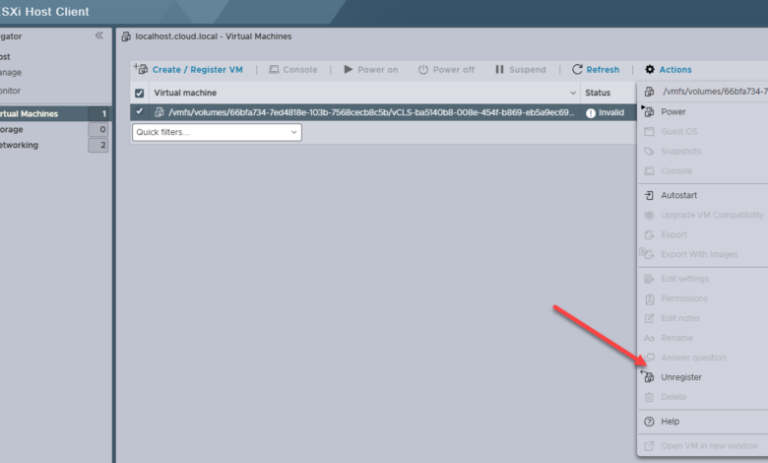
There are a lot of times when I am working in the home lab and removing things and adding things, changing hardware, etc and you get things in a funky state when it comes to datastores and other configuration. I…
VMware certainly made news yesterday with the announcement that VMware Workstation Pro is now free for all users even businesses and organizations. If you remember, in May of this year, they made the announcement that VMware Workstation Pro would be free for personal…
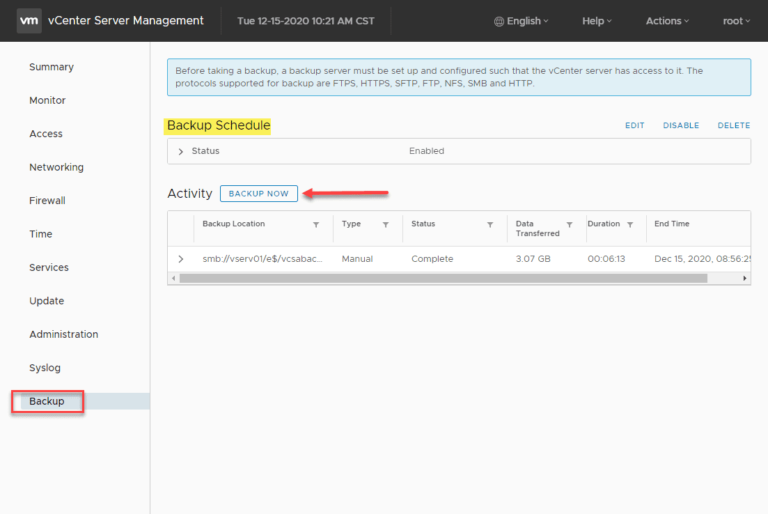
Backing up your VMware vCenter Server is crucial for maintaining the stability and resilience of your VMware vSphere environment, especially if you rely on vSphere Distributed Switches and other vCenter-centric infrastructure components. Protecting your vCenter Server is essential, and modern…
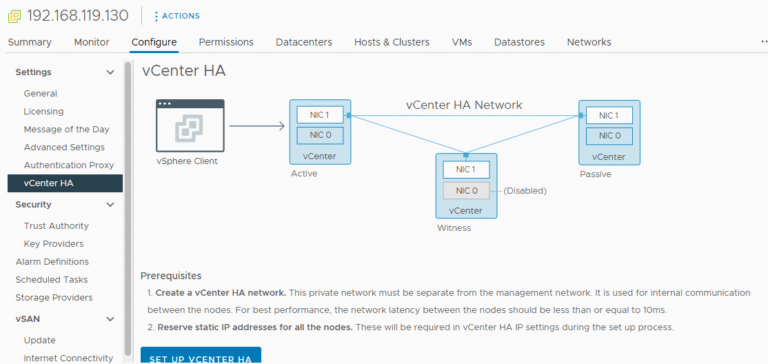
Introduction vCenter High Availability (vCenter HA) is a critical component for ensuring the continuous availability of your VMware environment. VMware’s vCenter High Availability (vCenter HA) is a powerful feature designed to eliminate downtime for the vCenter Server Appliance (VCSA) by…

Introduction to VMware vCenter Enhanced Linked Mode VMware vCenter Enhanced Linked Mode (ELM) is a powerful feature that enables seamless integration of multiple vCenter Servers. By using ELM, administrators can centralize management, view inventories, and perform tasks across multiple vCenters…
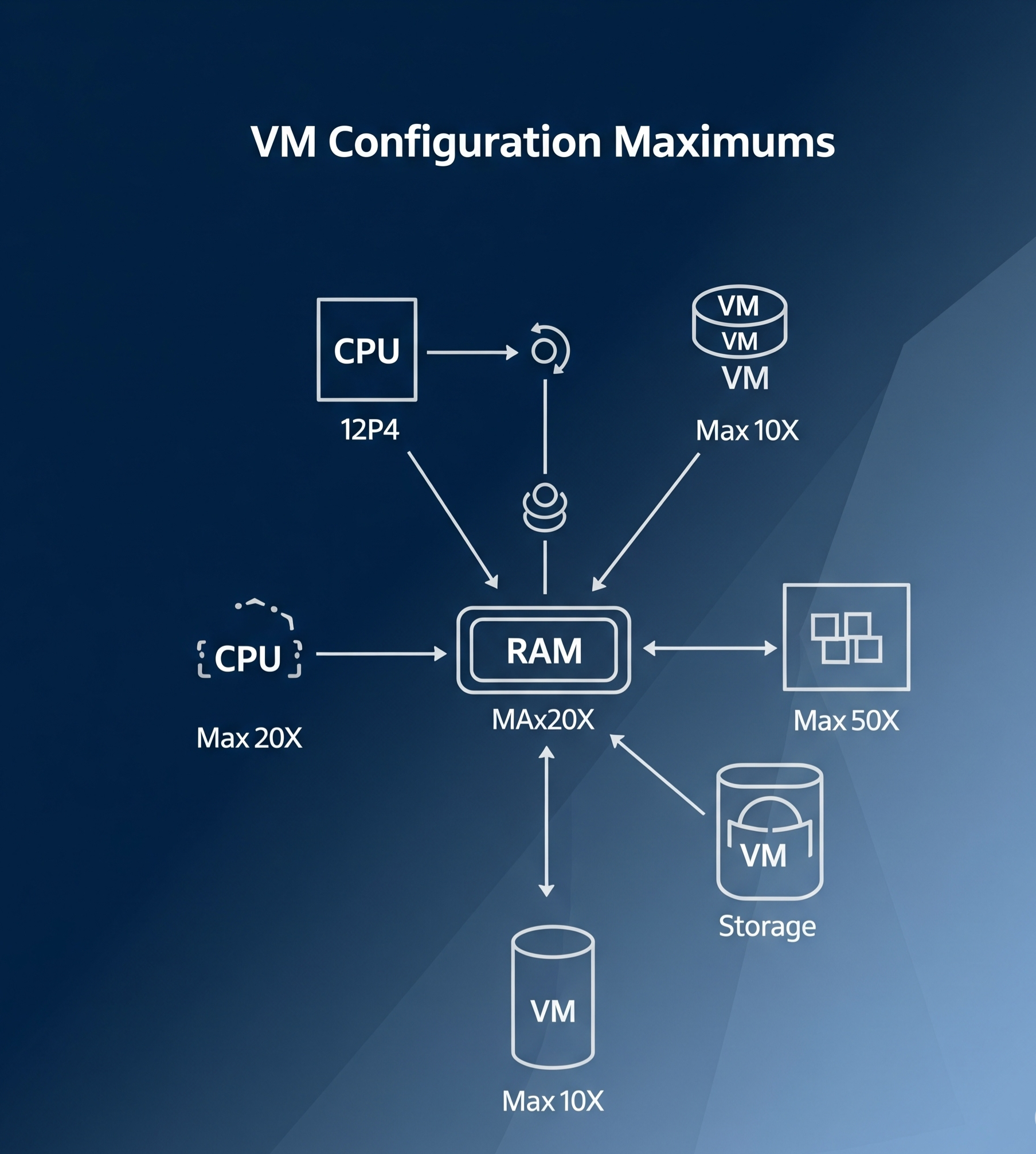
Introduction Virtual Machine (VM) configuration maximums are key limits and specifications that help define the capacity and performance of a virtual machine in a VMware environment. These maximums are essential for understanding how far you can push your VM configurations…
Introduction Managing virtual machine (VM) templates effectively is a crucial part of streamlining your IT infrastructure, especially in a virtualized environment such as VMware vSphere. VM templates in a content library allow you to store, deploy, and manage standardized VM…
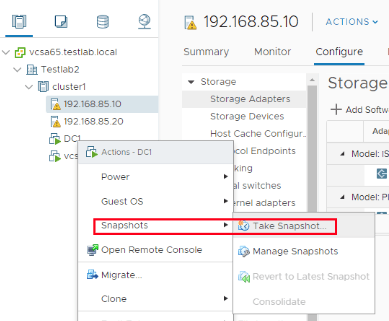
Introduction VMware vSphere snapshots are a critical feature for maintaining virtual machine (VM) stability and flexibility. These snapshots capture the state of a VM at a specific moment, including its disk, memory, and power settings. This functionality makes snapshots essential…
Introduction Cloning a virtual machine (VM) is a critical process in virtualization, allowing you to create exact replicas of an existing VM for testing, backup, or scaling purposes. VMware vSphere 8 simplifies this process with its advanced tools and intuitive…
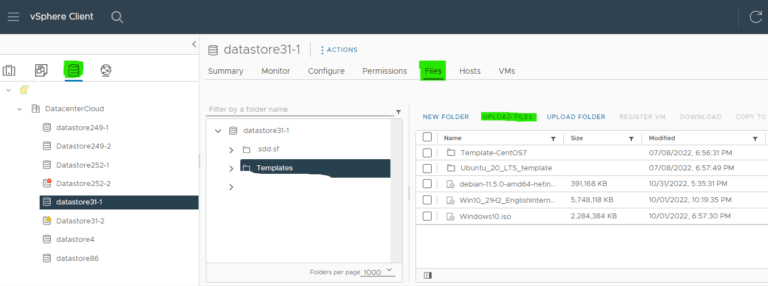
Introduction Efficiently managing virtual machines (VMs) in vSphere 8 is critical for IT administrators. One of the most powerful features for streamlining VM deployment is the use of templates. Templates allow you to preconfigure and standardize VM settings, saving time…

We have detected that you are using extensions to block ads. Please support us by disabling these ads blocker.




