Physical Address
304 North Cardinal St.
Dorchester Center, MA 02124
Physical Address
304 North Cardinal St.
Dorchester Center, MA 02124

Introduction Veeam Backup & Replication is a data protection and disaster recovery solution designed to back up, restore, and replicate virtual, physical, and cloud workloads. It is one of the most widely adopted enterprise backup solutions in the virtualization world.…
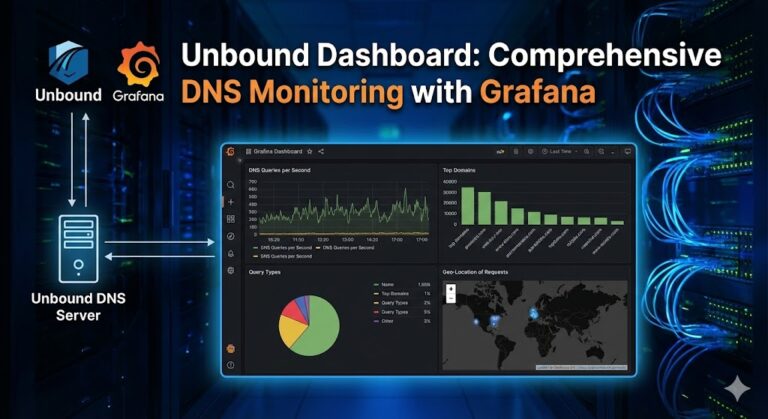
Overview The Unbound Dashboard is a powerful monitoring solution that brings together Grafana, Prometheus, and Loki to provide comprehensive visualization and analysis of your Unbound DNS resolver. This open-source project offers real-time metrics, historical data analysis, and log aggregation in…
Introduction Migrating your Active Directory infrastructure from Windows Server 2022 to Windows Server 2025 requires careful planning, especially when transferring Flexible Single Master Operations (FSMO) roles. This comprehensive guide walks you through the fastest and safest method to transfer all…
As an IT administrator managing a Windows Server 2025 environment, I’ve spent countless hours fine-tuning browser policies to balance security with productivity. One of the most requested configurations I encounter is implementing a whitelist approach for Firefox—blocking all websites except…
Managing a network of domain computers can be challenging, especially when you need to perform maintenance tasks like shutting down or restarting multiple machines simultaneously. Whether you’re applying updates, performing scheduled maintenance, or managing power consumption across your organization, Windows…
Windows Server 2025 has arrived, and if you’re managing Hyper-V virtual machines, you’re probably wondering about the best path forward. I’ve been working with virtualization environments for years, and I know that upgrading can feel daunting—but it doesn’t have to…
![Windows Server 2025 LTSC [10.0.26100.7171] Version 24H2](https://vmorecloud.com/wp-content/uploads/2025/12/Windows-Server-2025-768x768.jpg "Windows Server 2025 LTSC [10.0.26100.7171] Version 24H2 5")
Windows Server 2025 LTSC is Microsoft’s newest long-term servicing channel release, designed for modern data centers, security-driven deployments, virtualization hosts, hybrid cloud, and enterprise workloads.The build 10.0.26100.7171 represents one of the latest stable releases, packed with performance optimizations, enhanced security…

Introduction High availability (HA) is critical for modern organizations that cannot afford downtime of shared resources such as file shares, departmental data, and application-level files. Windows Server 2025 introduces performance improvements, enhanced cluster resiliency, and better storage integration—making it an…

Designed for IT professionals, this hands-on course unlocks the full potential of Windows Server 2025. Through hands-on skills and real-world scenarios, participants will learn how to effectively manage, monitor, and maintain Windows Server environments. Starting with creating a management lab…
Introduction NFS (Network File System) is one of the most widely used protocols for sharing files across a network, enabling computers to access files remotely as if they were on the local system. It is commonly used in Linux/Unix environments…

We have detected that you are using extensions to block ads. Please support us by disabling these ads blocker.




