Description The Microsoft System Center software suite is Microsoft’s comprehensive management solution for seamlessly managing and running data centers across...
IntroductionWhy Use MSI for Deployment?PrerequisitesStep-by-Step Guide to Deploy Firefox MSIStep 1: Prepare the MSI FileStep 2: Create a Group Policy...
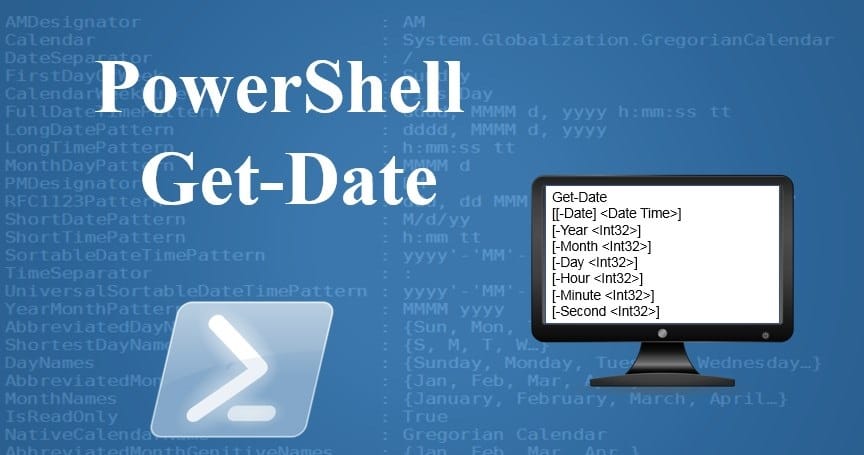
IntroductionMethod to Find Domain Controller Creation Date and TimeStep 1: Launch PowerShellStep 2: Import Active Directory ModuleStep 3: Query the Domain Controller Creation DateStep 4: Interpret the OutputStep 5: Save the Output (Optional)Wrapping Up Introduction When managing Active Directory environments, knowing when a Domain Controller (DC) was created can be essential for auditing, troubleshooting, or historical record-keeping. This post discusses how to use PowerShell to find the creation date and time of a Domain Controller in Windows Server 2022. We’ll also provide a step-by-step tutorial to help you perform this...