Physical Address
304 North Cardinal St.
Dorchester Center, MA 02124
Physical Address
304 North Cardinal St.
Dorchester Center, MA 02124

Windows Server 2025; A complete review of the capabilities, benefits, and features of Windows Server 2025 What is Windows Server 2025? Windows Server 2025 is the latest version of Microsoft’s server operating system, developed with a focus on security, performance, virtualization,…
Microsoft has released Windows Server 2025 v24H2 Build 26100.32860 (May 2026), bringing the latest security updates, performance improvements, and reliability fixes for enterprise environments. This release is designed for organizations, IT professionals, and system administrators looking to deploy a modern,…
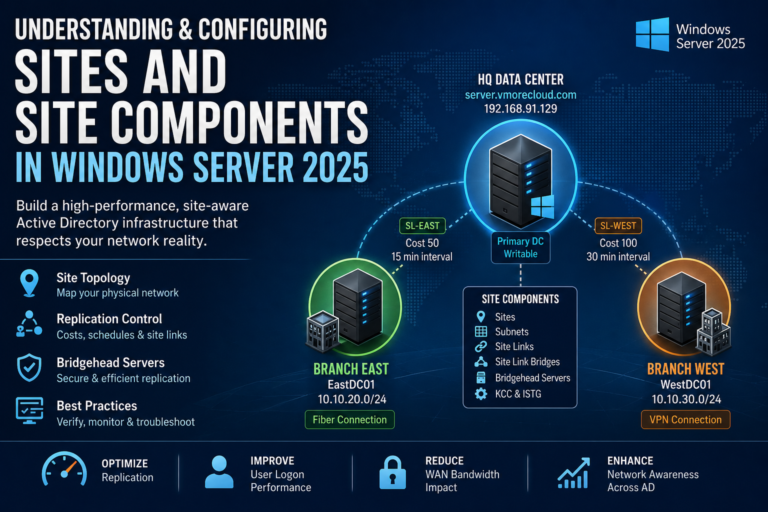
In the Next section we will learn Sites and Components in Windows Server 2025
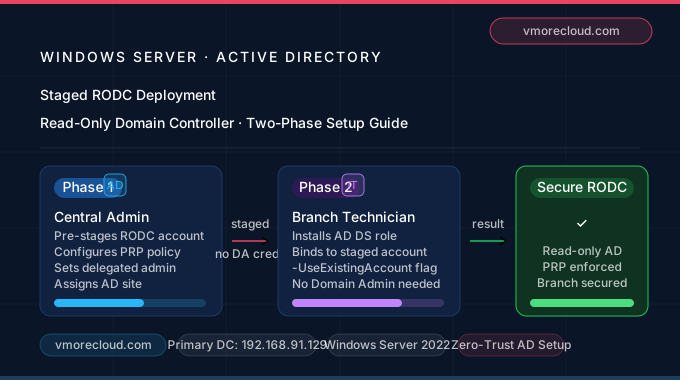
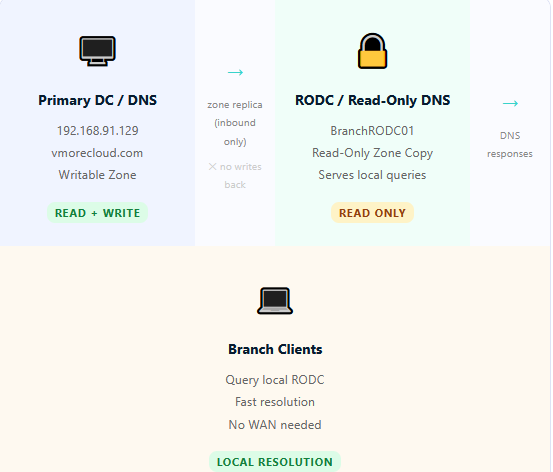
In the Next section we will learn What Read only DNS in Windows Server 2025
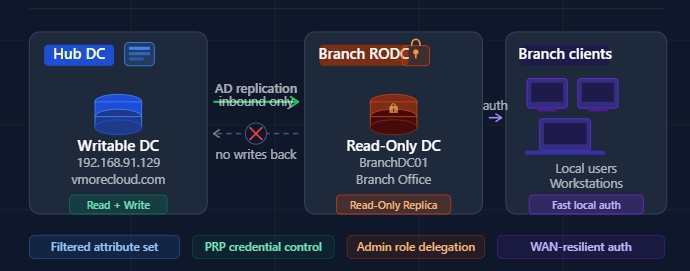
Active Directory Security What Is a Read-Only Domain Controller (RODC) and Why Your Branch Office Needs One A practical, no-fluff guide to understanding, deploying, and securing your infrastructure with RODC on Windows Server. Managing Active Directory across multiple locations is…
As organizations rapidly adopt cloud technologies, mastering Windows Server 2025 on Azure has become essential for system administrators and cloud engineers. Windows Server 2025 on Azure is a practical, hands-on guide focused on deploying and managing Windows Server 2025 in…
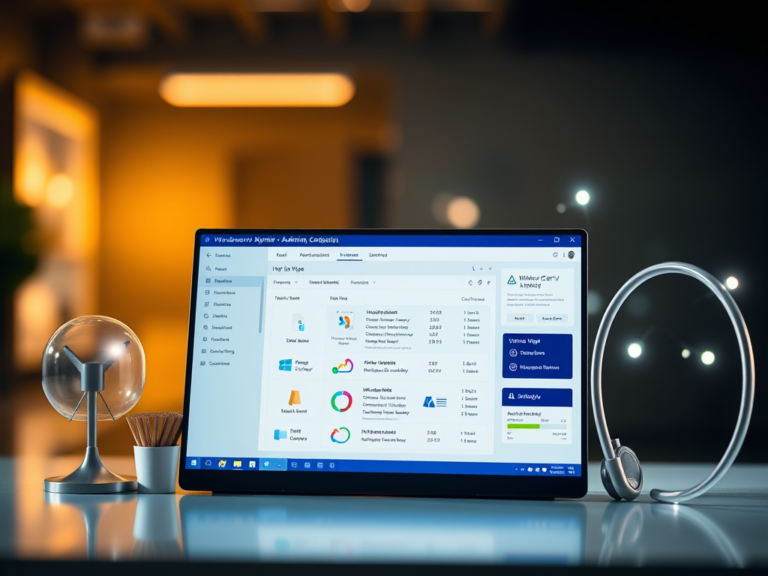
Windows Admin Center has long been a favorite tool for IT pros, trusted to manage millions of Windows Servers around the world. Over the years, Windows Admin Center’s browser-based console has made every day server administration easier and more accessible. Now, responding directly to your feedback and evolving needs, we are introducing…
The adoption of Windows Server 2025 has been remarkable, and we are truly grateful for the overwhelming response. A big thank you to everyone on the Windows Server team for their hard work. Windows Server 2025 brings several major improvements,…

We have detected that you are using extensions to block ads. Please support us by disabling these ads blocker.




