Physical Address
304 North Cardinal St.
Dorchester Center, MA 02124
Physical Address
304 North Cardinal St.
Dorchester Center, MA 02124

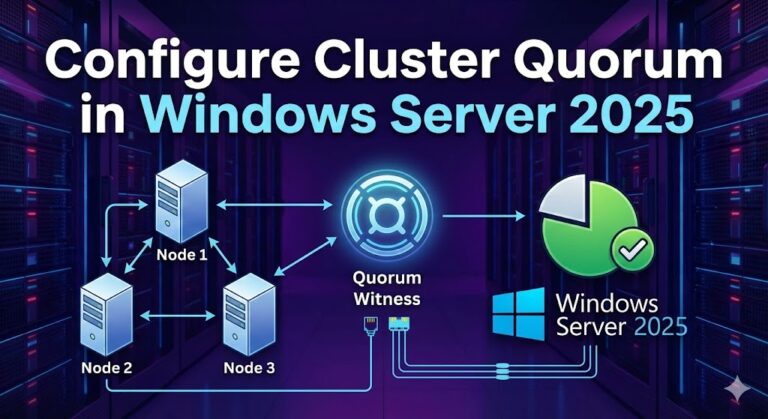
Cluster quorum configuration represents one of the most critical architectural decisions in Windows Server 2025 failover clustering deployments. This comprehensive guide delivers expert-level instruction on configuring all three witness types—cloud witness (Azure Storage), disk witness (shared storage), and file share…
![Windows Server 2025 LTSC [10.0.26100.7462], Version 24H2](https://vmorecloud.com/wp-content/uploads/2026/01/Microsoft-Windows-Server-2025-768x432.webp "Windows Server 2025 LTSC [10.0.26100.7462], Version 24H2 2")
Windows Server 2025 LTSC is Microsoft’s next-generation Long-Term Servicing Channel (LTSC) server operating system, designed for enterprises that require stability, long-term support, and predictable updates. Built on the 24H2 release and identified by build 10.0.26100.7462, it delivers enhanced security, performance,…
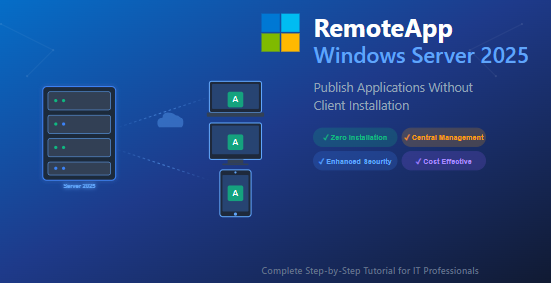
In today’s rapidly evolving IT landscape, organizations face mounting pressure to deliver applications efficiently while maintaining security and reducing operational overhead. Whether you’re managing a small business network or an enterprise infrastructure, the challenge remains the same: how do you…
Windows Remote Management (WinRM) has become an indispensable tool for system administrators managing enterprise environments. Whether you’re running PowerShell remoting commands, deploying software updates, or performing routine maintenance across hundreds of computers, WinRM provides the foundation for efficient remote administration.…
Managing Group Policy Objects (GPOs) in Active Directory is a fundamental skill for system administrators. However, there are scenarios where you need granular control—specifically, when you want to prevent a particular computer from applying a specific Group Policy. Whether you’re…
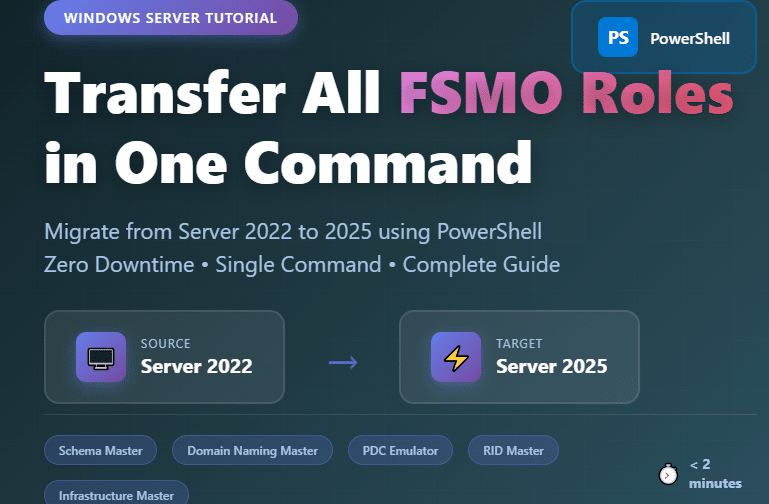
Introduction Migrating your Active Directory infrastructure from Windows Server 2022 to Windows Server 2025 requires careful planning, especially when transferring Flexible Single Master Operations (FSMO) roles. This comprehensive guide walks you through the fastest and safest method to transfer all…
Managing user permissions across multiple workstations in an Active Directory environment can be challenging, especially when you need to grant local administrator rights to specific users without physically accessing each machine. If you’re running Windows Server 2025 and need to…
Manually configuring wireless network settings on every domain computer is time-consuming and error-prone. As a system administrator managing dozens or hundreds of devices, I’ve learned that automating wireless authentication using EAP-TLS certificates through Group Policy not only saves countless hours…
As an IT administrator managing a Windows Server 2025 environment, I’ve spent countless hours fine-tuning browser policies to balance security with productivity. One of the most requested configurations I encounter is implementing a whitelist approach for Firefox—blocking all websites except…
Group Policy is the backbone of enterprise Windows environments, controlling everything from security settings to software deployments across your domain. If you’ve ever experienced a corrupted GPO or needed to migrate policies to a new domain controller, you know how…

We have detected that you are using extensions to block ads. Please support us by disabling these ads blocker.




