Physical Address
304 North Cardinal St.
Dorchester Center, MA 02124
Physical Address
304 North Cardinal St.
Dorchester Center, MA 02124

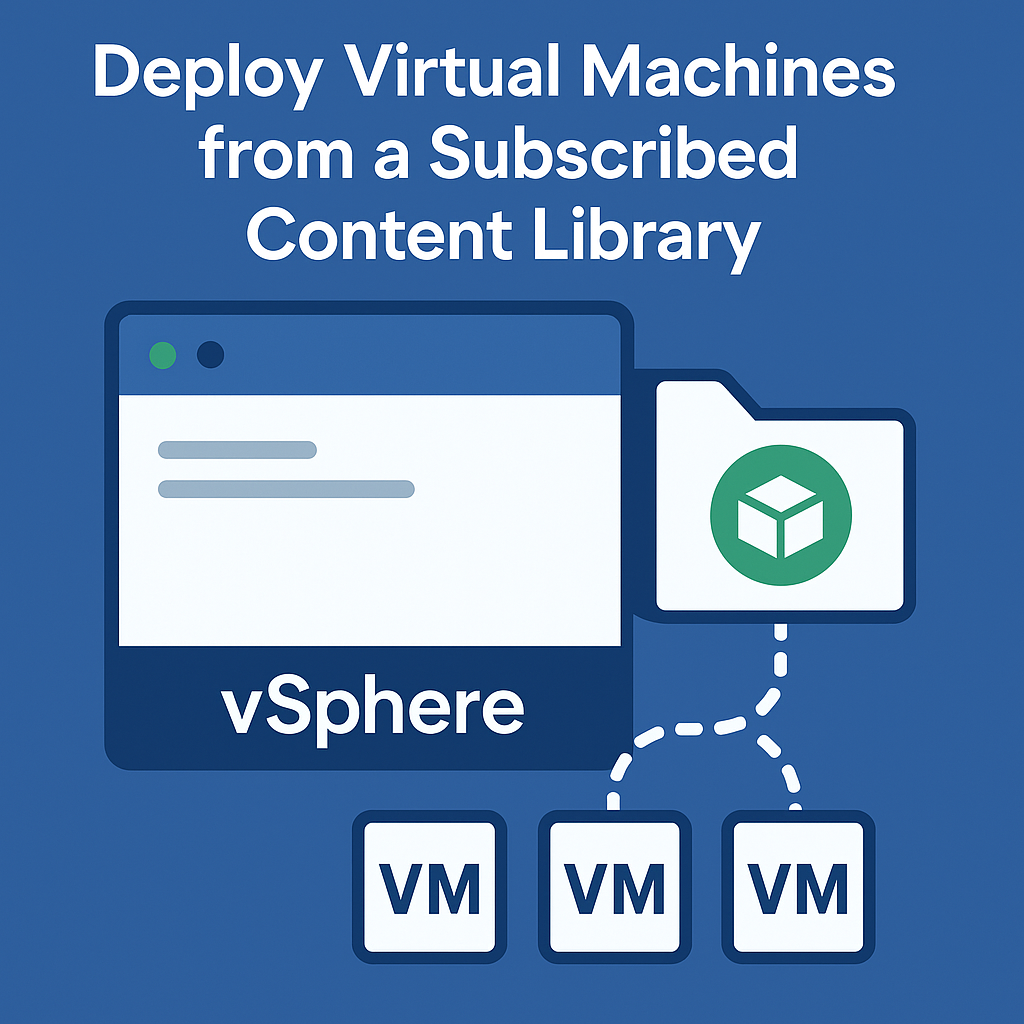
So you’ve got your vCenter environment humming along, and now you’re looking at subscribed content libraries thinking, “There’s got to be an easier way to deploy VMs than what I’ve been doing.” You’re absolutely right. Let me walk you through…
Managing VM templates, ISO images, scripts, and OVF files efficiently is crucial in any virtualized environment. VMware vCenter’s Content Library simplifies this task by allowing you to centralize, organize, and distribute content across multiple vCenter Server instances. Whether you’re working…

Introduction VMware vSphere High Availability (HA) is a critical component of enterprise virtualization infrastructure, providing automated failover capabilities that ensure business continuity in the event of host failures. This comprehensive guide explores the advanced features, configuration options, and best practices…
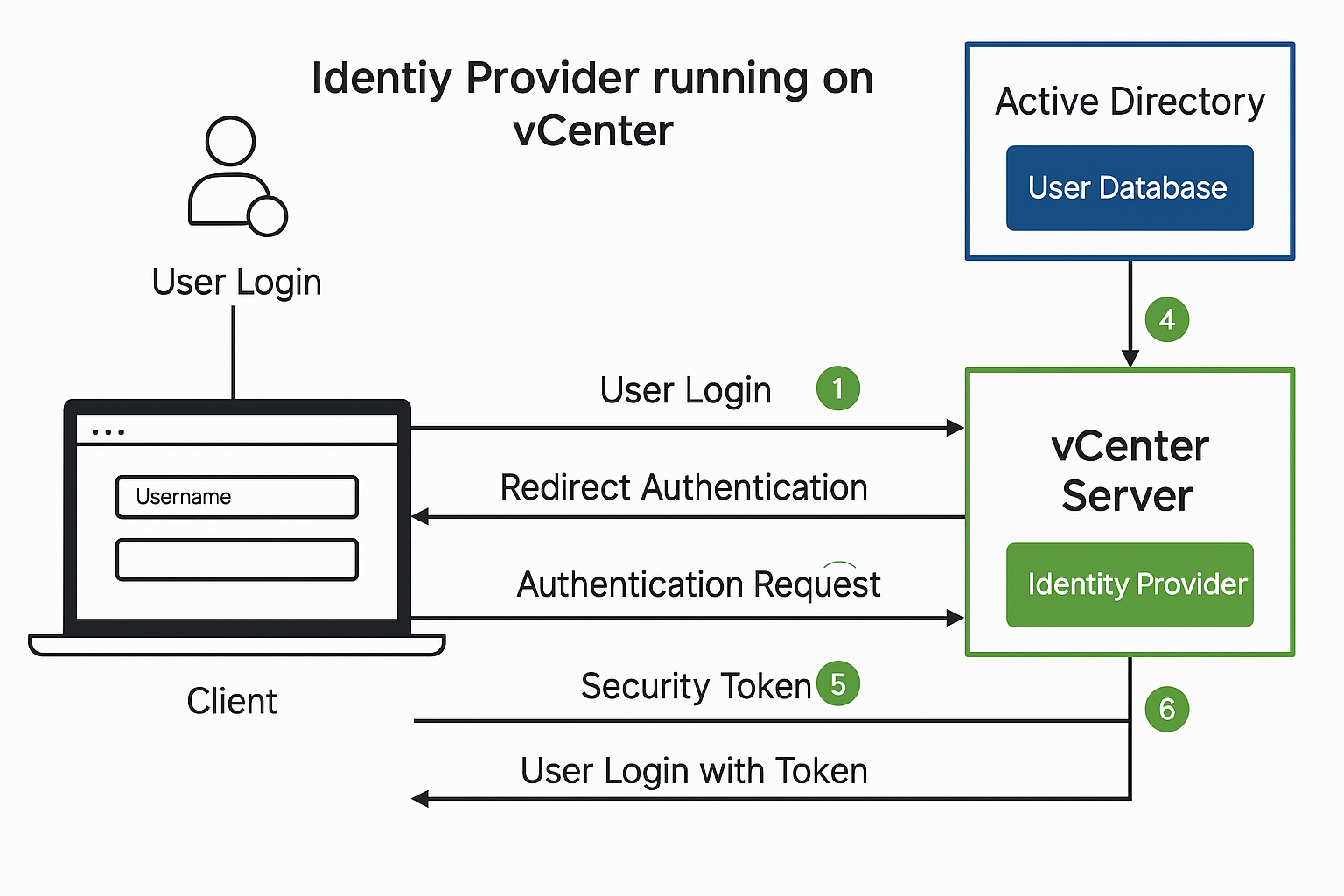
What is Identity Federation in vCenter As enterprises move toward centralized identity and access management, integrating VMware vCenter with Windows Active Directory Federation Services (ADFS) offers a powerful solution. This integration enables Single Sign-On (SSO) capabilities using SAML 2.0, improving…

Introduction: What Is vCenter Single Sign-On (SSO) VMware vCenter Single Sign-On (SSO) is an authentication mechanism that enables users to log in once and gain access to all instances of vSphere without the need to reauthenticate. Introduced to simplify identity…
Overview of VMware vSphere Benefits VMware vSphere provides a powerful, flexible, and secure foundation for business agility that accelerates your digital transformation to hybrid cloud and success in the digital economy. With this program you can support new workloads and…
Introduction VMware has introduced the new Free ESXi 2025 Edition, offering a lightweight hypervisor perfect for home labs, testing environments, and small setups. However, there are important new requirements and limitations that you need to understand before downloading and installing…
Big news for tech enthusiasts and home labbers! VMware’s free version of ESXi, which many thought had disappeared, is making a come back this time with version 8.0 Update 3e. Why Was ESXi Free Important? For years, VMware’s free ESXi…

Has Your vCenter Root User Password Expired? Here’s How to Fix It Has your vCenter root user password expired? Don’t worry—this is a common issue, and it’s easy to fix. VMware enforces password expiration policies as a security measure, but…
In VMware vSphere environments, ensuring seamless virtual machine (VM) migration and high availability often hinges on the proper configuration of Enhanced vMotion Compatibility (EVC) mode. Without EVC, adding new hosts with newer CPUs can lead to VM isolation, where VMs…

We have detected that you are using extensions to block ads. Please support us by disabling these ads blocker.




