Physical Address
304 North Cardinal St.
Dorchester Center, MA 02124
Physical Address
304 North Cardinal St.
Dorchester Center, MA 02124


Introduction Storage is one of the core components of any virtual infrastructure. In VMware vSphere, understanding different types of storage technologies and how they interact with ESXi hosts is crucial for optimal performance, scalability, and availability. In vSphere, understanding how…
VMware has released vSphere 7.0 Update 3u (U3u), which includes critical security patches, bug fixes, and performance enhancements. To maintain a stable and secure environment, it’s essential to keep your ESXi hosts updated. In this article, we’ll walk you through…
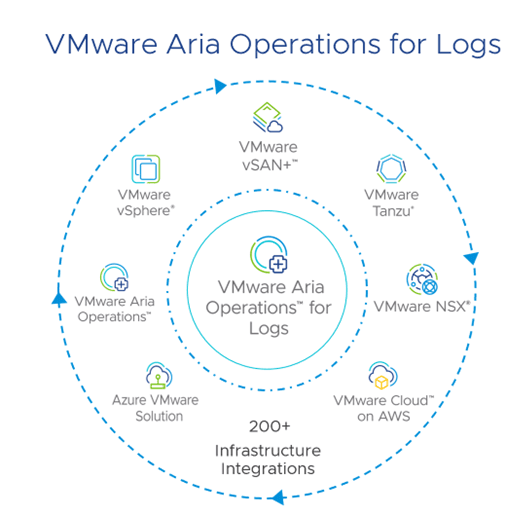
VMware Aria Operations for Logs 8.18 is a comprehensive log management solution designed to enhance real-time and archived log analysis, particularly within VMware environments. It leverages machine learning to facilitate intelligent grouping and high-performance search capabilities, enabling efficient troubleshooting across…
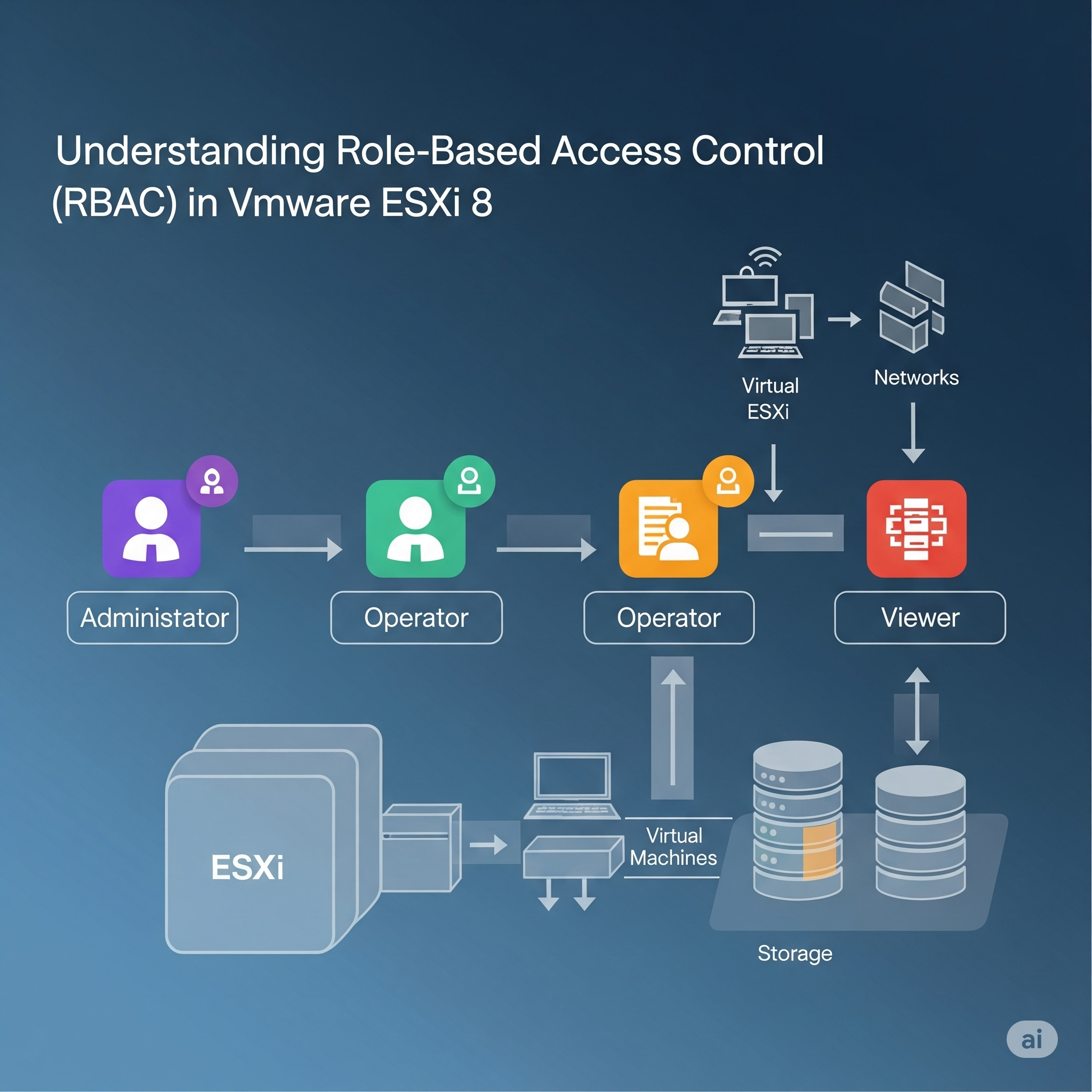
When managing virtual environments, ensuring secure and efficient access is critical. One powerful tool for achieving this in VMware ESXi 8 is Role-Based Access Control (RBAC). Today, we’ll dive deep into RBAC, explain its components, and walk you through its…

Upgrading to vCenter Server 8.0 U1b is a crucial step in boosting efficiency and security within your VMware environment. This update brings significant enhancements that streamline your operations while strengthening your system’s protection. In this post, I will show how…
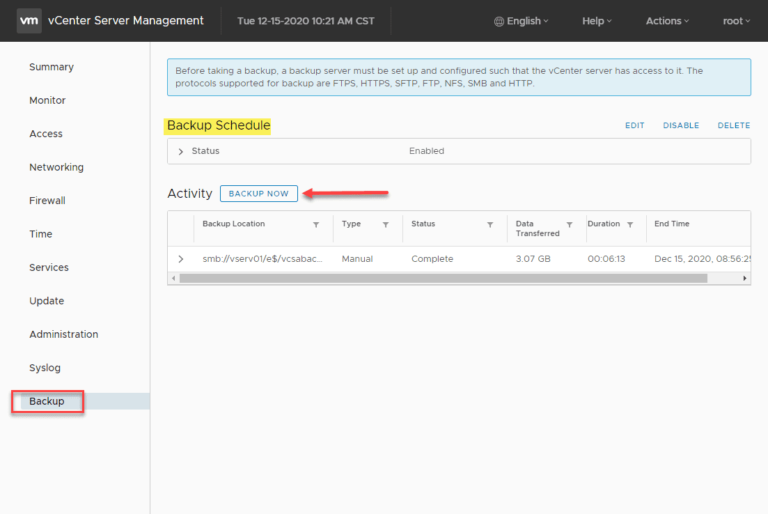
Backing up your VMware vCenter Server is crucial for maintaining the stability and resilience of your VMware vSphere environment, especially if you rely on vSphere Distributed Switches and other vCenter-centric infrastructure components. Protecting your vCenter Server is essential, and modern…
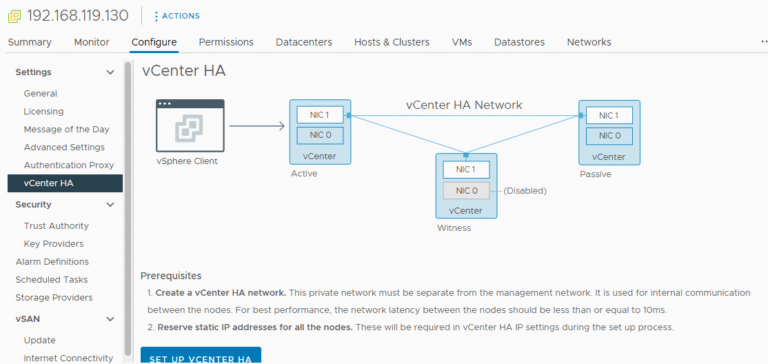
Introduction vCenter High Availability (vCenter HA) is a critical component for ensuring the continuous availability of your VMware environment. VMware’s vCenter High Availability (vCenter HA) is a powerful feature designed to eliminate downtime for the vCenter Server Appliance (VCSA) by…

Introduction to VMware vCenter Enhanced Linked Mode VMware vCenter Enhanced Linked Mode (ELM) is a powerful feature that enables seamless integration of multiple vCenter Servers. By using ELM, administrators can centralize management, view inventories, and perform tasks across multiple vCenters…
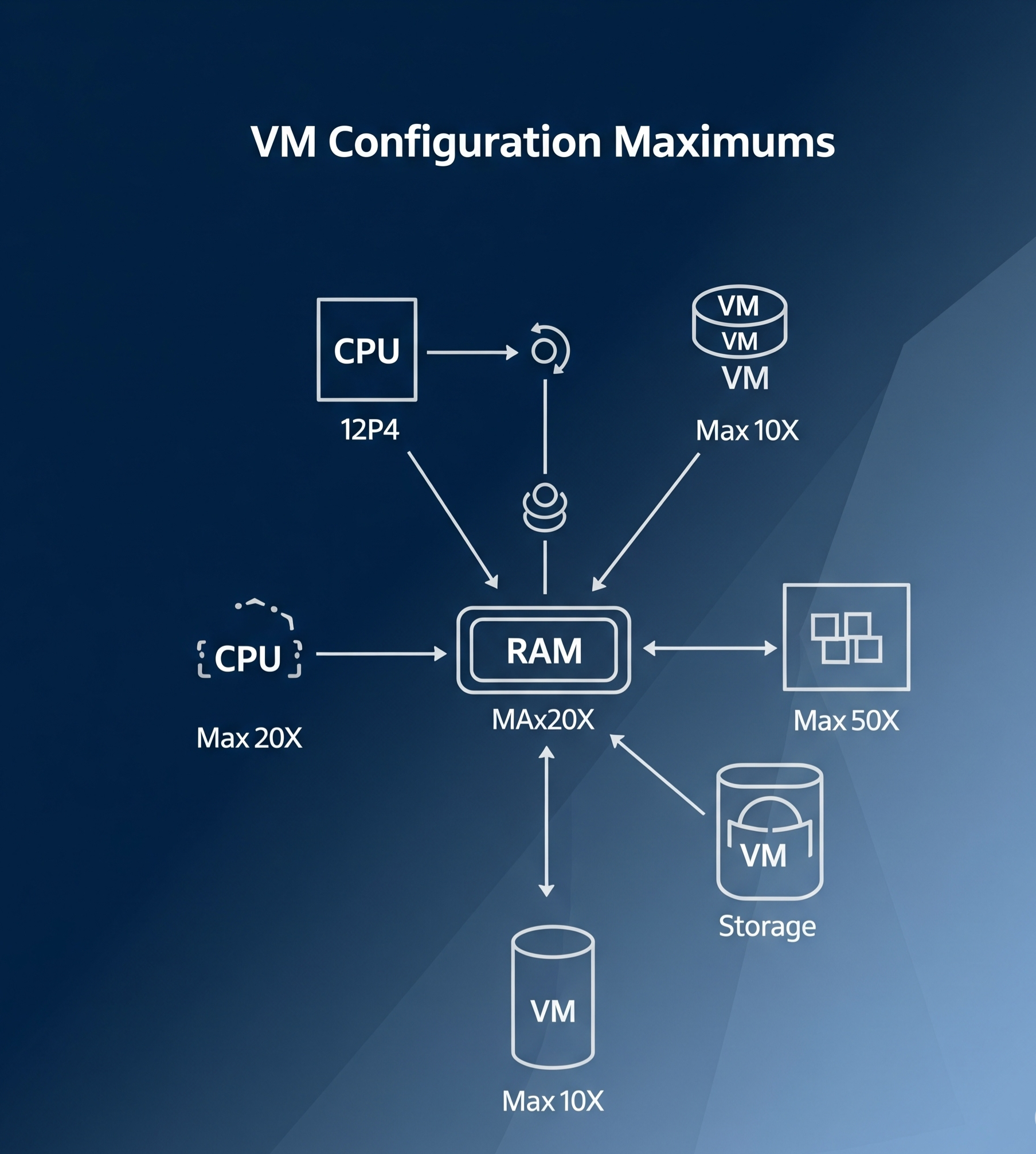
Introduction Virtual Machine (VM) configuration maximums are key limits and specifications that help define the capacity and performance of a virtual machine in a VMware environment. These maximums are essential for understanding how far you can push your VM configurations…
Introduction Managing virtual machine (VM) templates effectively is a crucial part of streamlining your IT infrastructure, especially in a virtualized environment such as VMware vSphere. VM templates in a content library allow you to store, deploy, and manage standardized VM…

We have detected that you are using extensions to block ads. Please support us by disabling these ads blocker.




