Physical Address
304 North Cardinal St.
Dorchester Center, MA 02124
Physical Address
304 North Cardinal St.
Dorchester Center, MA 02124


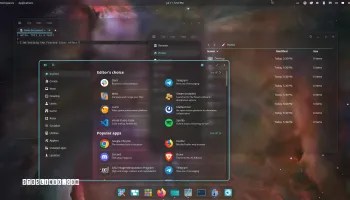
System76 has shipped COSMIC 1.6, the latest stable release of its open-source, Rust-based desktop environment for Linux. Landing three weeks after COSMIC 1.5, this update touches nearly every component in the COSMIC stack from the compositor to the file manager to the login screen while continuing the project’s steady march toward becoming a fully-fledged daily-driver desktop.
The standout addition in 1.6 is per-application audio control. Instead of managing a single system-wide volume slider, users can now set independent output levels for each running app — a feature long available on other platforms and desktop environments but missing from COSMIC until now. Supporting changes landed in the COSMIC Settings Daemon to handle playback-specific sound settings and backward-compatible audio events, and the audio applet now debounces volume updates by 128ms to prevent rapid, jittery changes while adjusting.
The COSMIC compositor picks up two notable Wayland protocol additions:
Presentation feedback can now also be taken from fullscreen surfaces, and jagged text rendering on HiDPI displays has reportedly been fixed.
logind at runtime, ignores empty passwords where appropriate, and adds JPEG XL and AVIF image support-1 maximum brightness value and now watches AC plug events via UPower for better power-state handlingThe release also includes routine translation and dependency updates across the board.
COSMIC 1.6 doesn’t bring a major overhaul, but it’s a solid, practical update. Per-app audio control is the kind of quality-of-life feature power users will notice immediately, and the compositor’s EI protocol support hints at real remote desktop capability on the horizon. For anyone running Pop!_OS or testing COSMIC on Fedora and other distros, this is a worthwhile update to grab.

We have detected that you are using extensions to block ads. Please support us by disabling these ads blocker.





